
What can your hosts do and see?
Check out this guide to see the Host view
Your hosts have their own dedicated portal where they can see their itinerary, select their menus, create table plans, assign accommodation, send invitations, manage RSVPs, and make payments.
Here's a more detailed breakdown of everything they can do:
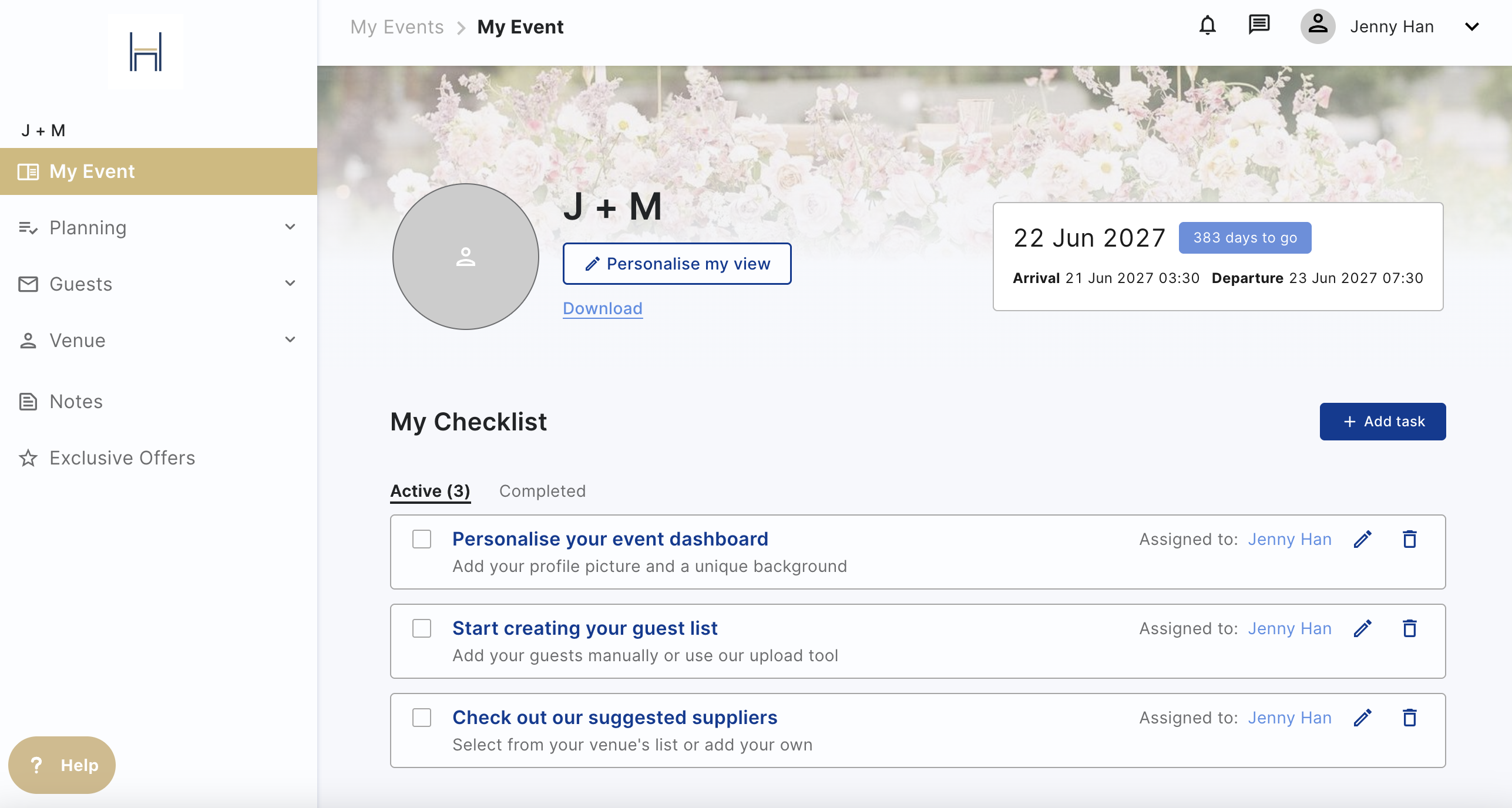
- Checklist: View their planning journey timeline and any assigned tasks. They can also add
their own tasks, or assign them to their co-host (don't worry they can't assign any to you!)
- Event Details: View the important details about the event.
- Venue Details: All your contact details and how to find you. Guests will also see this page when you send them an invite.
- Event Itinerary: The schedule of the day for the event, with the important operational details. If they make any changes you will receive a notification.
- They will not be able to see any internal itinerary items
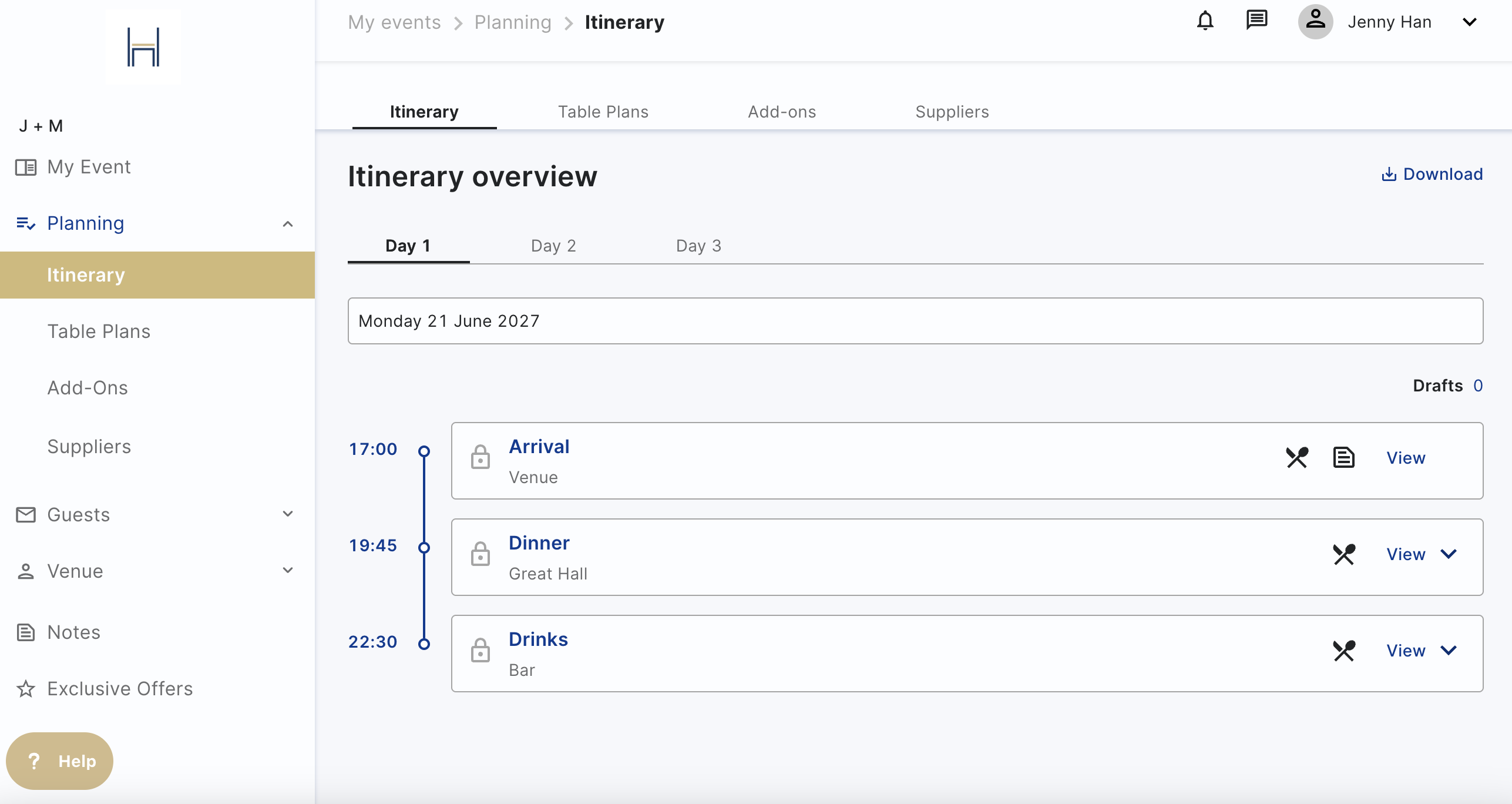
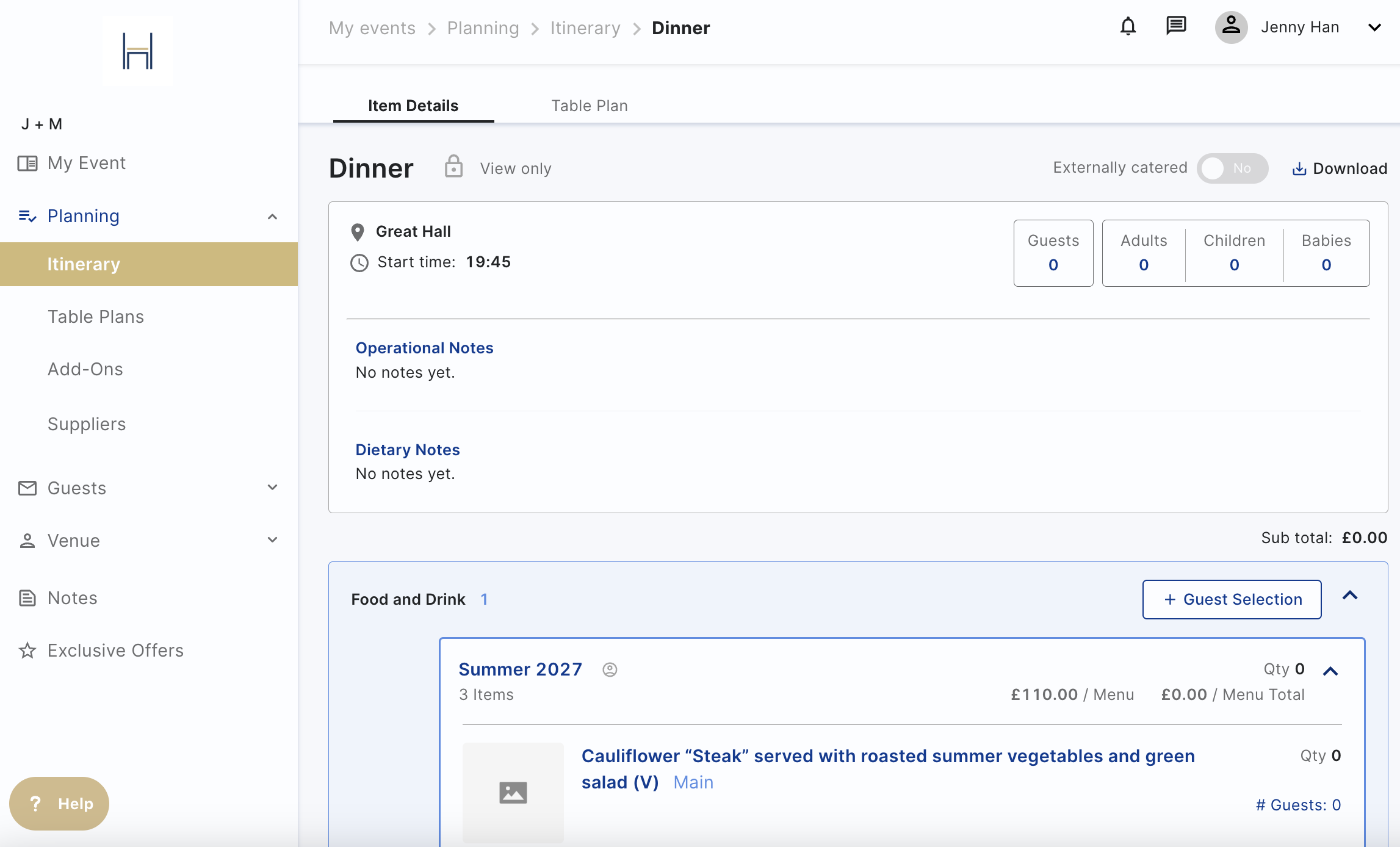
- Food and Drink: They can view or select food and drink items (knife and fork icon) and create their table plan when ready
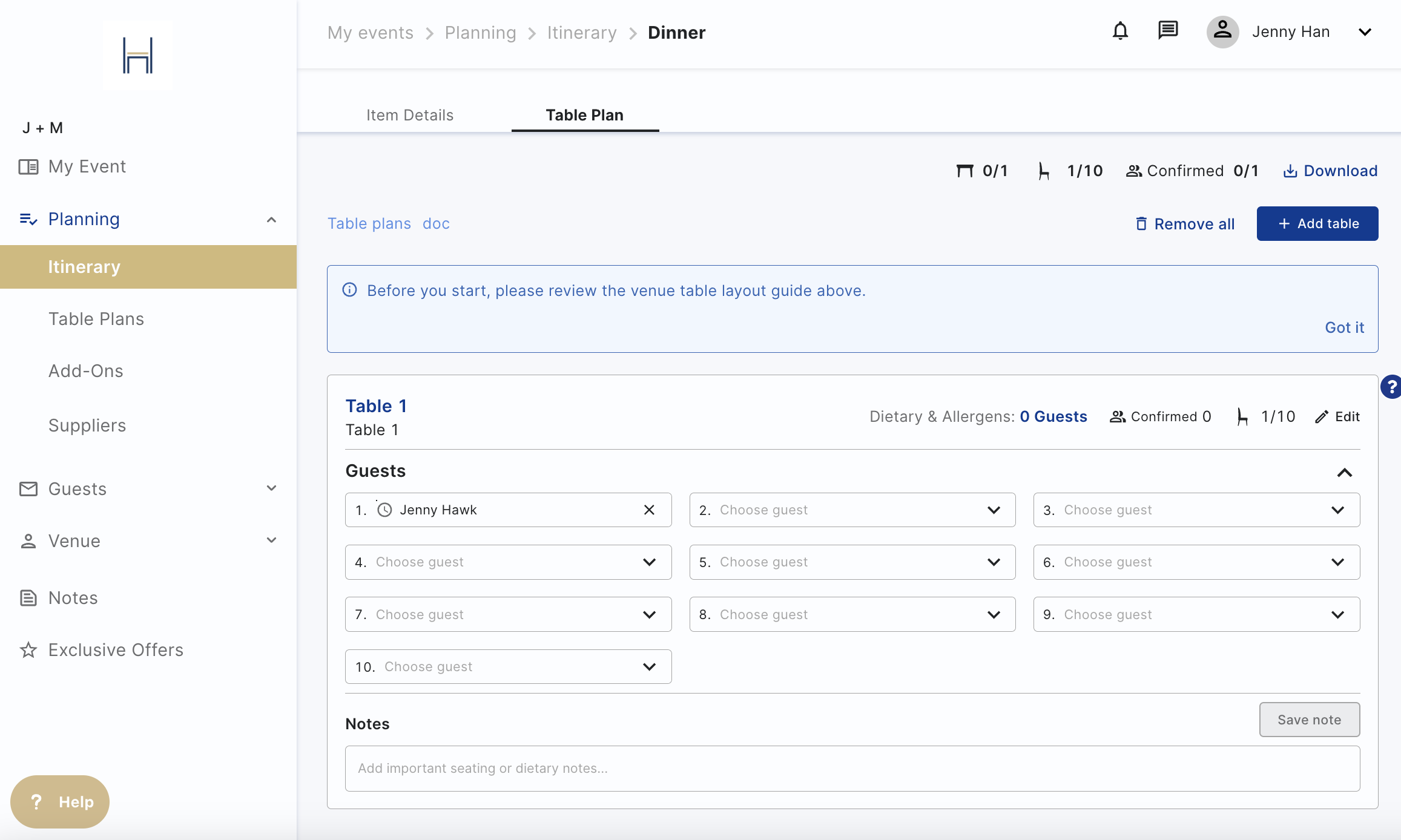
- Table Plans: They can create table plans for different itinerary items
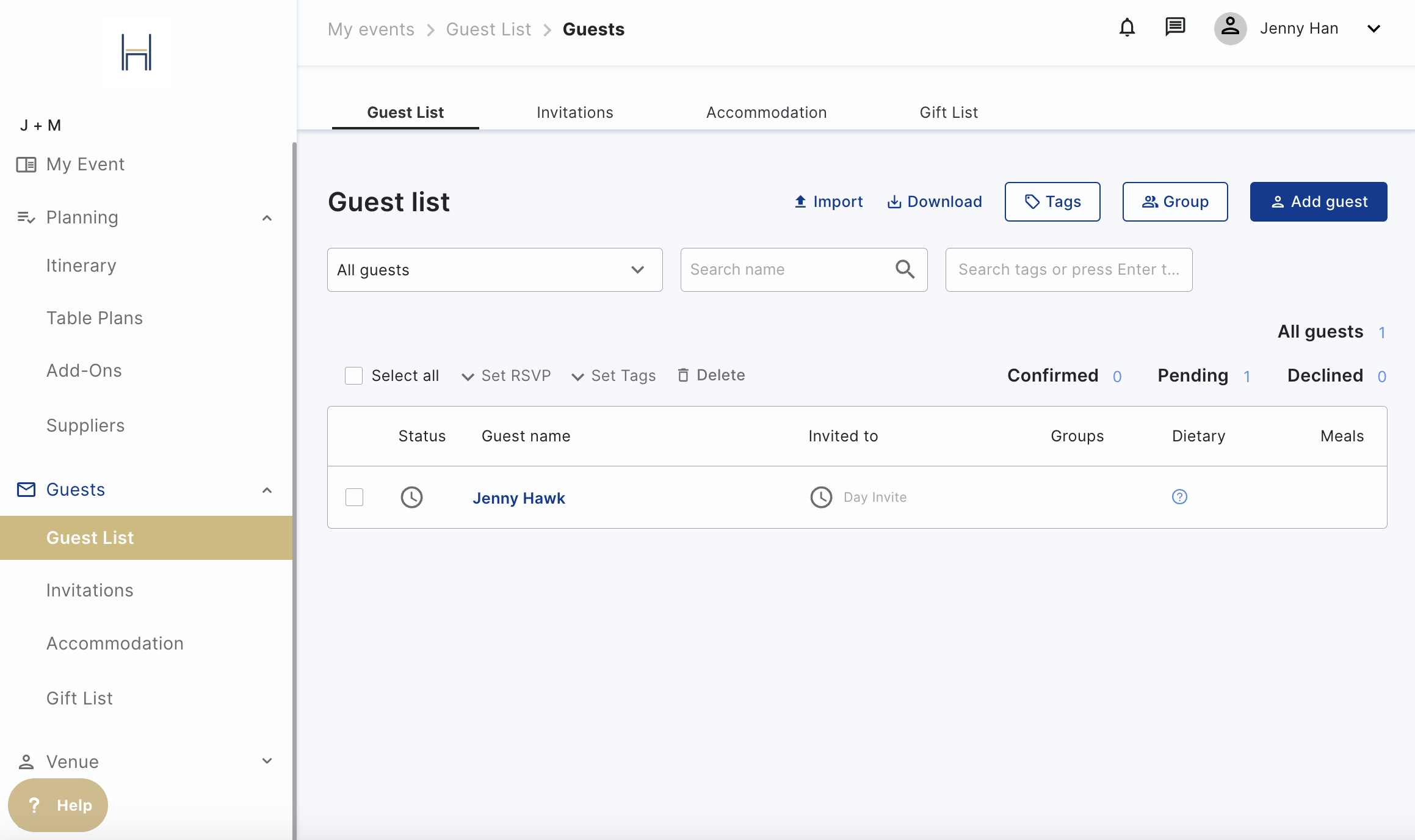
- Guest List:
- They can add guests to the guest list, they can create a spreadsheet and upload
them in bulk or add them one by one on the platform - They can add tags to group your guests, (evening guests, bridal party, etc).
- We use the itinerary items to track guest attendance at specific meals. The default setting is all guests are invited to all events but you can create separate invites / lists of guests by matching the itinerary items they are invited to e.g. whole day, evening party.
- They can add guests to the guest list, they can create a spreadsheet and upload
- Invitations: They create invitations - add images, personalise with colours and fonts. Then select the correct itinerary items for that invite and match to the guests you want to invite.
- They can create more than one invitation, one for friends and family staying the whole weekend, one for your evening guests.
- They can send invitations via email or via share link
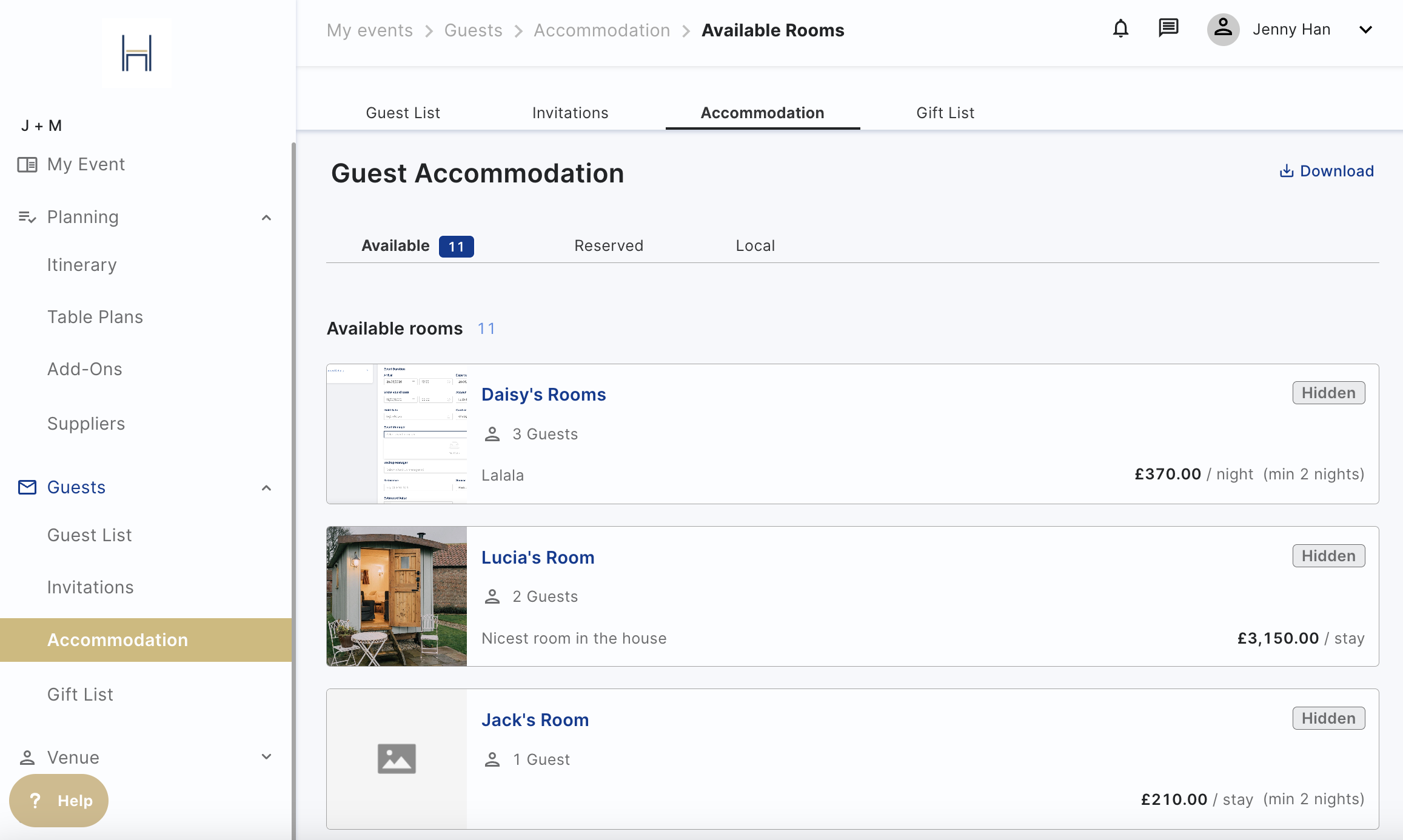
- Accommodation: See all the rooms available for the event and assign them to the guests, They can book guests in directly or let them pick their own rooms by ticking “Guests can book room” at the top of any room page.
- They can also split the cost with guests and let them pay for all or part of their rooms. They won't be able to change the price of the room.
- Suppliers: Add their event suppliers or select from your suggested suppliers.
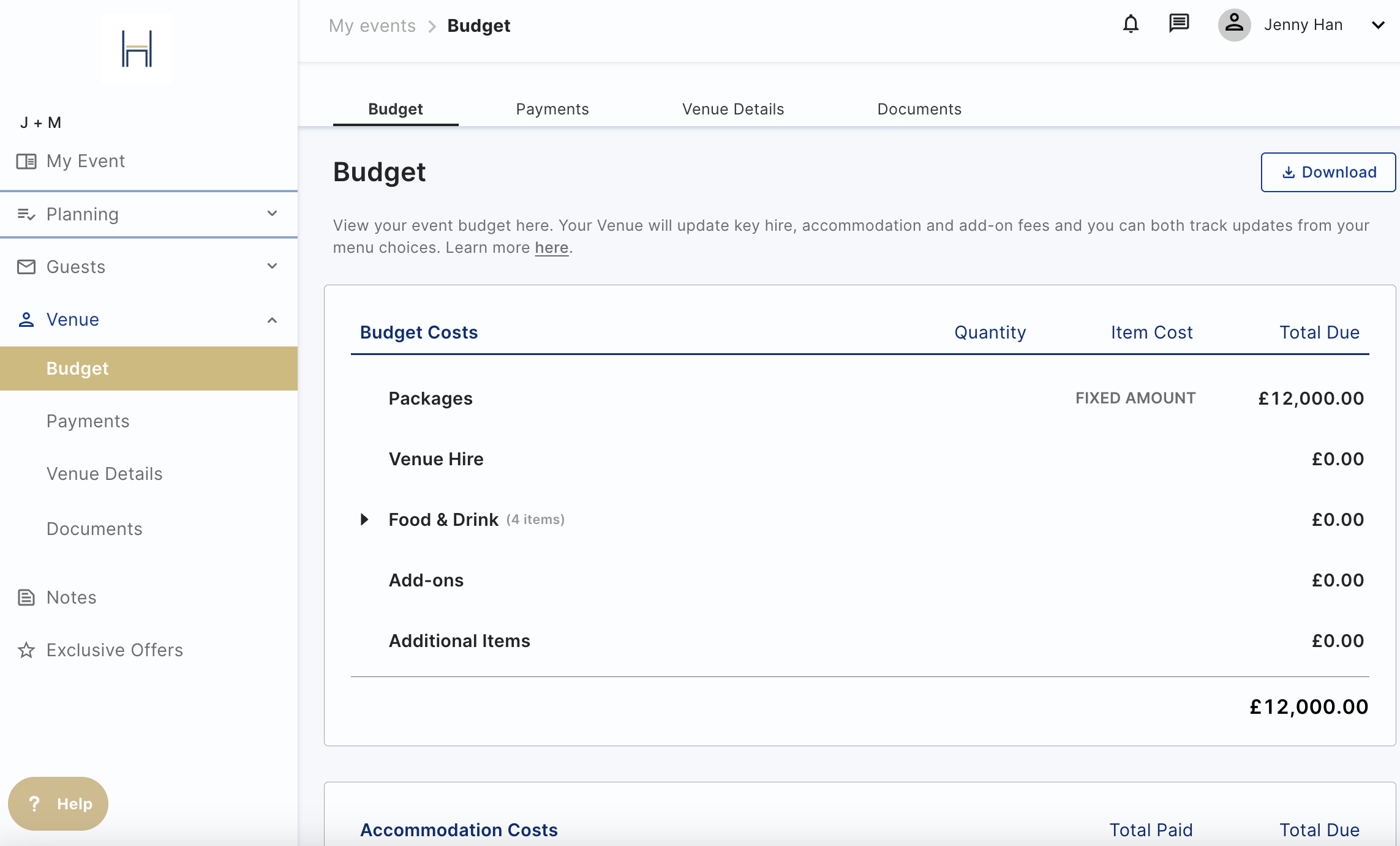
- Budget: View the event budget; the accommodation, food and drink, and add ons. The budget is dynamic, so any changes will reflect immediately.
- Notes and Documents:
- See any documents you have shared or add their own documents or web links.
- Add planning and set up notes, just for you and your co-hosts or share them with us to
collaborate on.
In an event, you can always check what the host is seeing and doing to check up on them by clicking on the button "View as Host". You won't be able to make changes, as it's just a "view".