
Payment Plan
Payment Plan
New Updates
- Share the invoice link, synced with Xero, and a simple payment link with your Hosts.
- New simpler budget ‘sync’ controls
- Two different payment plan types - Flex or Fixed
To add a payment template to your event, go into the event, into the Payments section and click "Load Plan" at the top right. The payment template will import and automatically work out the amounts and dates.
If you make any changes to the budget, you will have to sync with the payments to change the instalments by clicking the sync icon.
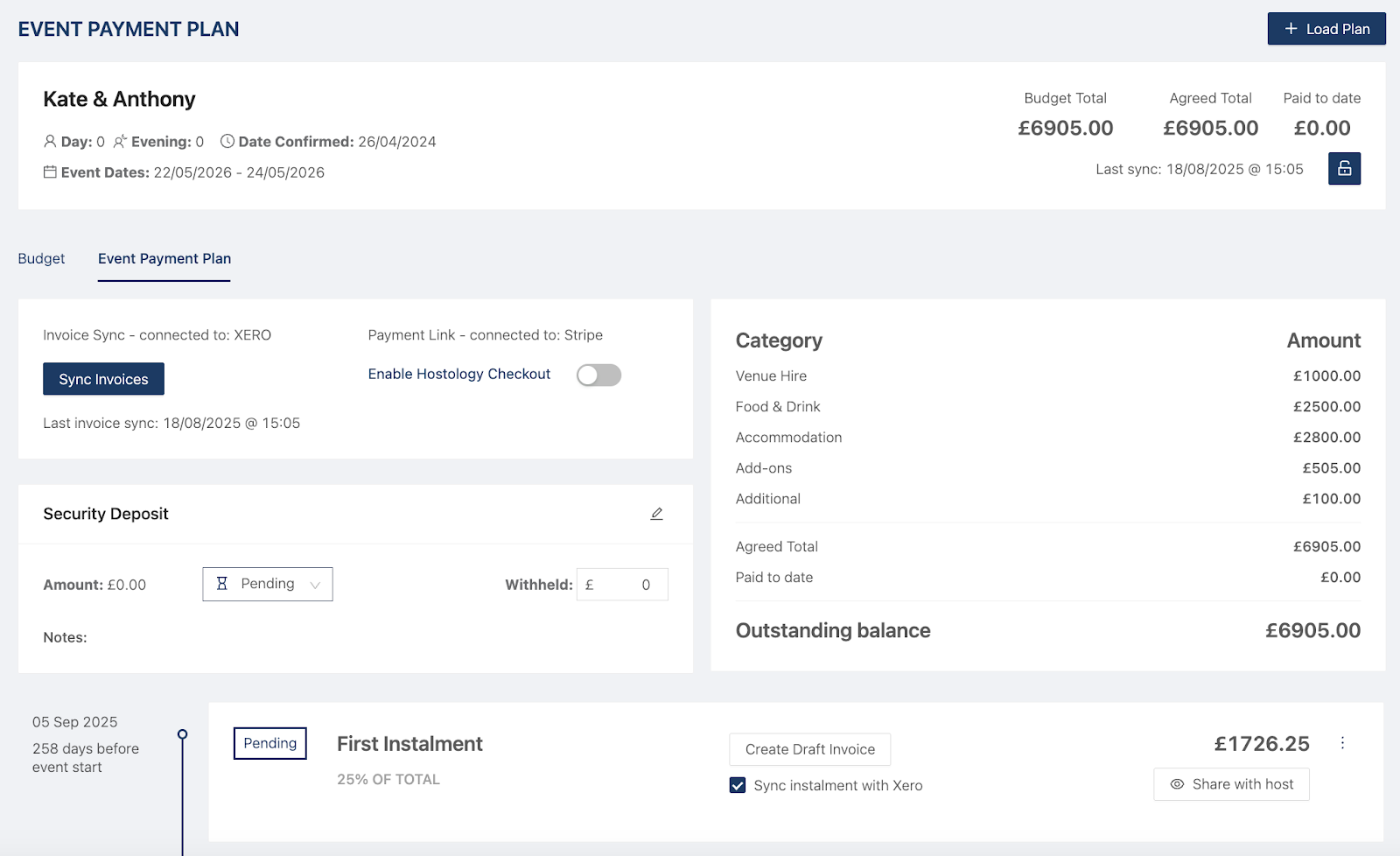
You can sync all of your invoices to Xero and enable Hostology Checkout if you're connected to Stripe.
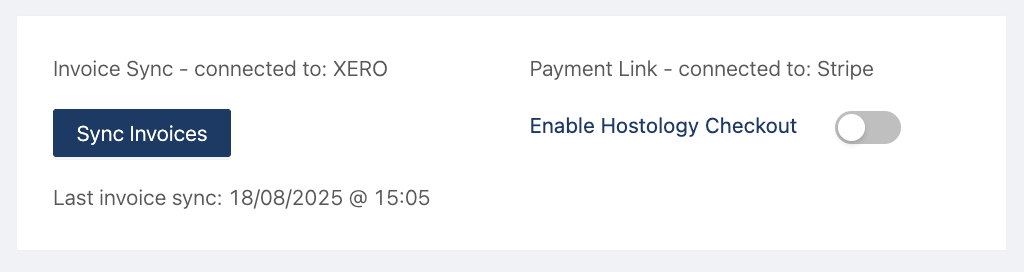
By enabling Hostology Checkout, your hosts will be able to pay for their instalments directly in Hostology. To find out more about the integration with Stripe, click here.
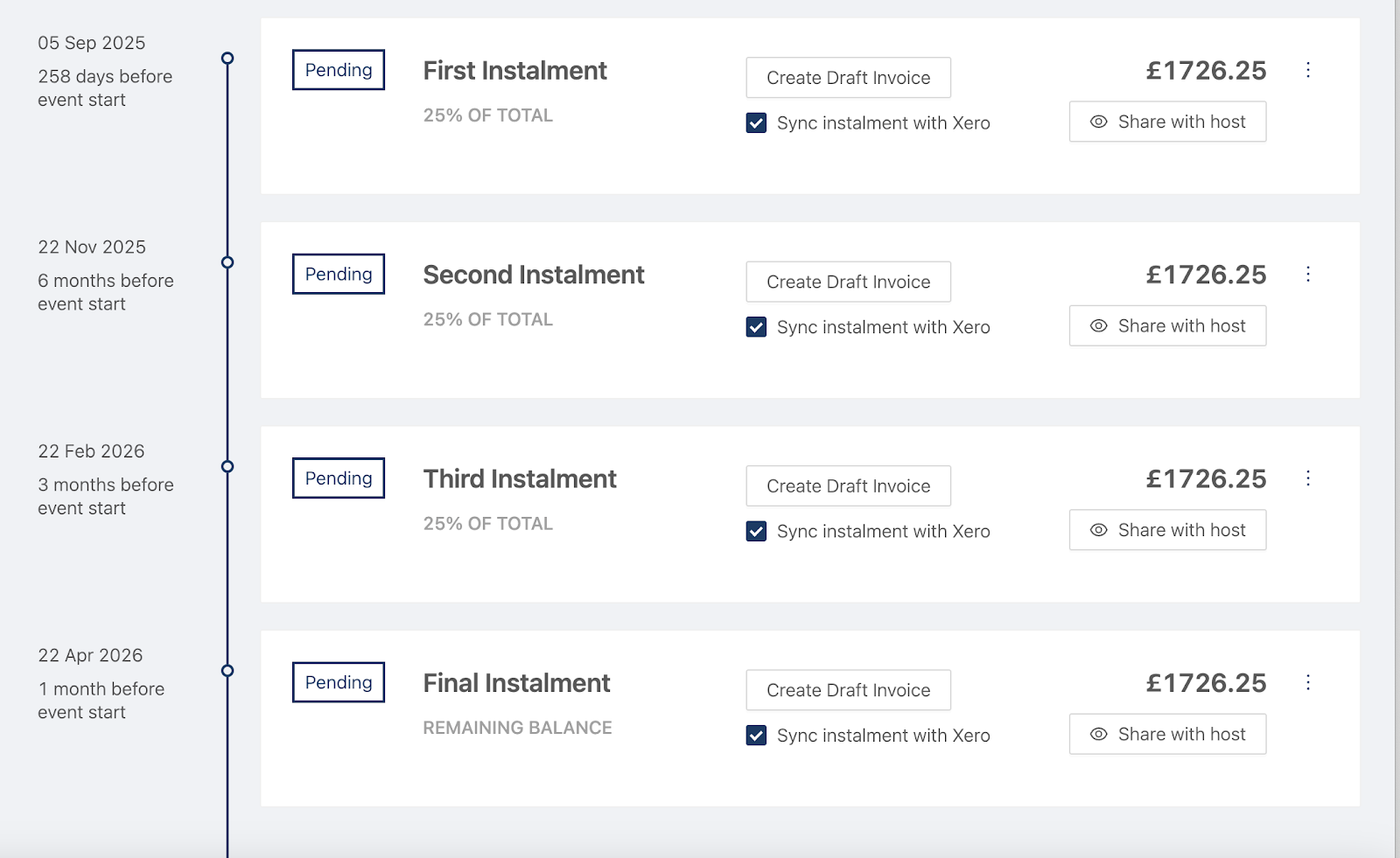
Payment Instalments
Create invoices and share instalments with hosts with the click of a button.
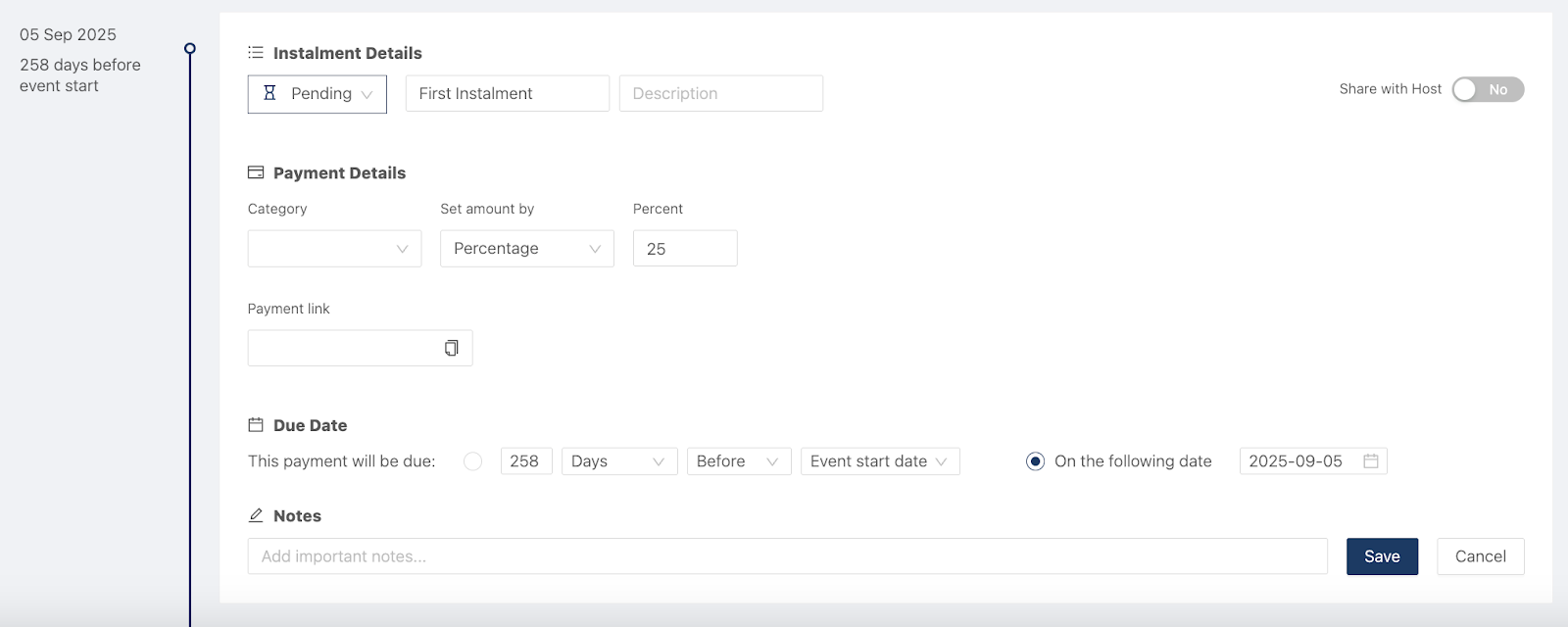
To edit the instalments, click on the three dots and the instalment box opens.
Add a description, notes, or make changes to the due date if needed. You can also share the instalment with your hosts so they can see when payment is due.
You can choose how installments are calculated in these payment plans. There are two calculation modes - Fixed or Flex
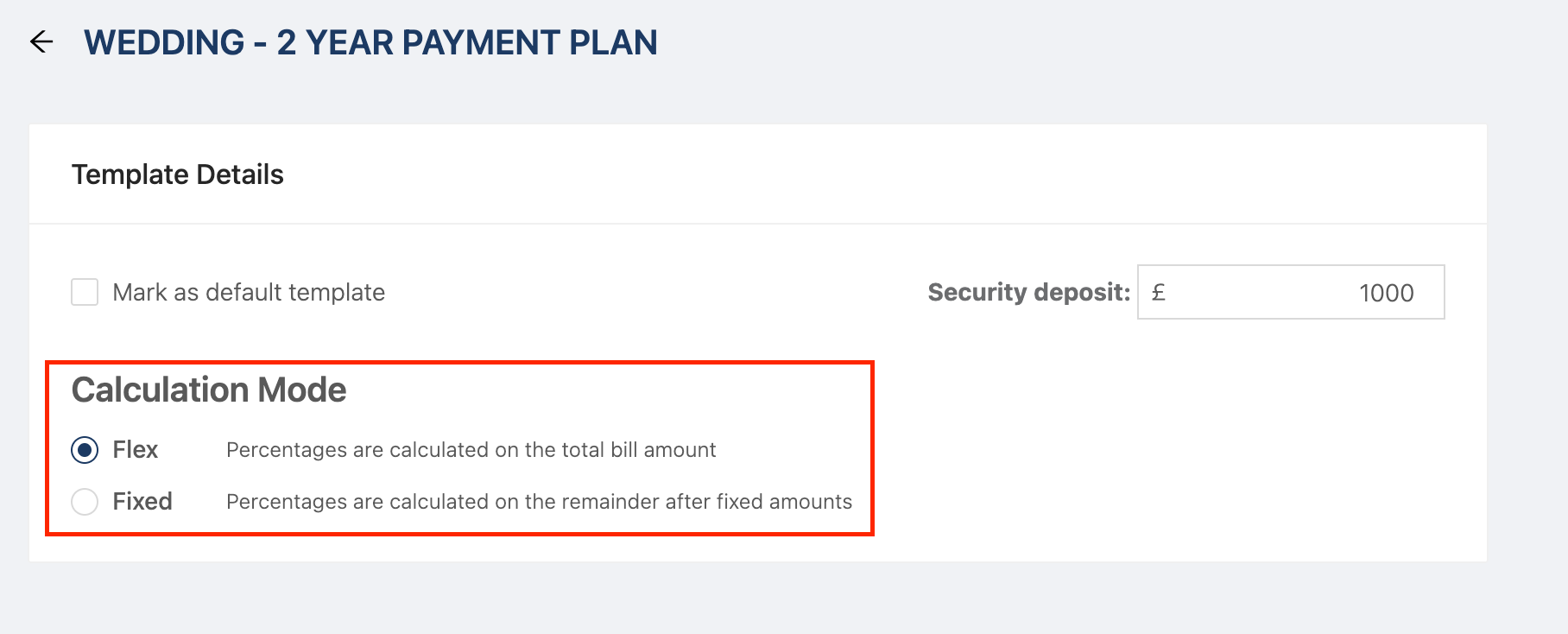
Flex is what currently Hostology payment plans are; this is based on the total event value. Installments are calculated against the total event value - as percentages or remainder - including any initial deposit.
Fixed is our new feature; this is based on any remaining balance after the deposit. You can set a fixed amount (for example, a deposit), and the remaining installments are calculated from the outstanding balance after that fixed amount has been deducted.
This gives you greater control over how deposits and staged payments are structured - and clearer cash flow planning.