Event and Enquiry Notifications
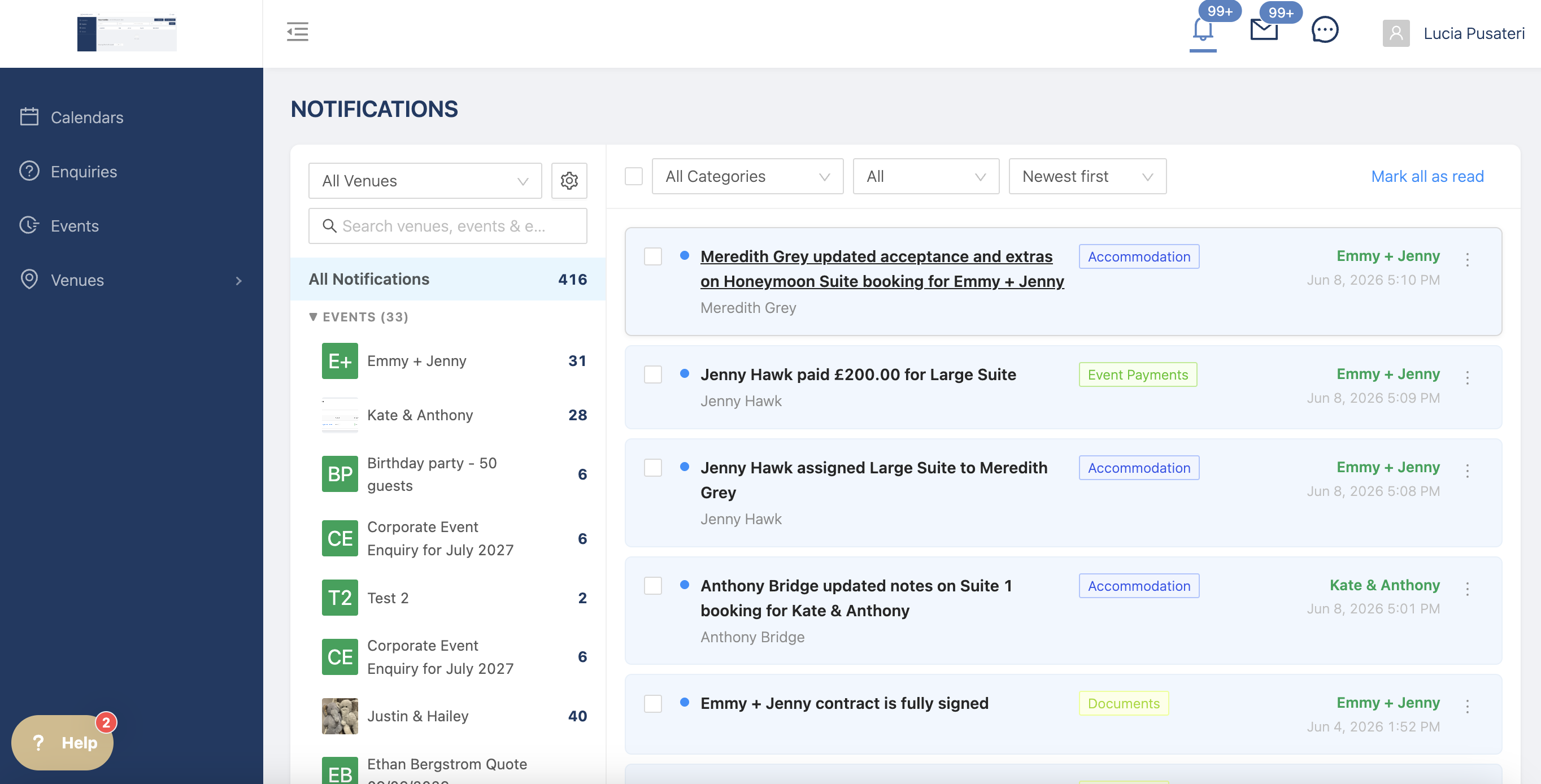
Notifications track changes made to events and enquiries by other team members and hosts.
The notification page is available to view from any page of the platform, just click on the bell at the top right of the screen.
There is a general notifications page, that shows all the new changes made to events and enquiries so you can catch up on what's changed since you last logged in.
Filter this view by changing the categories, unread, newest, etc.
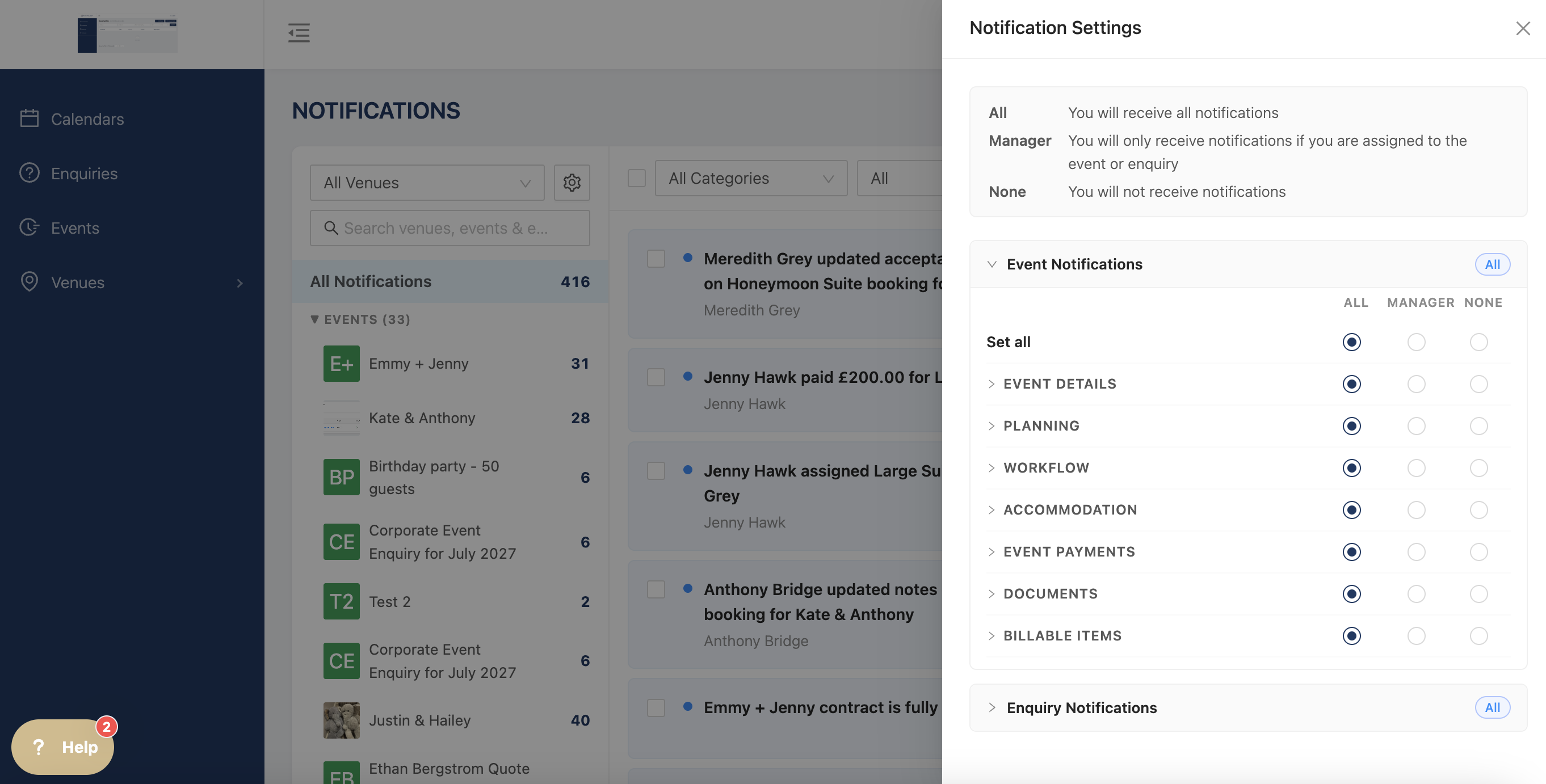
Change which notifications you see by click on the settings wheel.
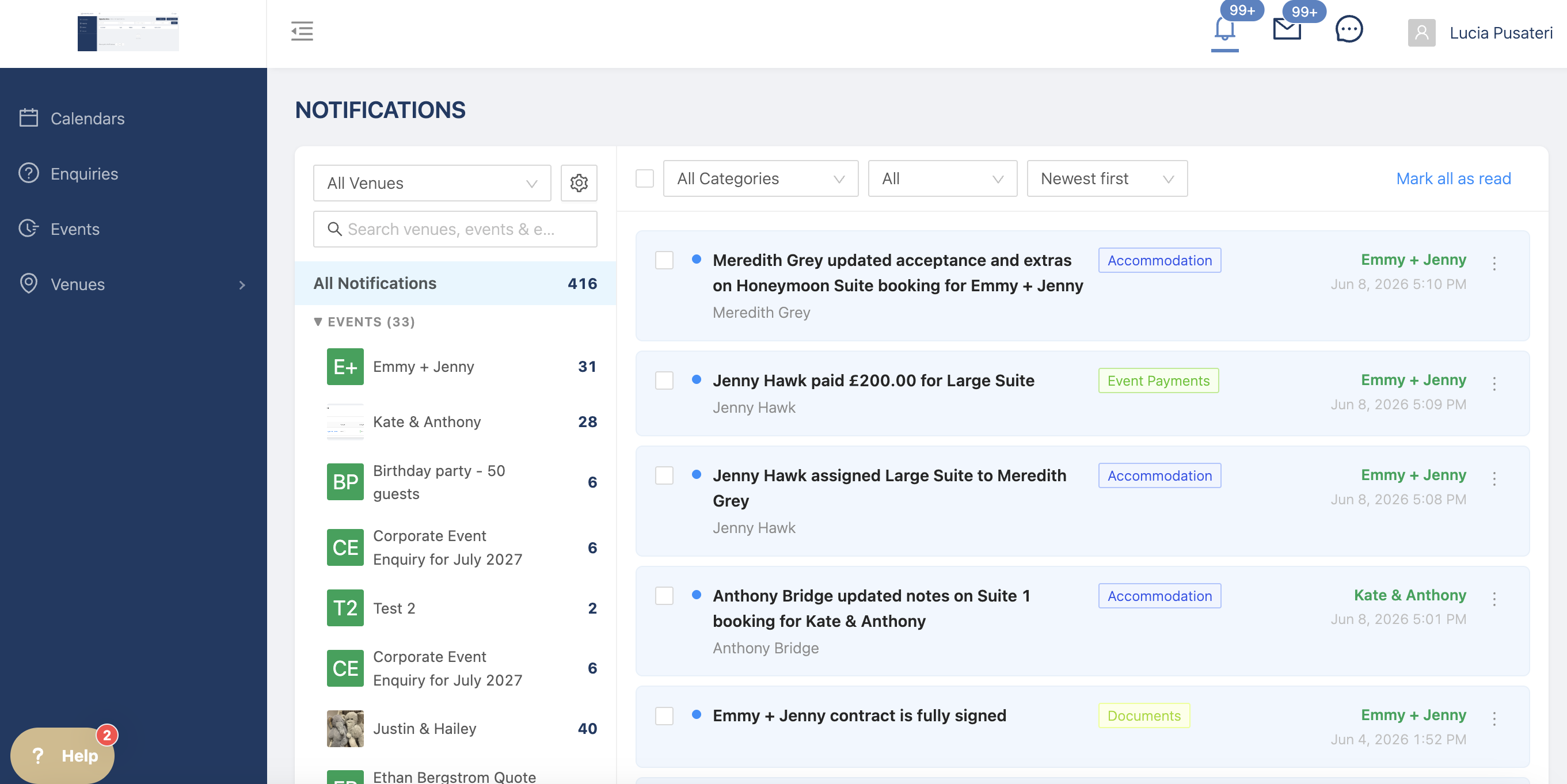
Click on the notification to go straight to the event or enquiry that had changes made, you can also click on the name on the right hand side.