Pricing
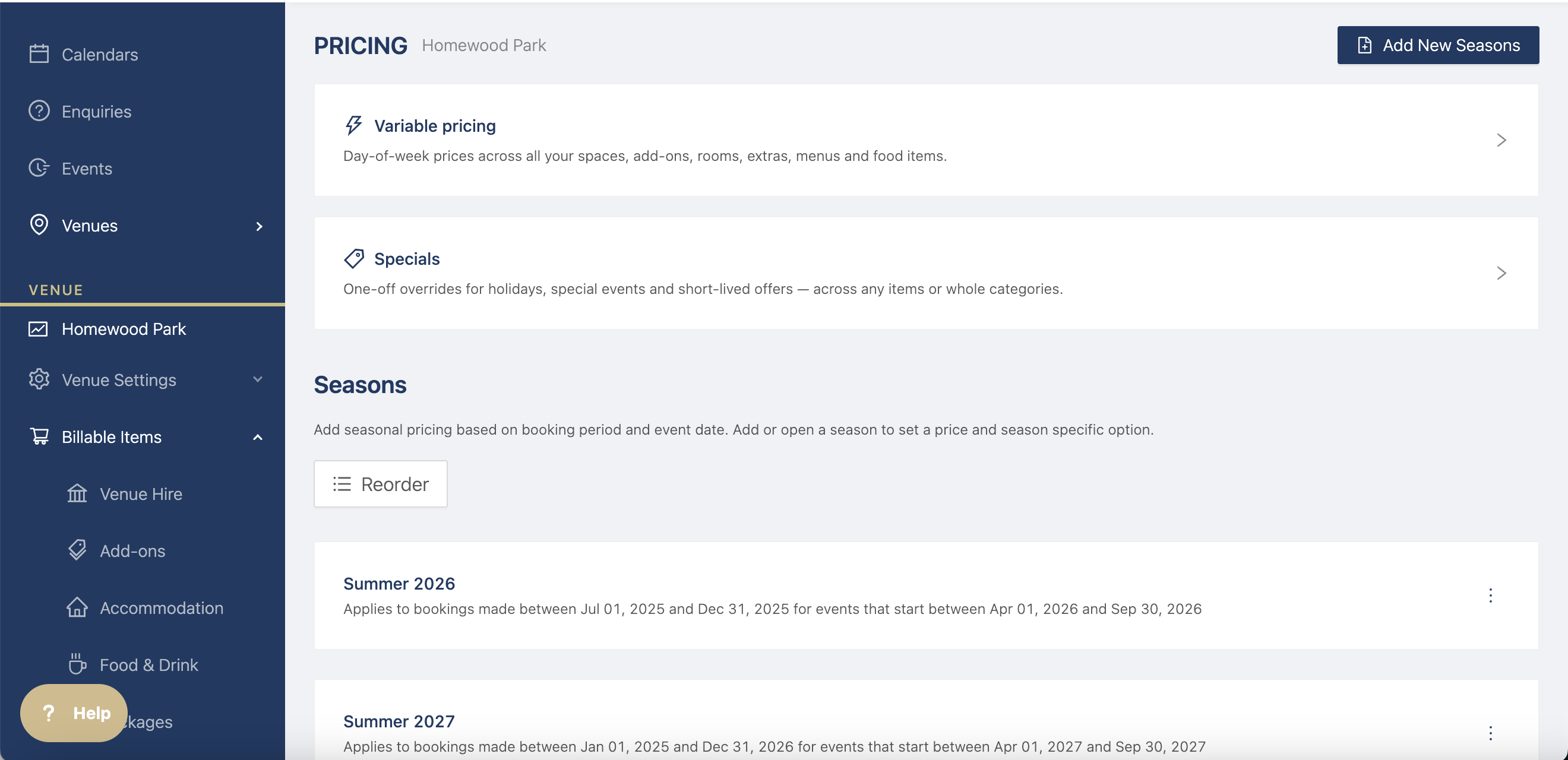
Customise your pricing based on time of year, day of the week, etc. Create variable pricing for days of the week or seasons based on booking period or event date.
Create specials for one off overrides or offers.
How to add Variable Pricing
Click on Variable Pricing to add day of the week variables for your venue hire, add ons, accommodation, F&D.
For example, if you venue hire is more expensive on Friday and Saturday, you can add that in.
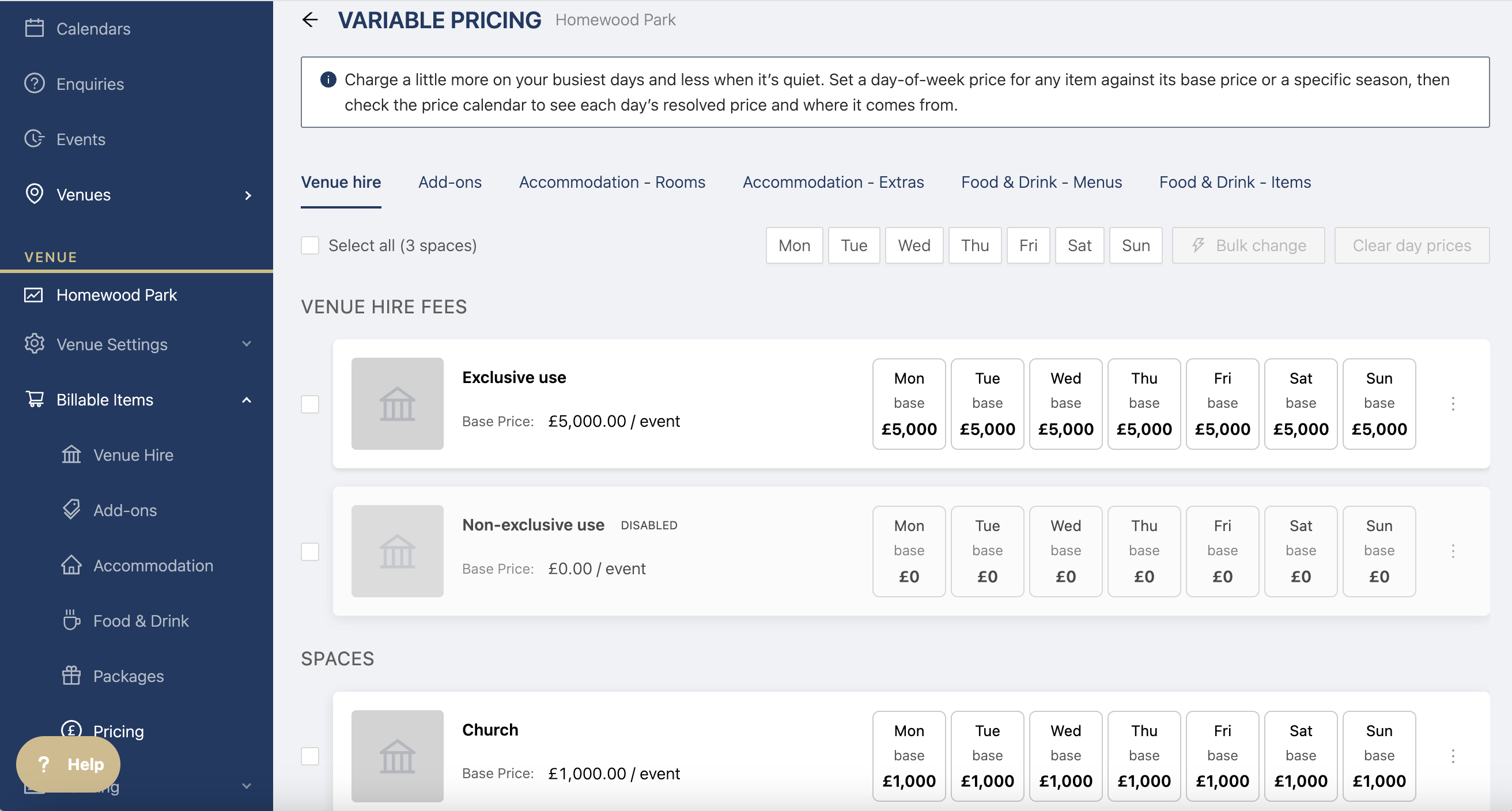
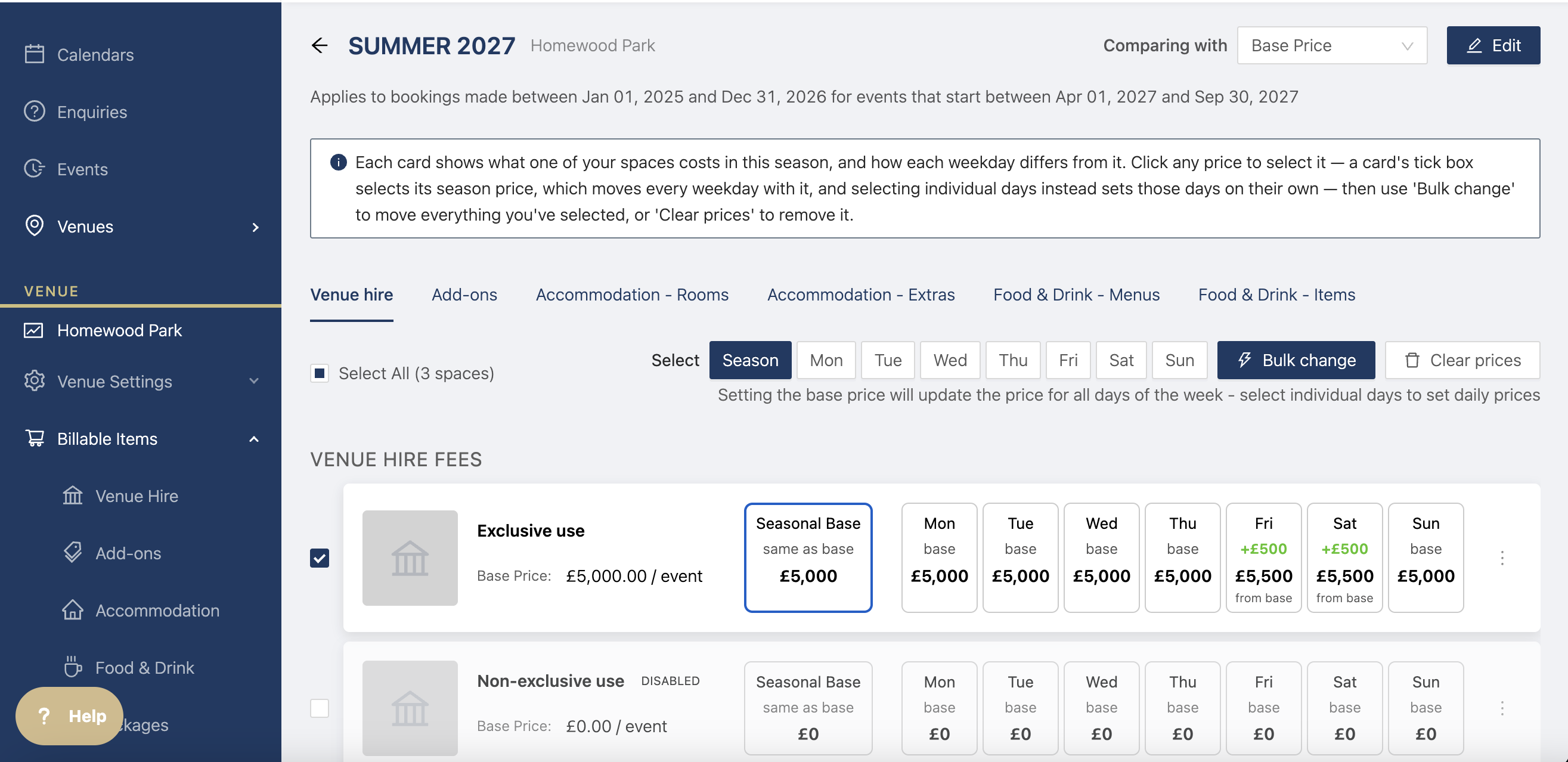
Click on the days you'd like to change, then click on Bulk change to change the amount.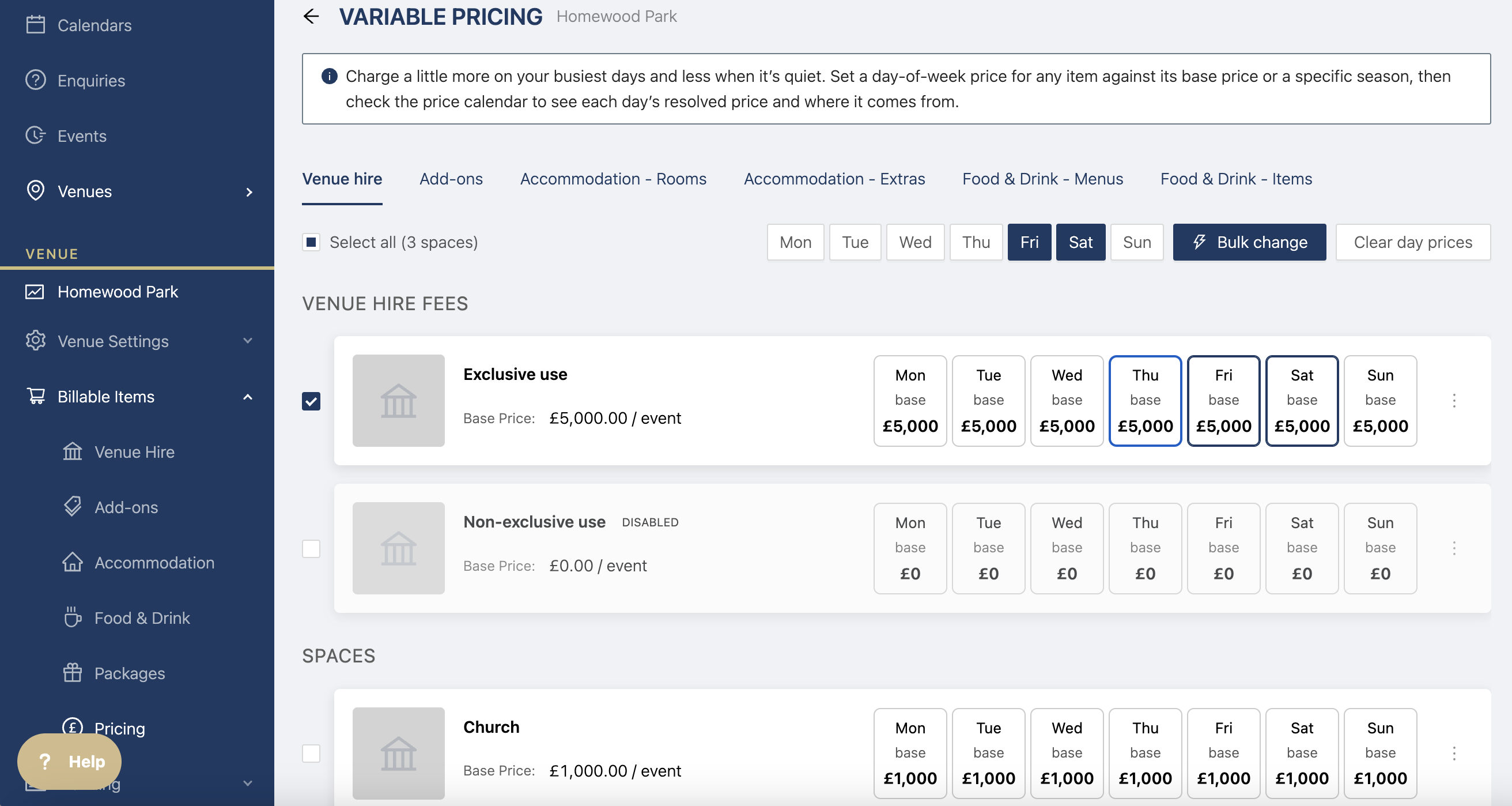
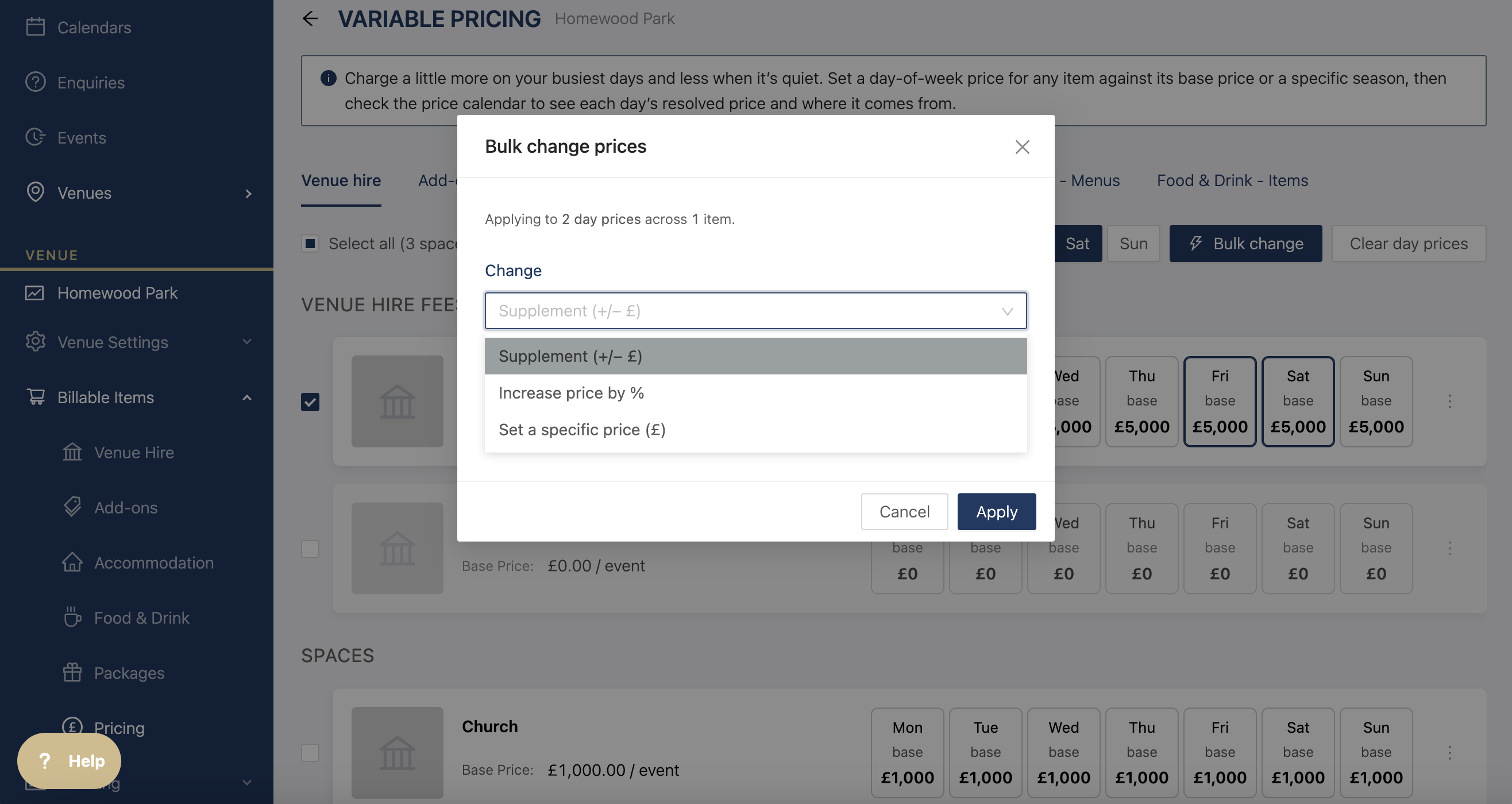
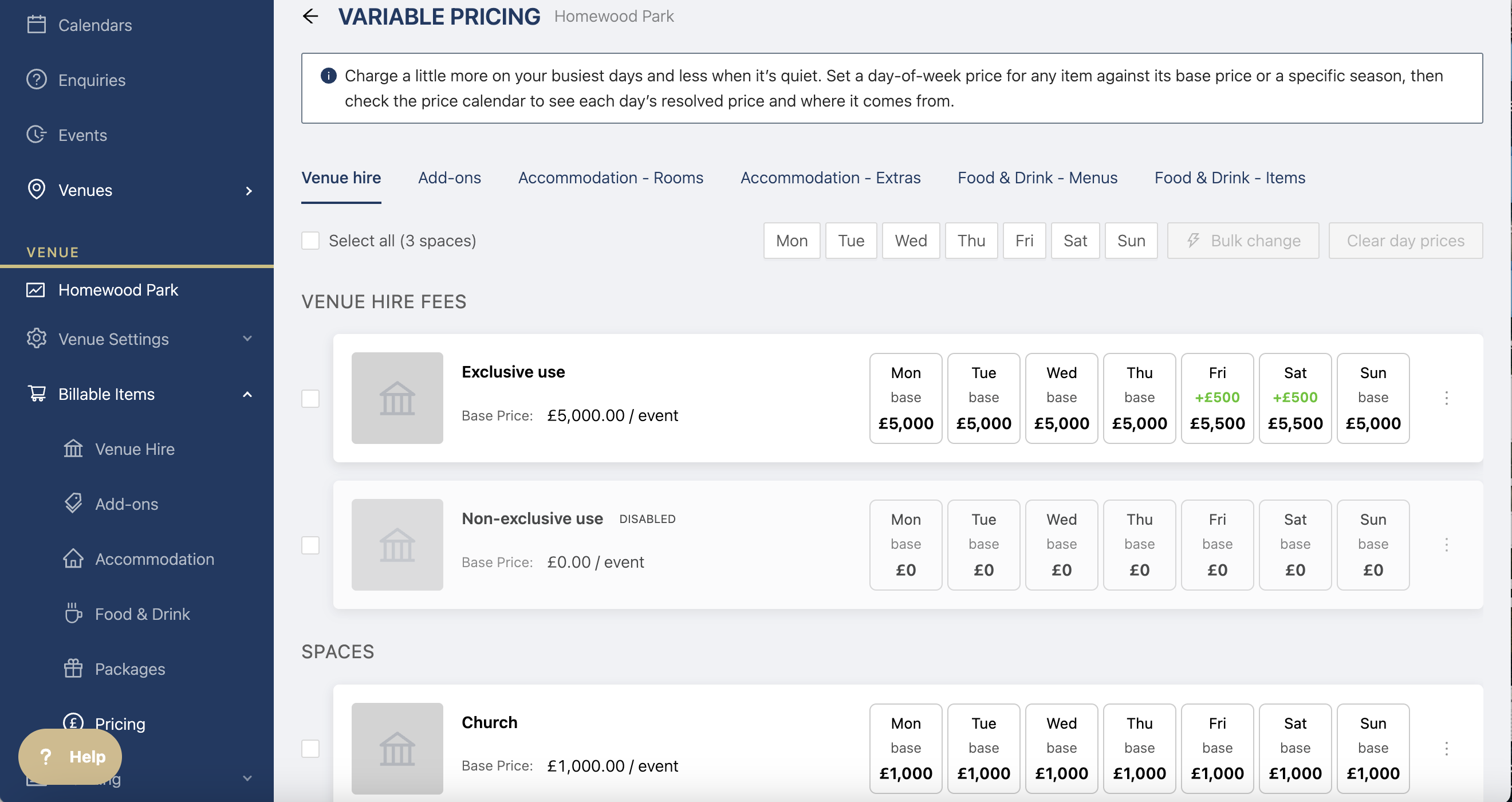
You can then see what price those specific days is
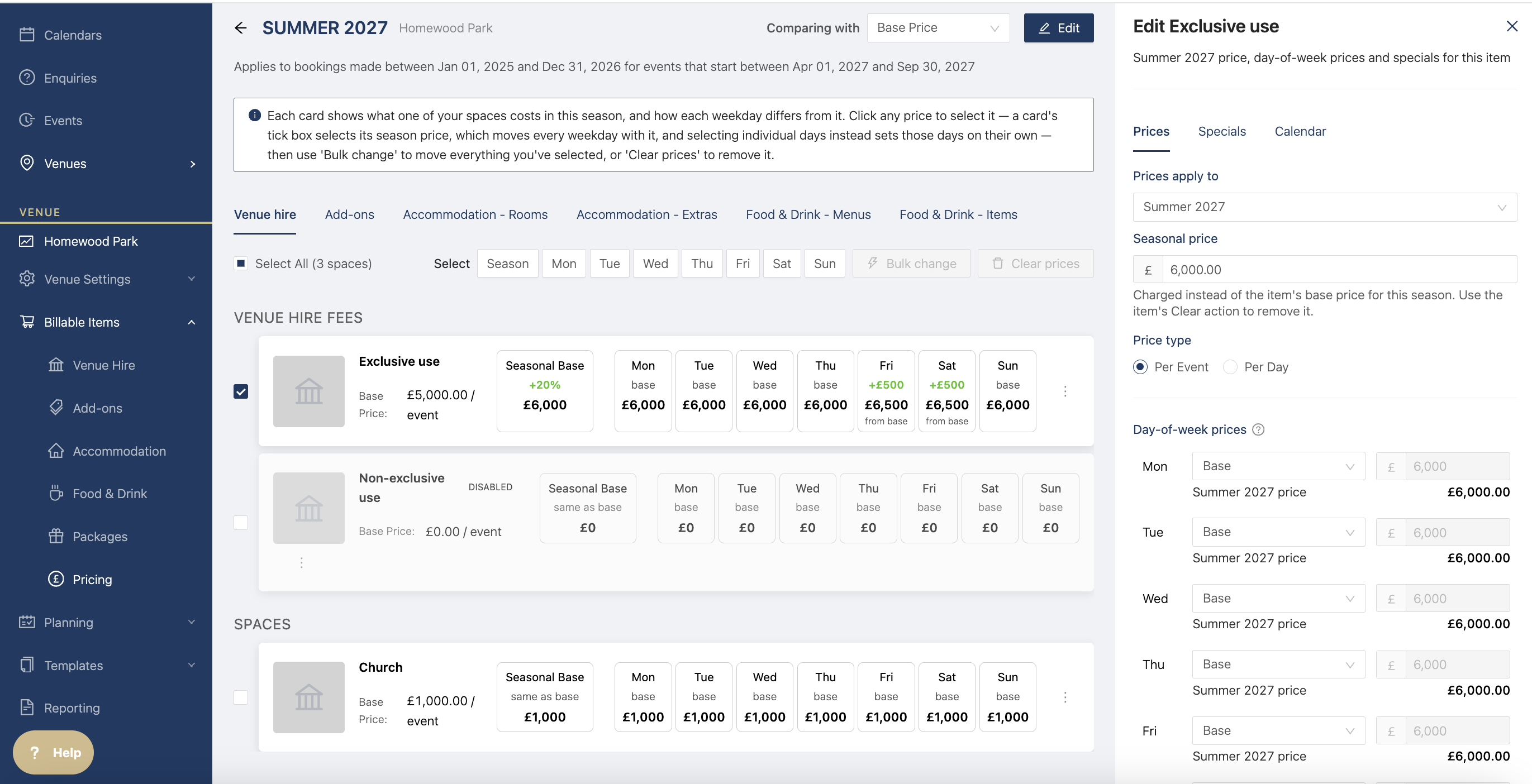
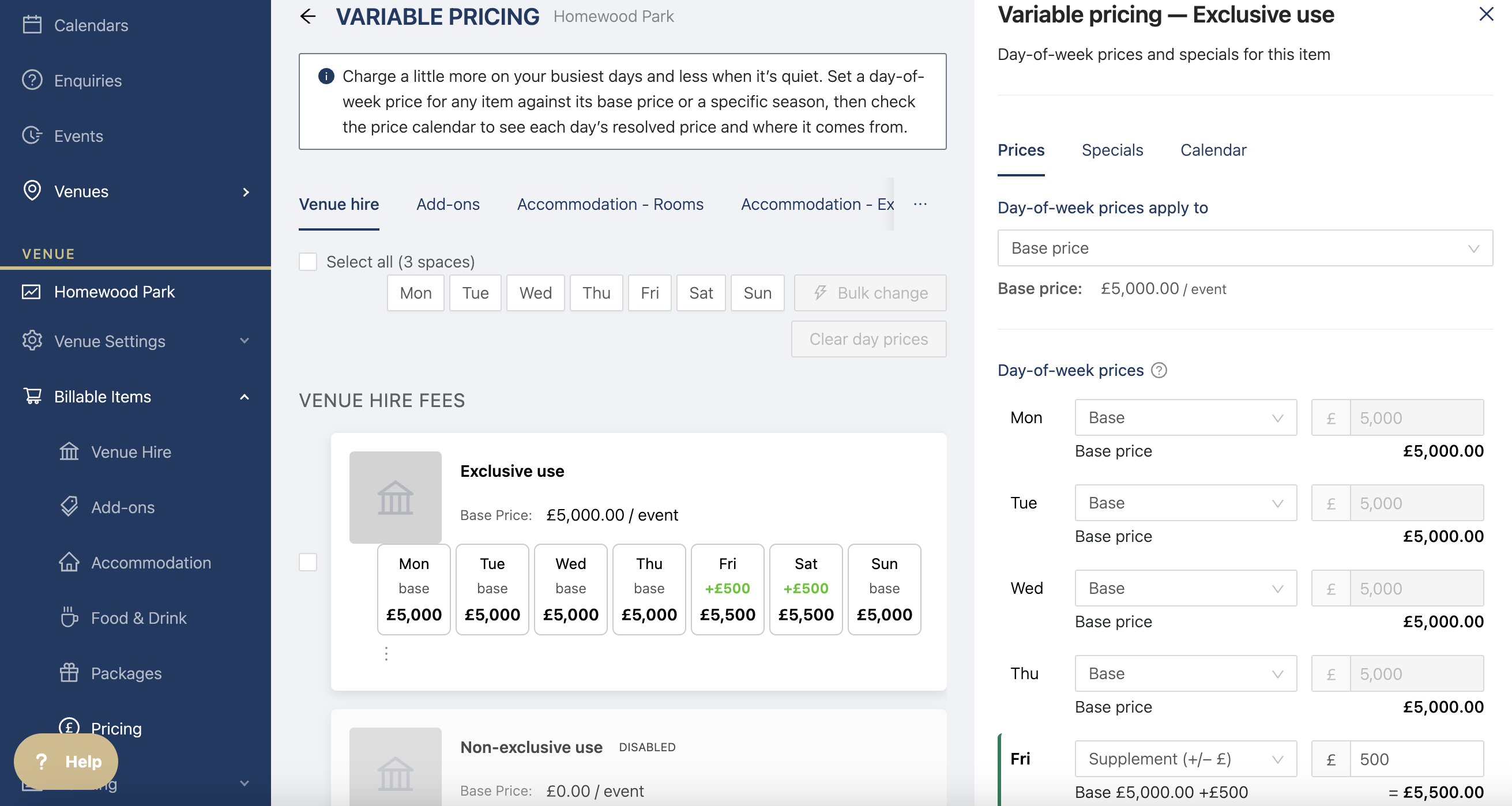
Click on the three dots next to the item to edit the pricing
Click on specials on the drawer to see what specials apply to this item.
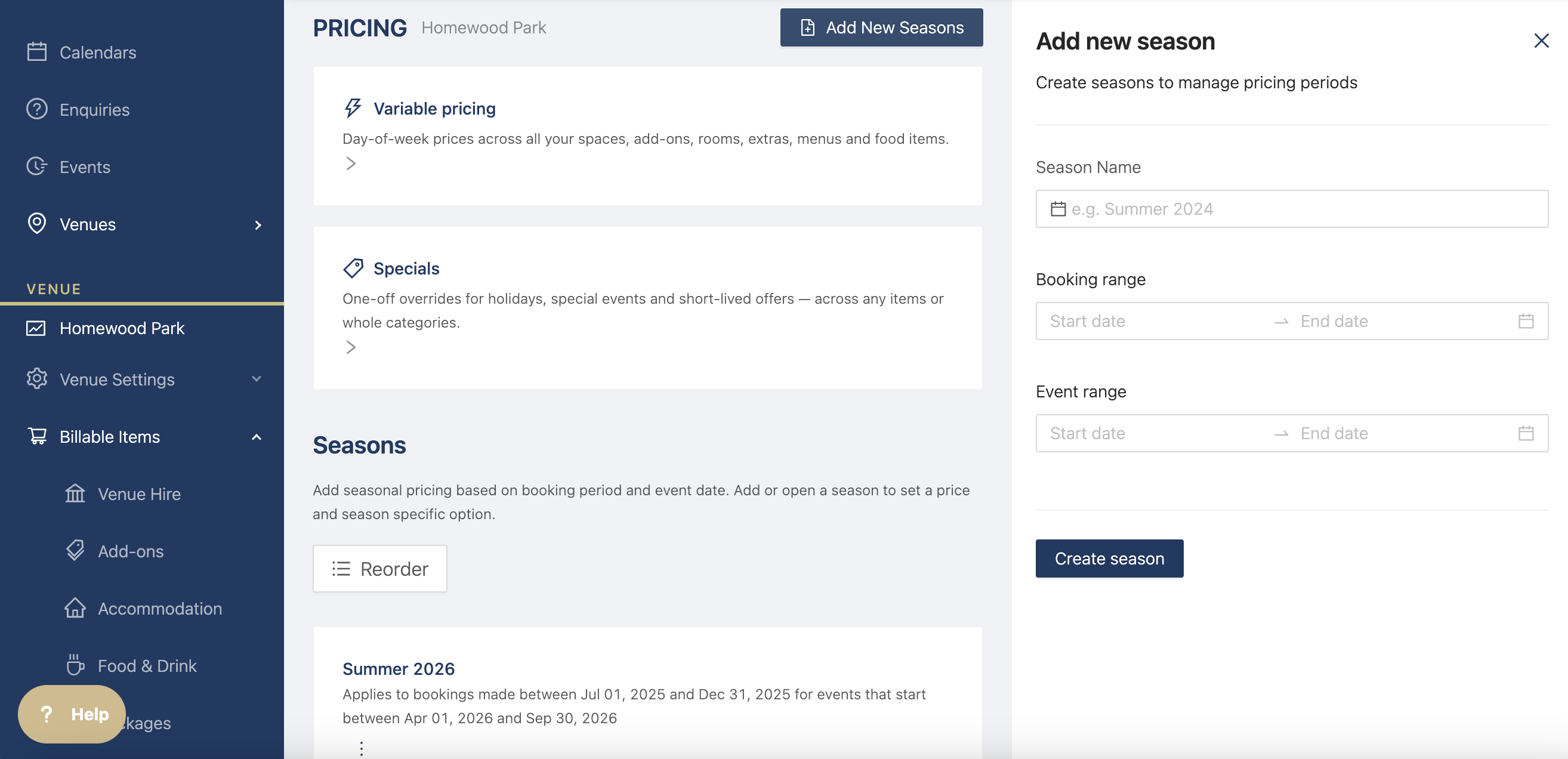
Click on the calendar to see the exact prices on the calendar.
You can also change the booking date, if you have specials on the
How to add Seasons
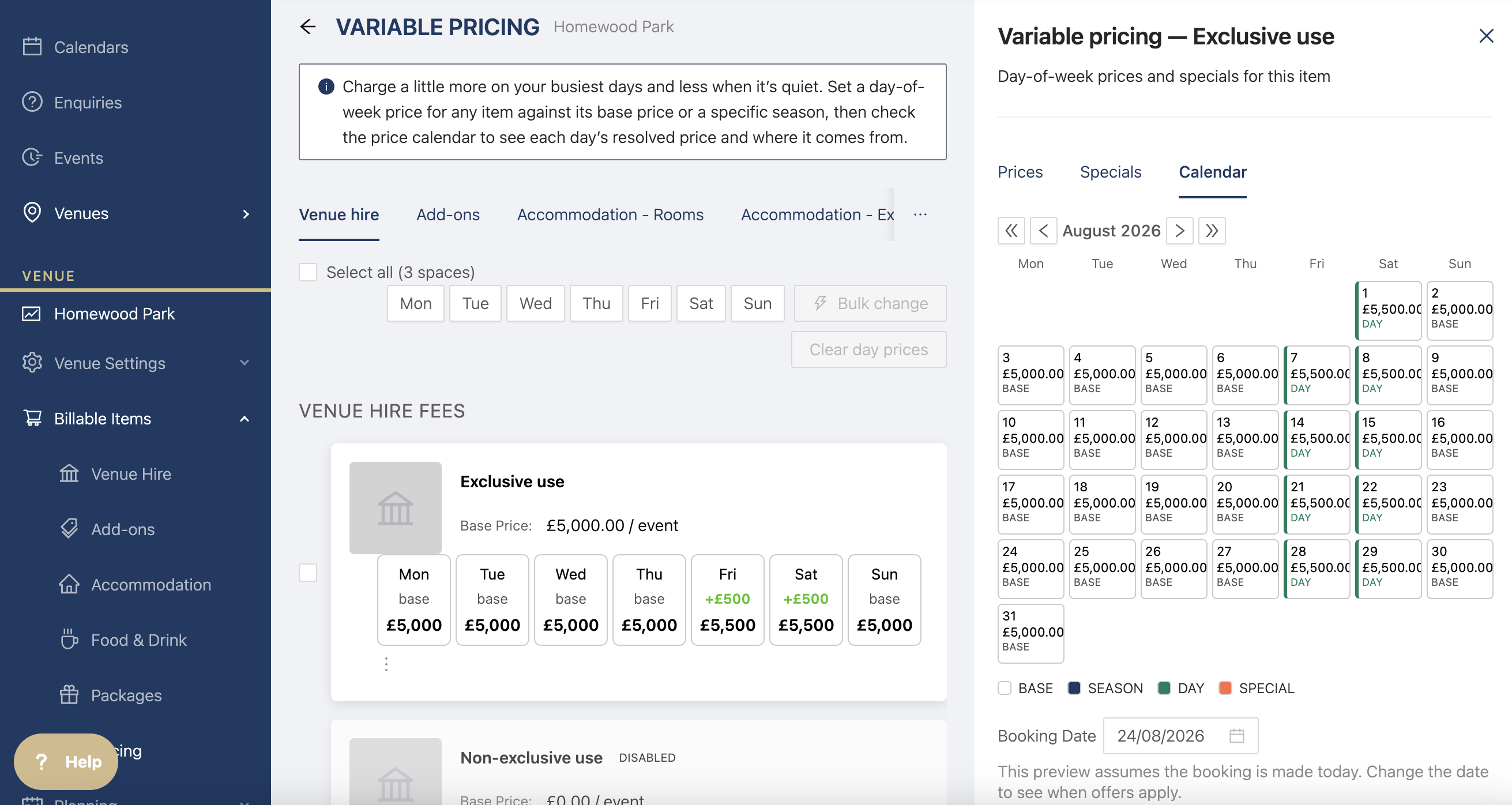
Create a season to have increase pricing for specific times of year, e.g. Summer
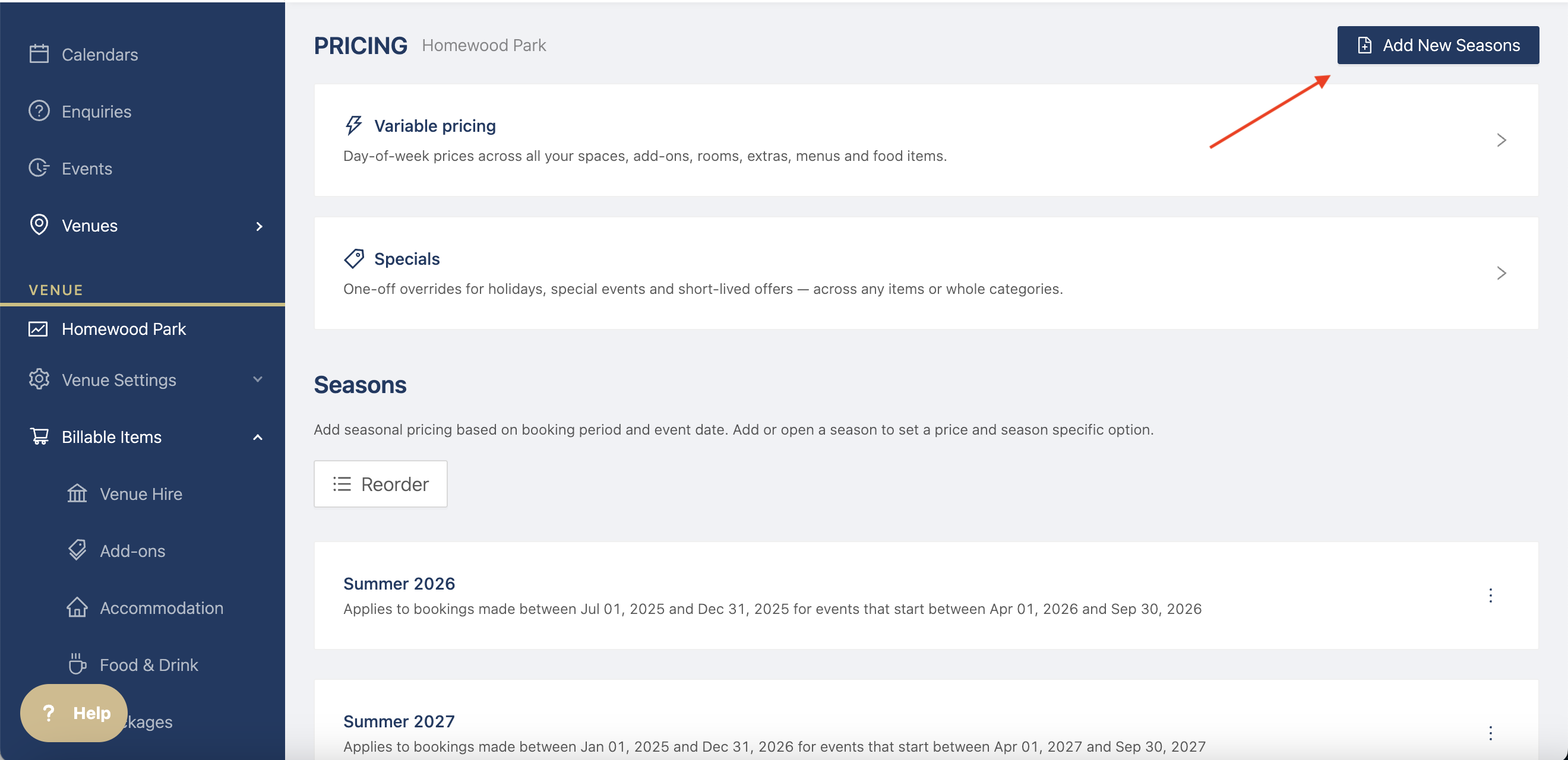
Add the dates you want the seasonal price to be based on event dates or booking date
Booking rage: allows the prices to show within those dates
Event range: applies the prices to events within those dates
Click into the season to start editing prices
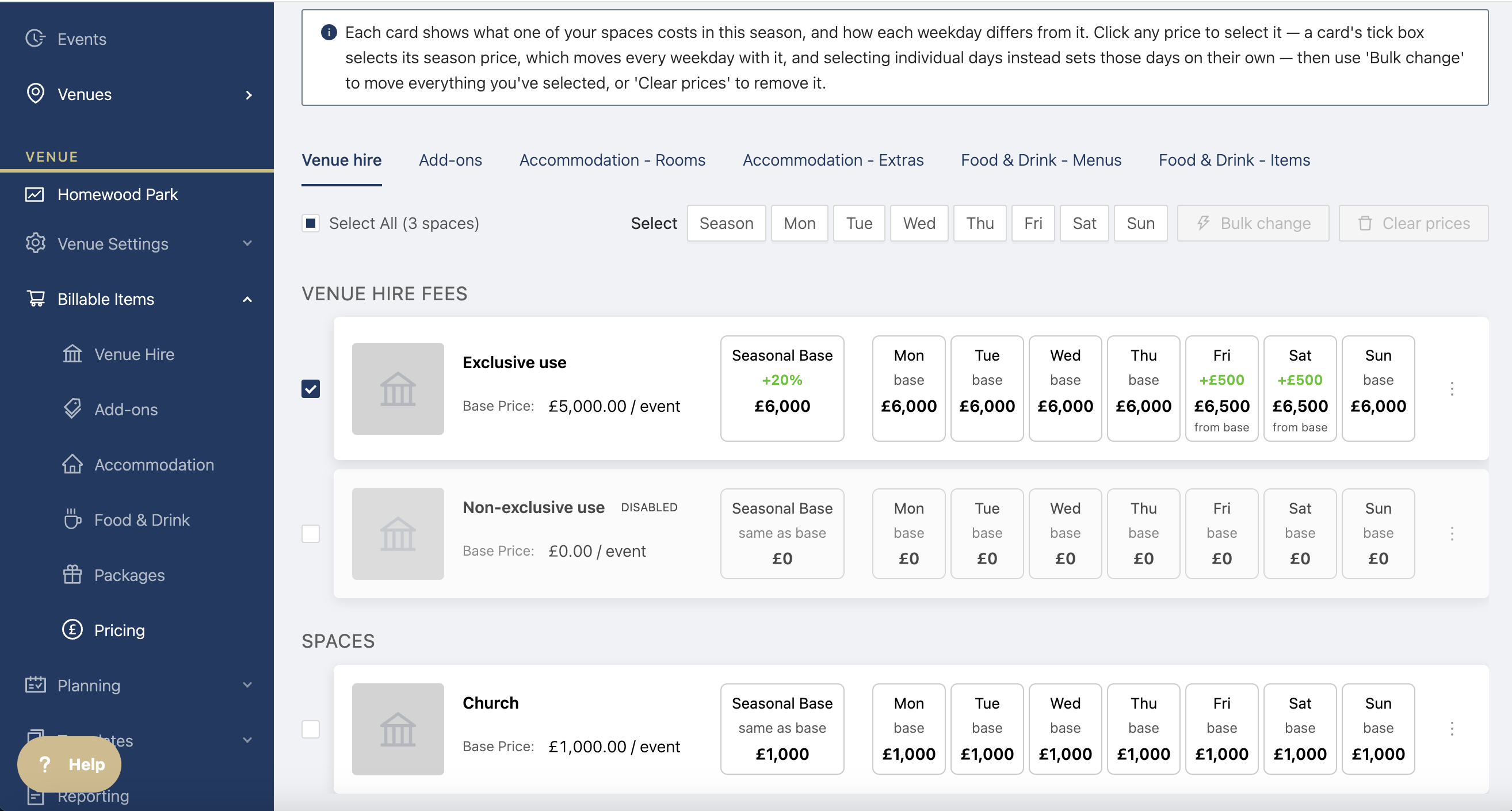
If you've set up variable pricing, you'll see the days with the different prices. You can change the seasonal base, so all days of the week, or just specific days.
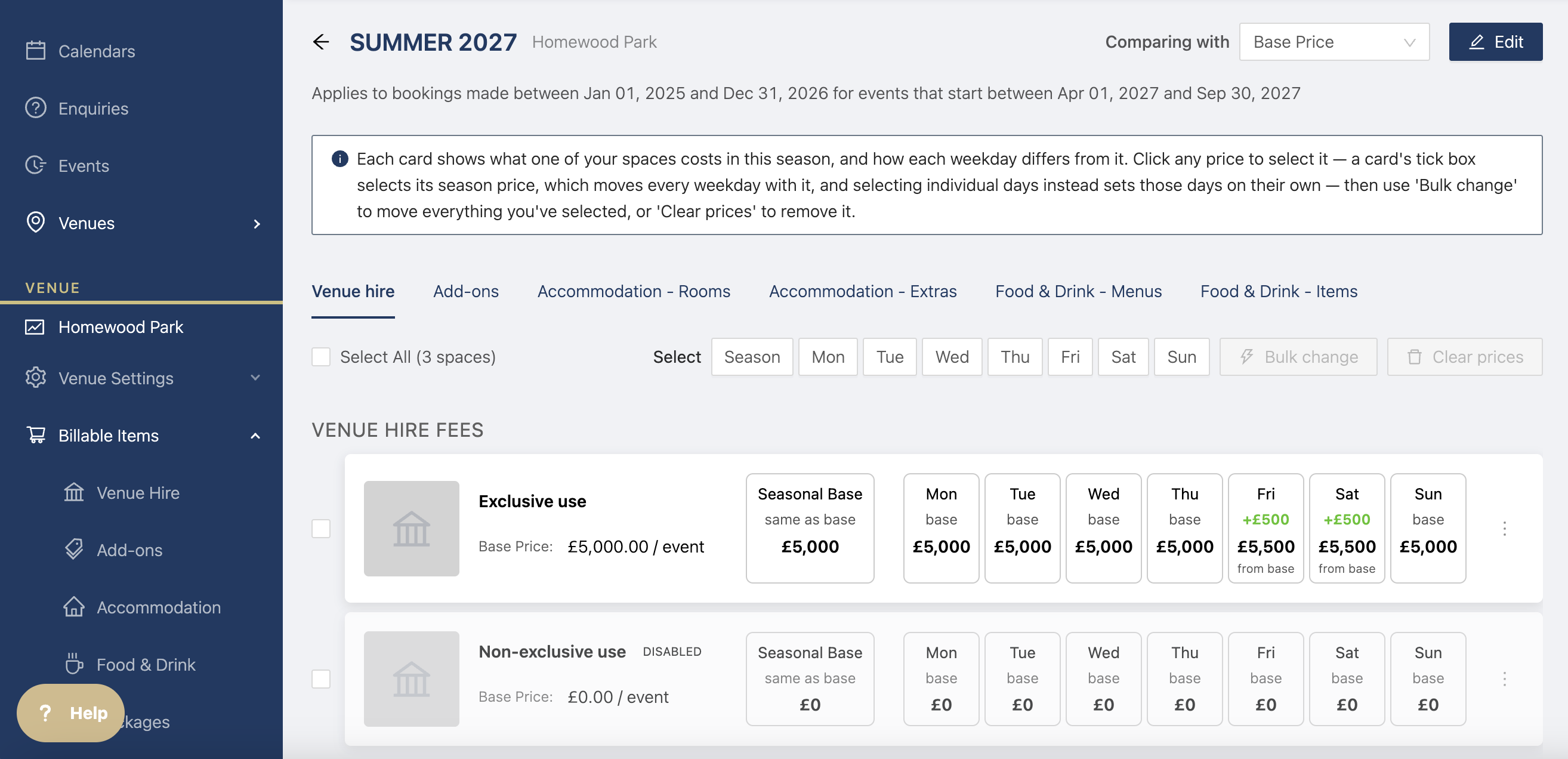
Select the items you want to change, then click on bulk change
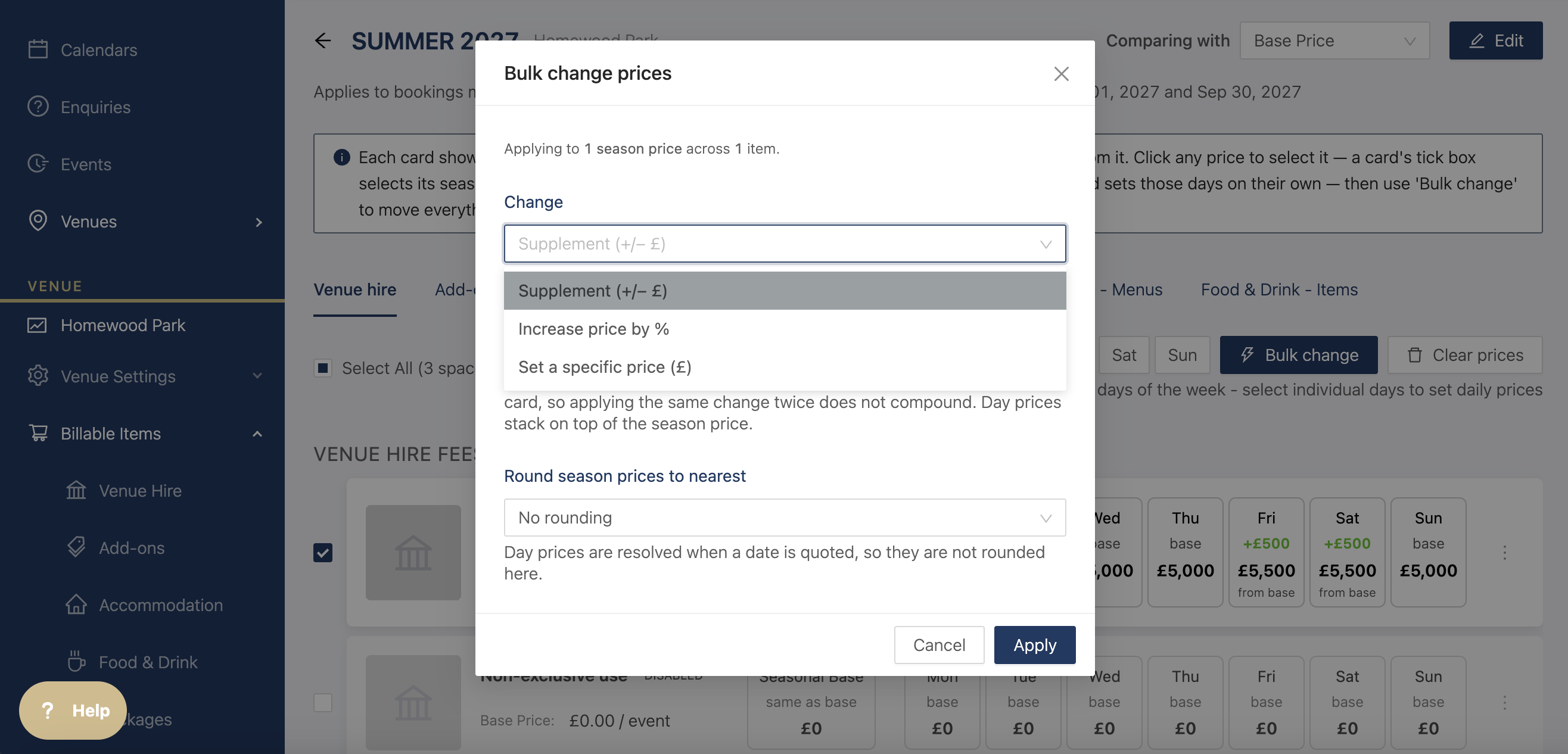
You can change the price with a fixed supplement, a percentage, or a specific total price. You can also round the prices if needed.
Once you've added a seasonal price, you'll be able to see the price on the page per event event
Click on the three dots next to the item to edit the pricing, see the specials, or view the calendar.
Once you've created your season the prices of your items will change in any event within the season that they have not been applied to yet. For example, if you've already assigned the accommodation to the event the prices will not change or if you've already selected an add on, the price will not change.