Configure your Application Settings
Application Settings is an area where you can configure the plaform to your needs. It's split into these sections
- Quotes
- Contracts
- Events
- Billables
- Event Payments
- Accommodation
- Host & Guest Settings
Quotes
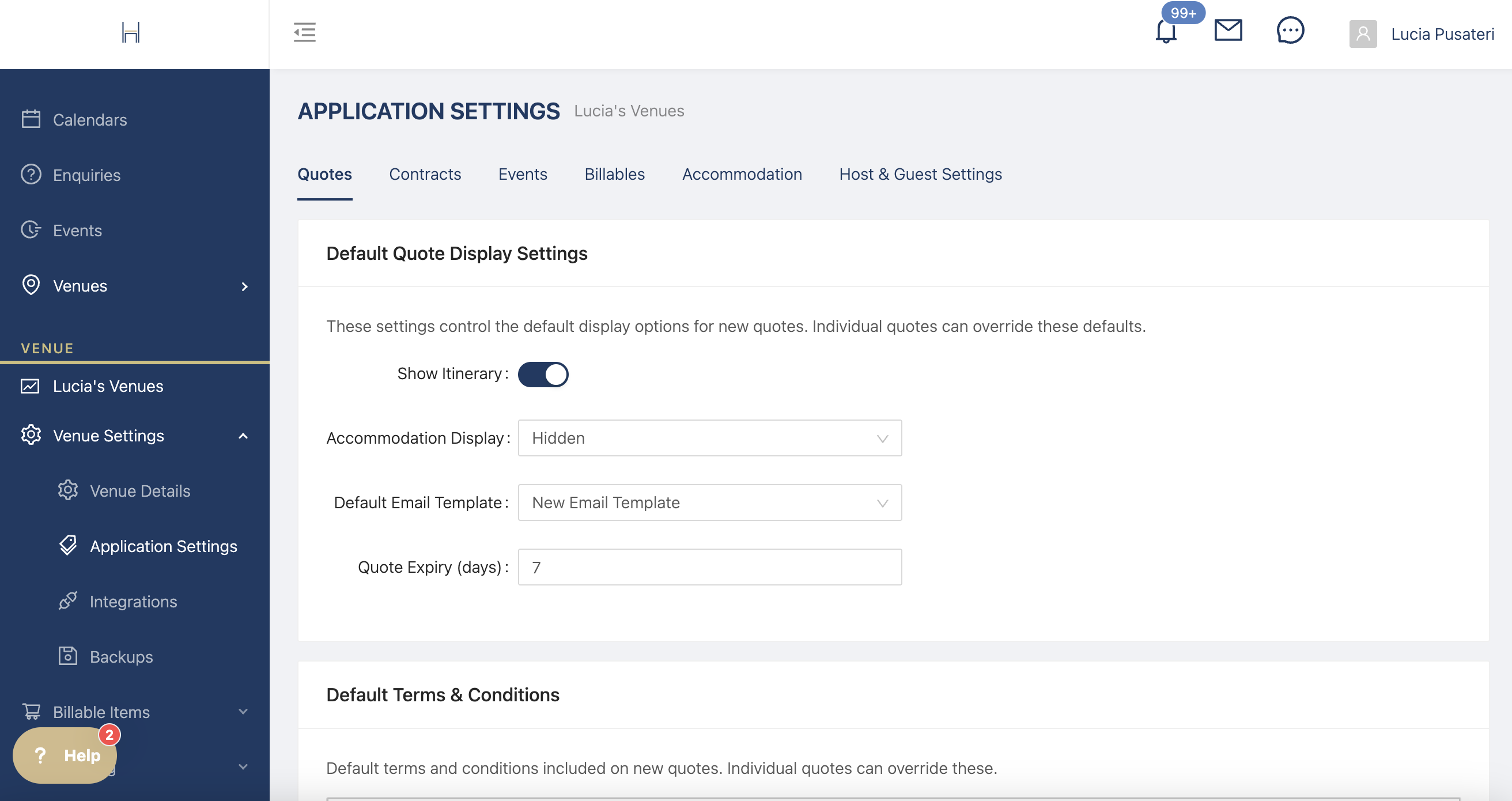
Change your default settings to show exactly what you'd like on the quote pdf or link.
You can decide whether to show the itinerary, accommodation, which email template to use, when the quote expires and default terms and conditions. You can always change these settings on a one time basis for specific enquiries.
Contracts
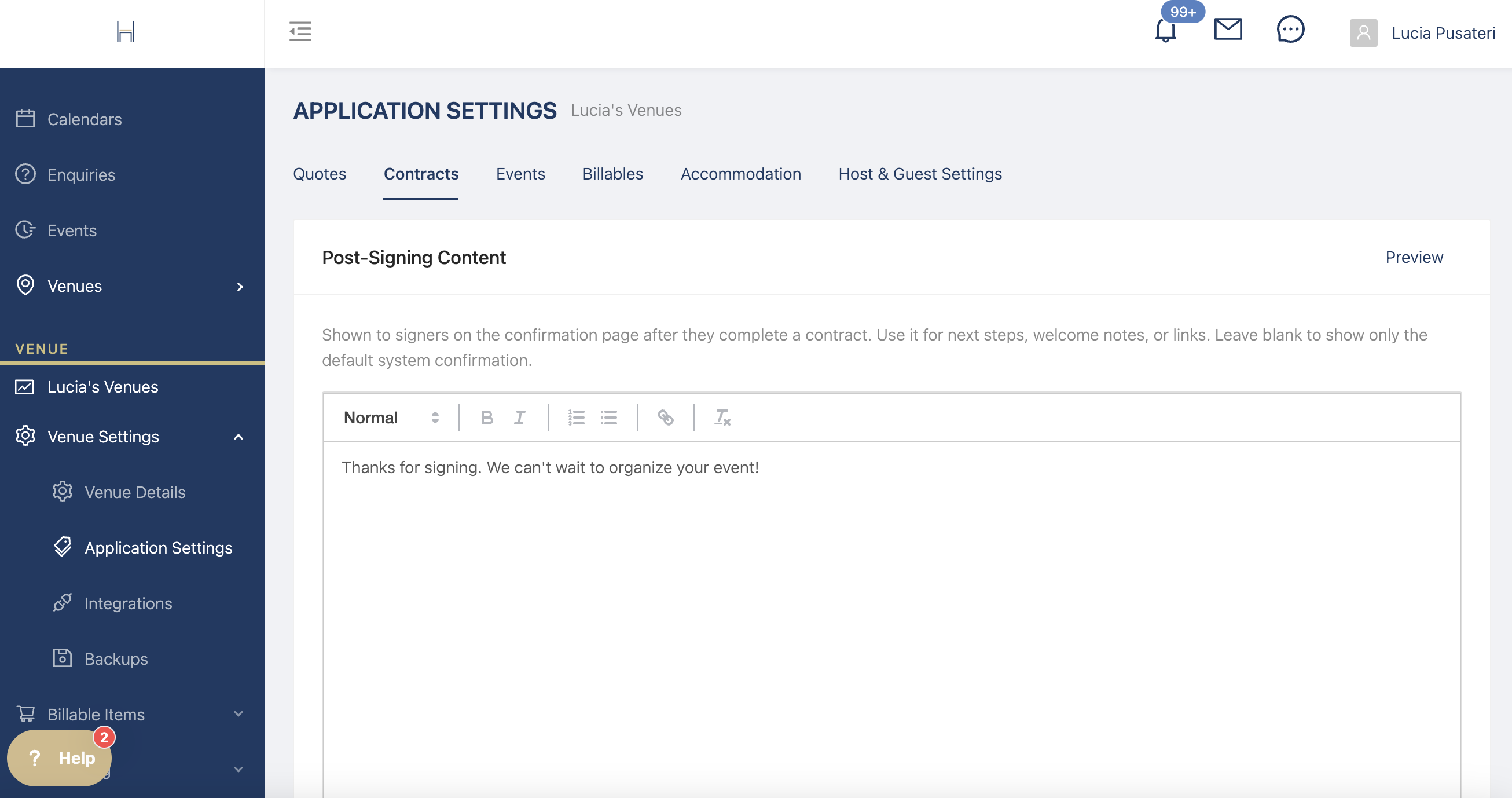
Customise the text hosts see after signing contracts
Events
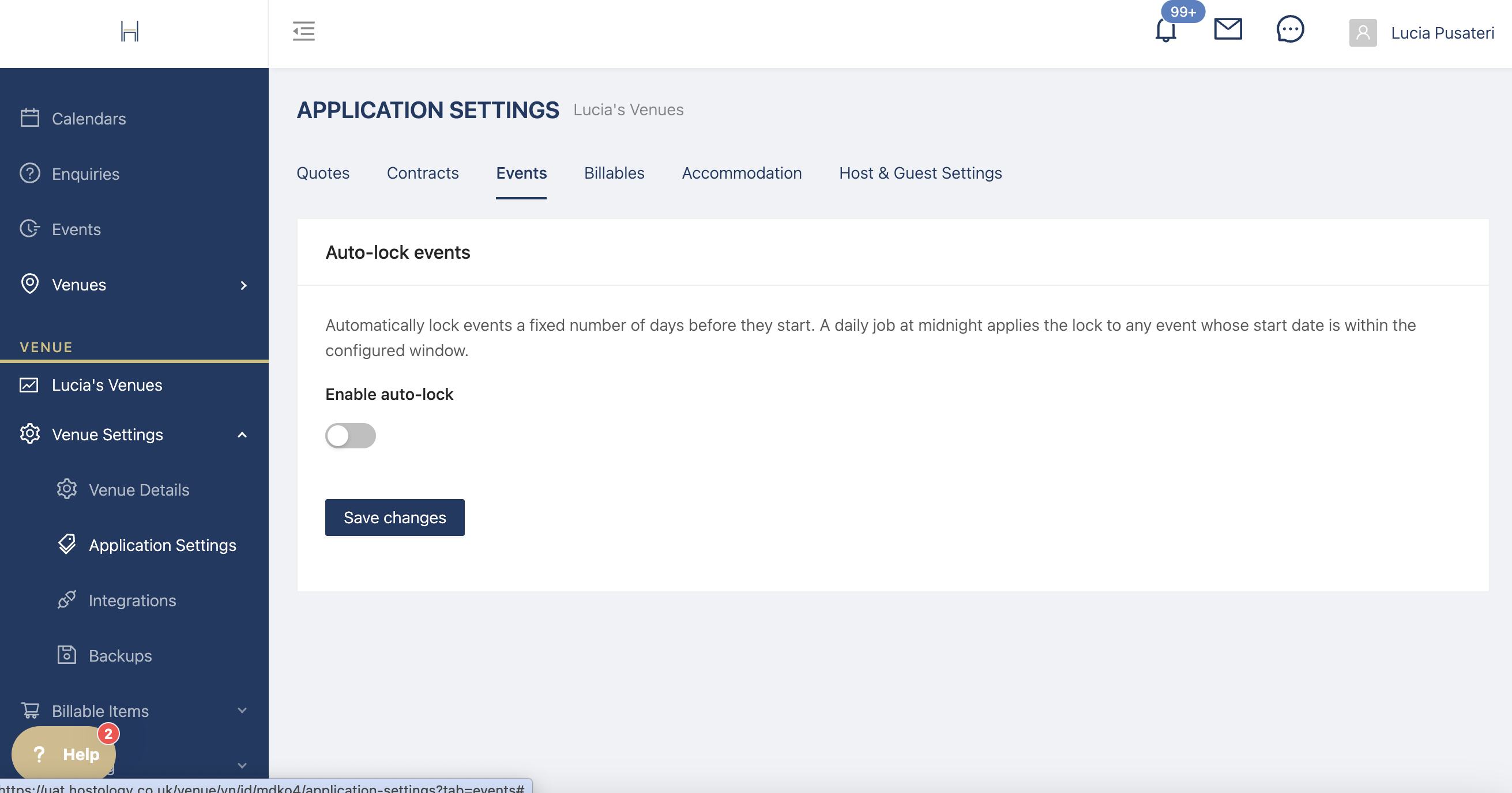
Configure an auto-lock for events to prevent your hosts from making any changes after a certain date.
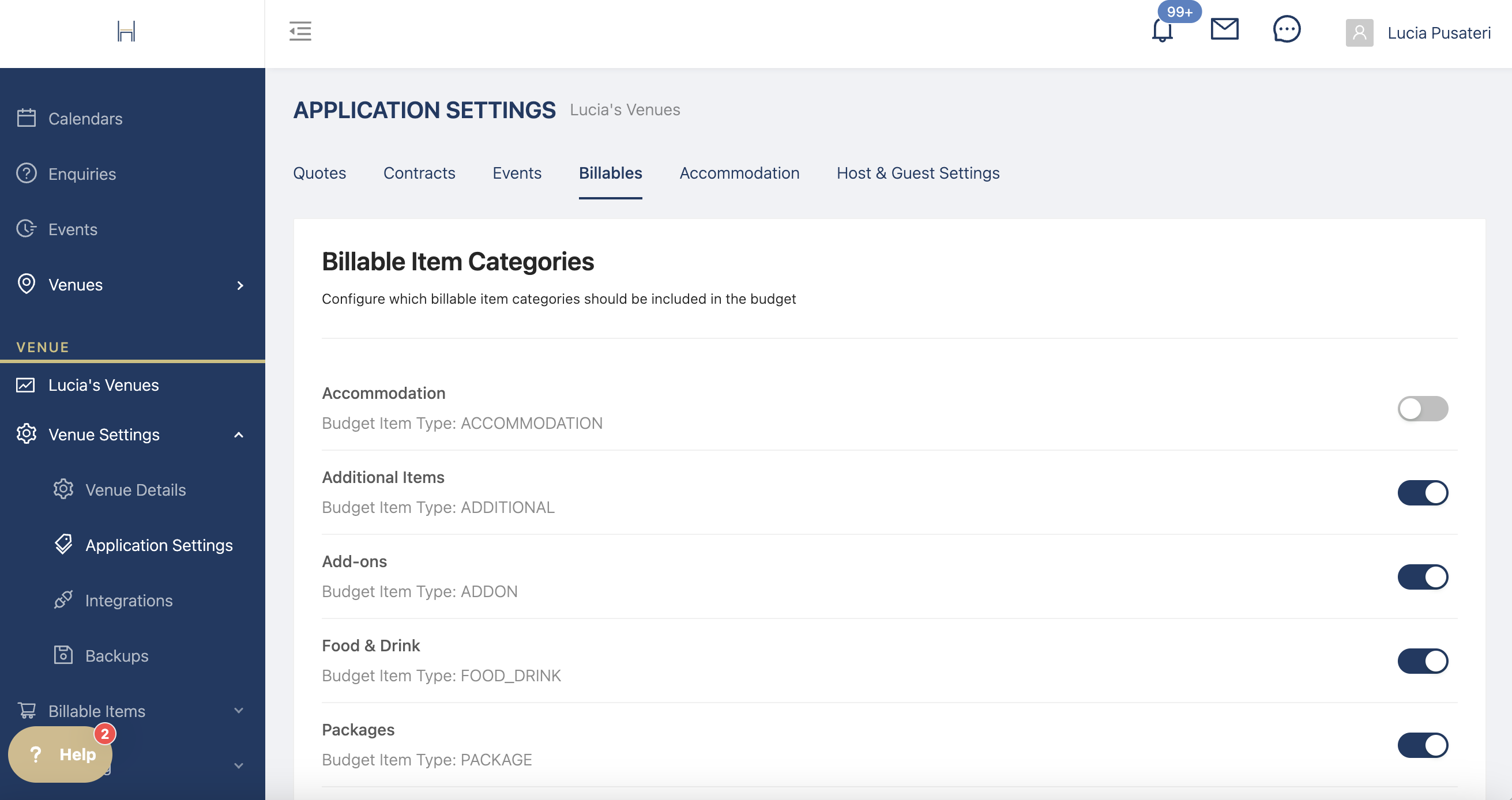
Billables
Choose which billable categories to show in the budget. If, for example, you don't have accommodation, you can turn accommodation off
Event Payment
Edit your event payment settings
Turn on Hostology Checkout to receive event payments using your Stripe account
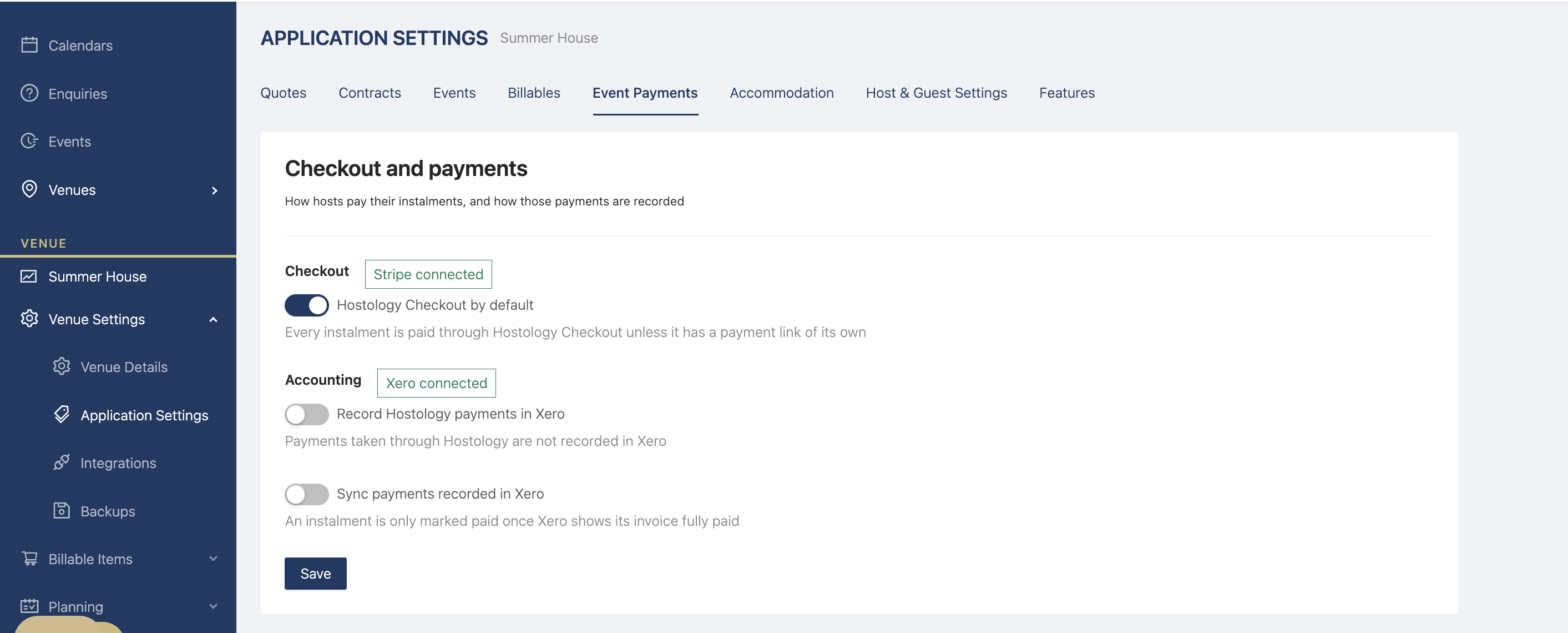
Configure your accounting settings to record Hostology payments in Xero and sync recorded payments from Xero into Hostology.
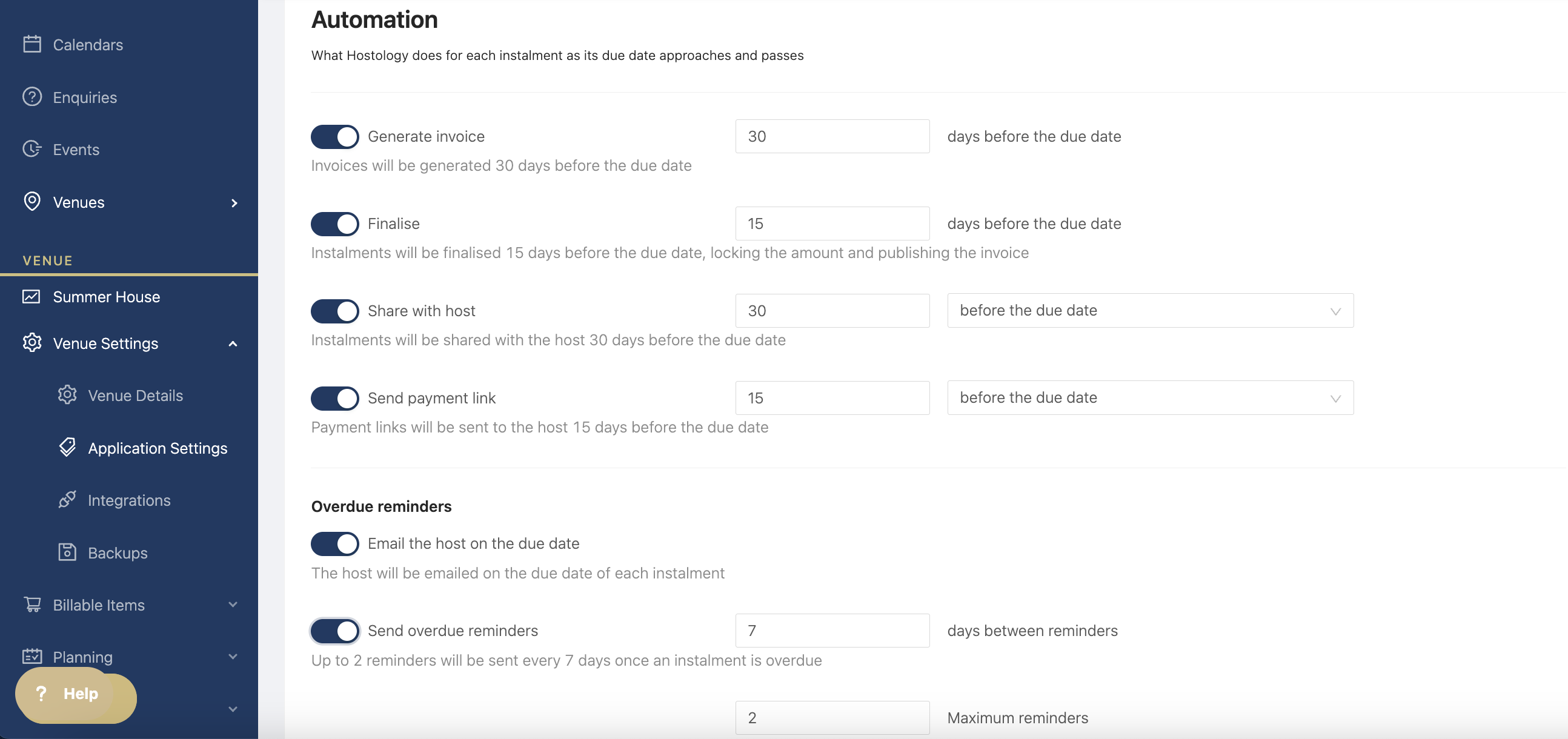
Automate your Accounting and Payment Reminders
Turn on all of the automations to generate and finalise invoices, share with hosts, send a payment link and overdue reminders.
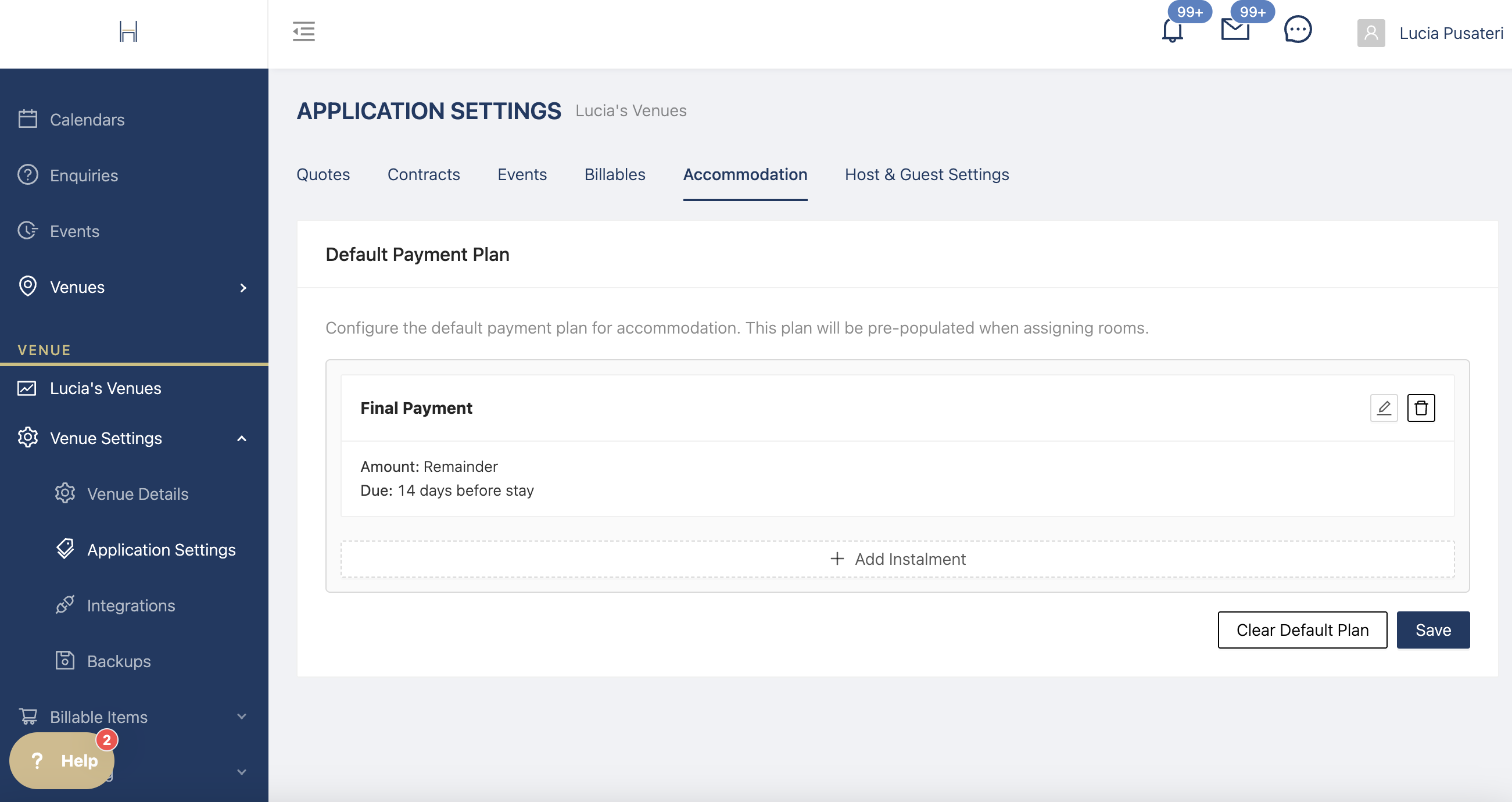
Accommodation
Create a payment plan for accommodation payments if you want to show guests a due date for payments due.
Host & Guest Settings
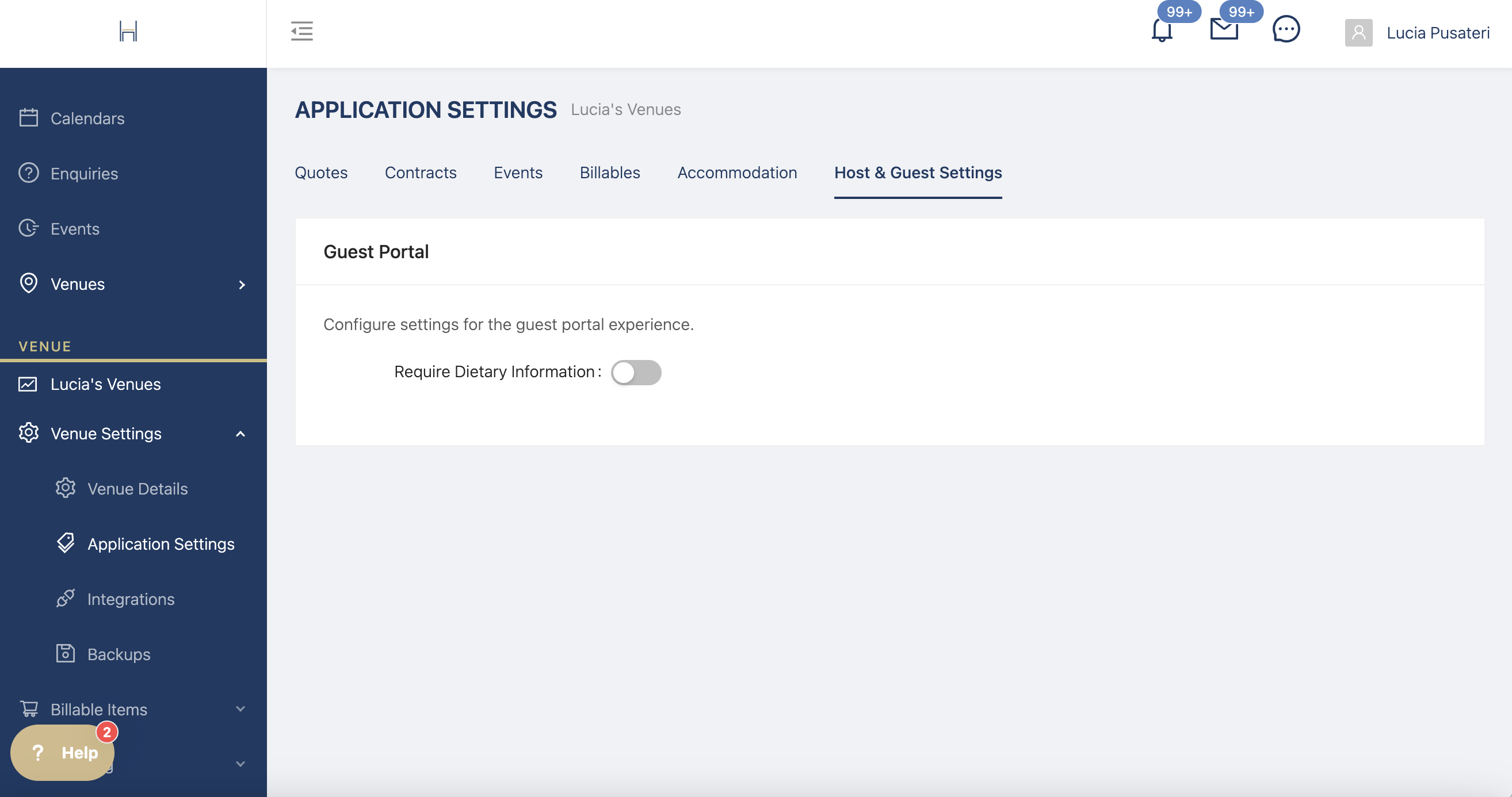
If you want to ask guests for their dietary requirements, please tick this box.