Event Templates
Create event templates to make creating new events quick and easy.
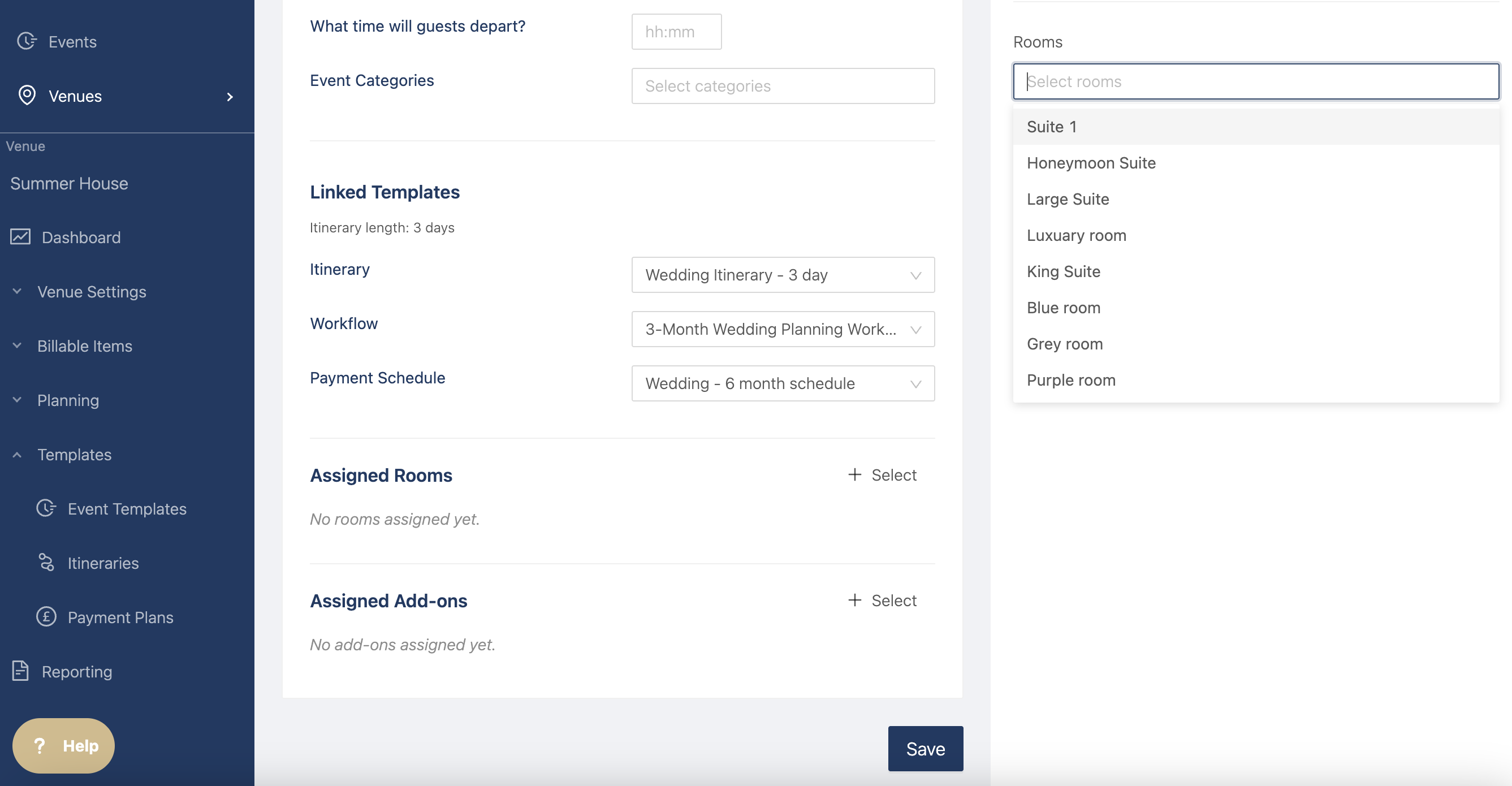
Go to the venue side, under templates, and click on Event Templates.
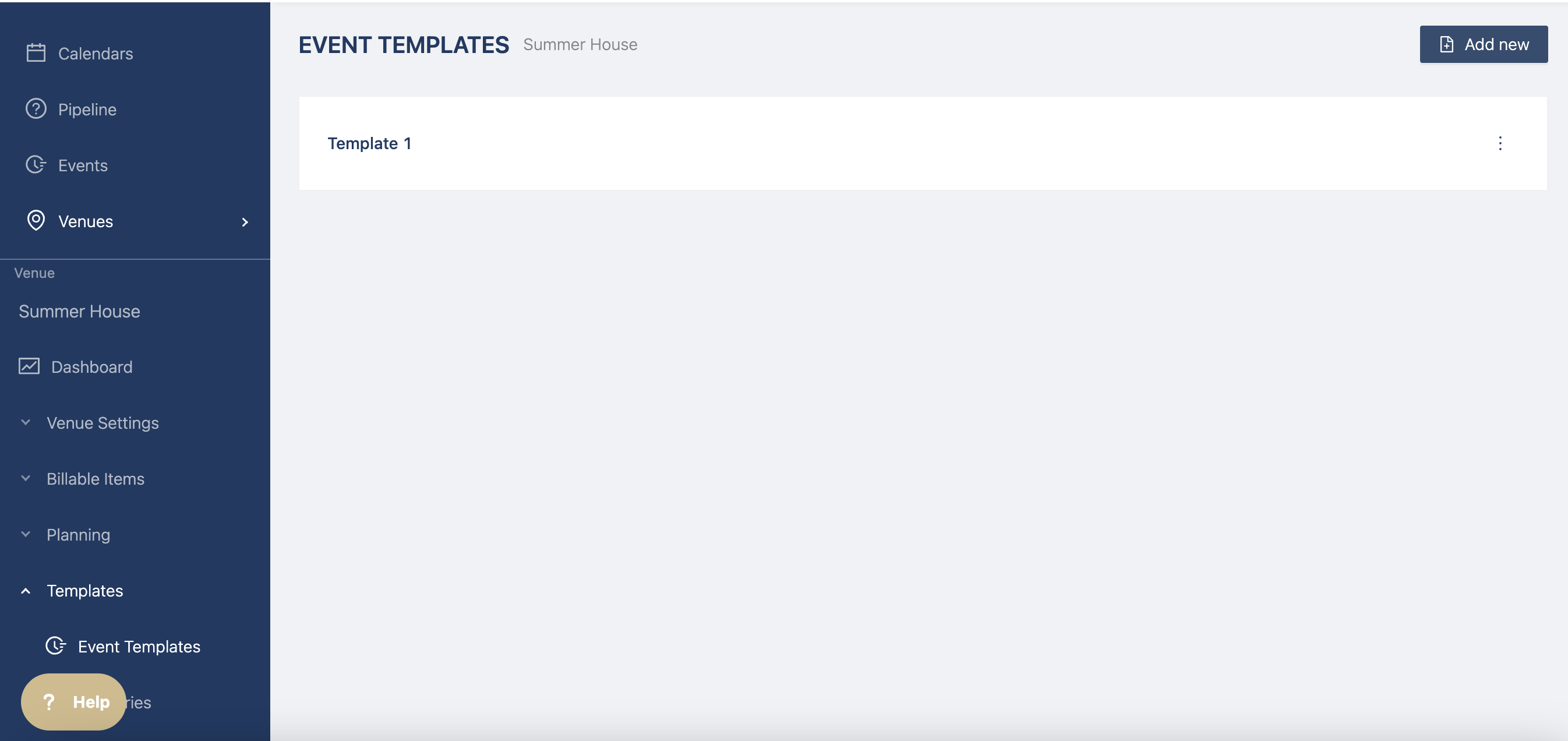
Click on Add new at the top right to create a new template.
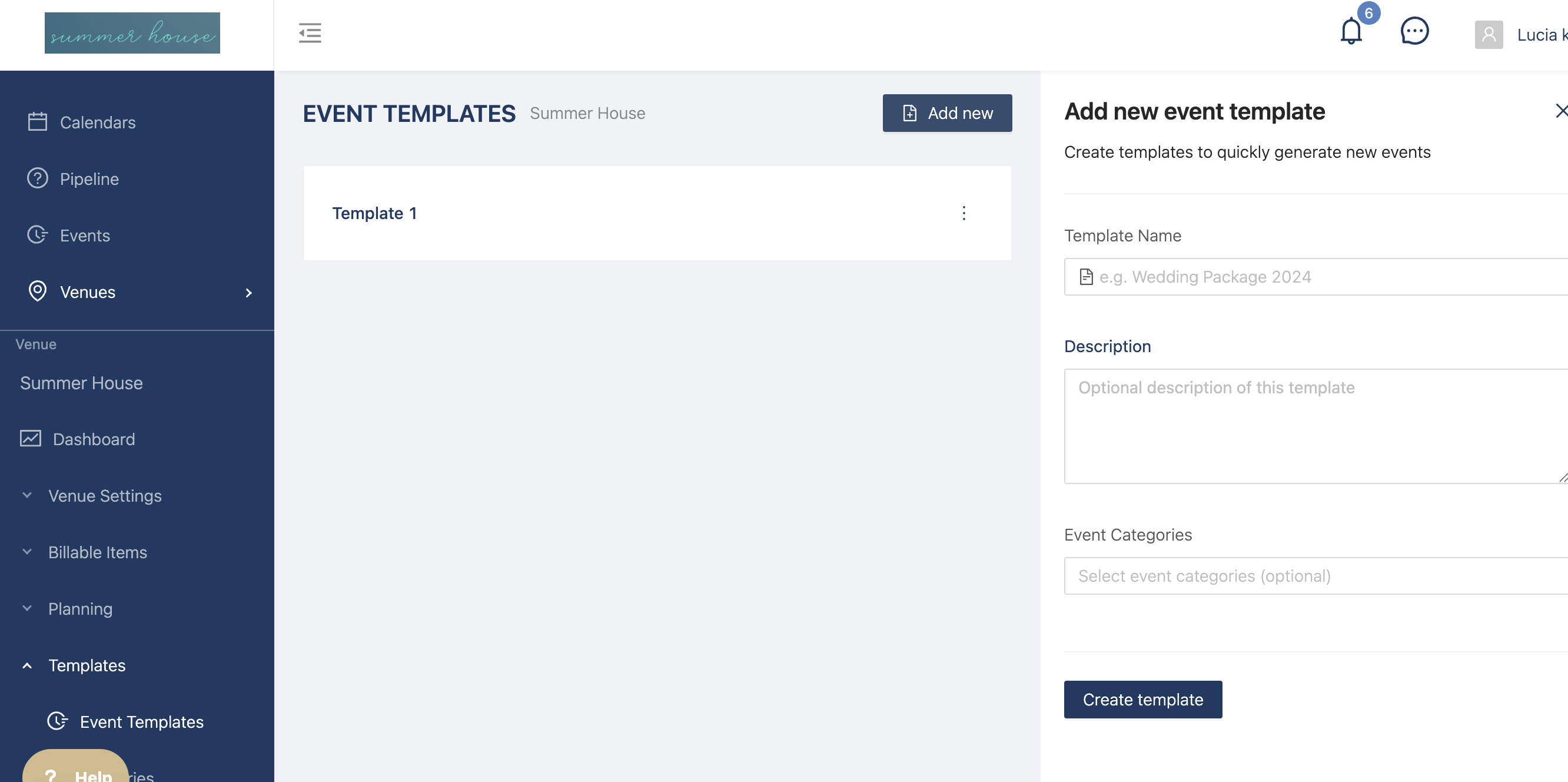
You can now add all of the details for this template.
- Add a description (optional)
- Event length (this is the current event duration)
- Select the dates that have the event running (this is the current event days)
- Add timings for arrivals and departures (optional)
- Add event categories (optional)
Then select the templates you'd like to add to this event from the drop downs
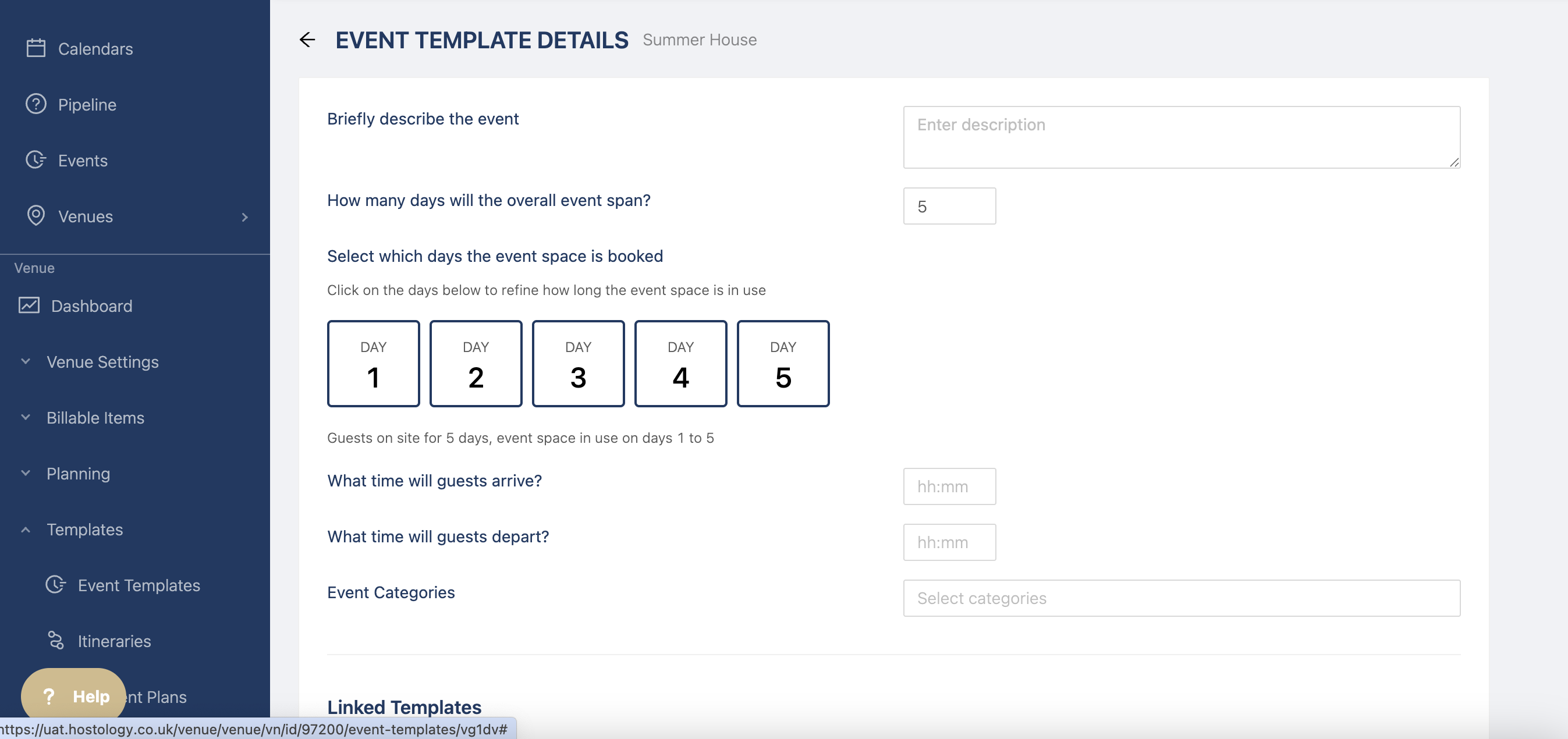
- Itinerary (if you're not seeing certain itinerary templates, double check the duration to make sure it matches)
- Workflows
- Payment templates
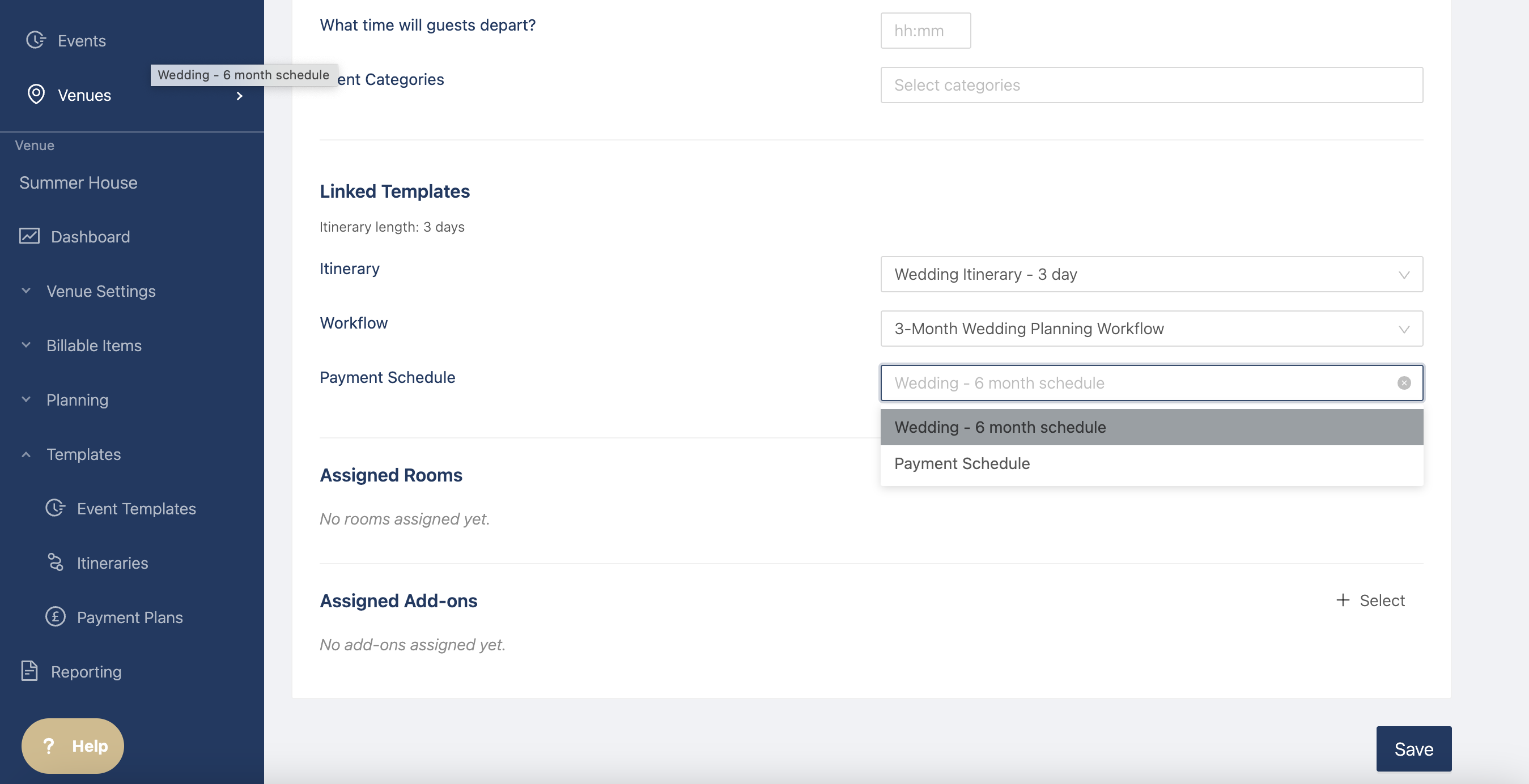
Select any rooms and add ons you'd like to add to the event
Click on Save at the bottom of the page and you'll be able to use your template in the event builder.