Venue Hire and Event Spaces
Create your venue hire prices to automatically add to your event budgets and edit event spaces.
Head to your billable items, then click into venue hire and customise your pricing. You have the option of charging an exclusive use fee or a non-exclusive use depending on the type of hire.
If you don't offer non exclusive use, you can leave it blank. 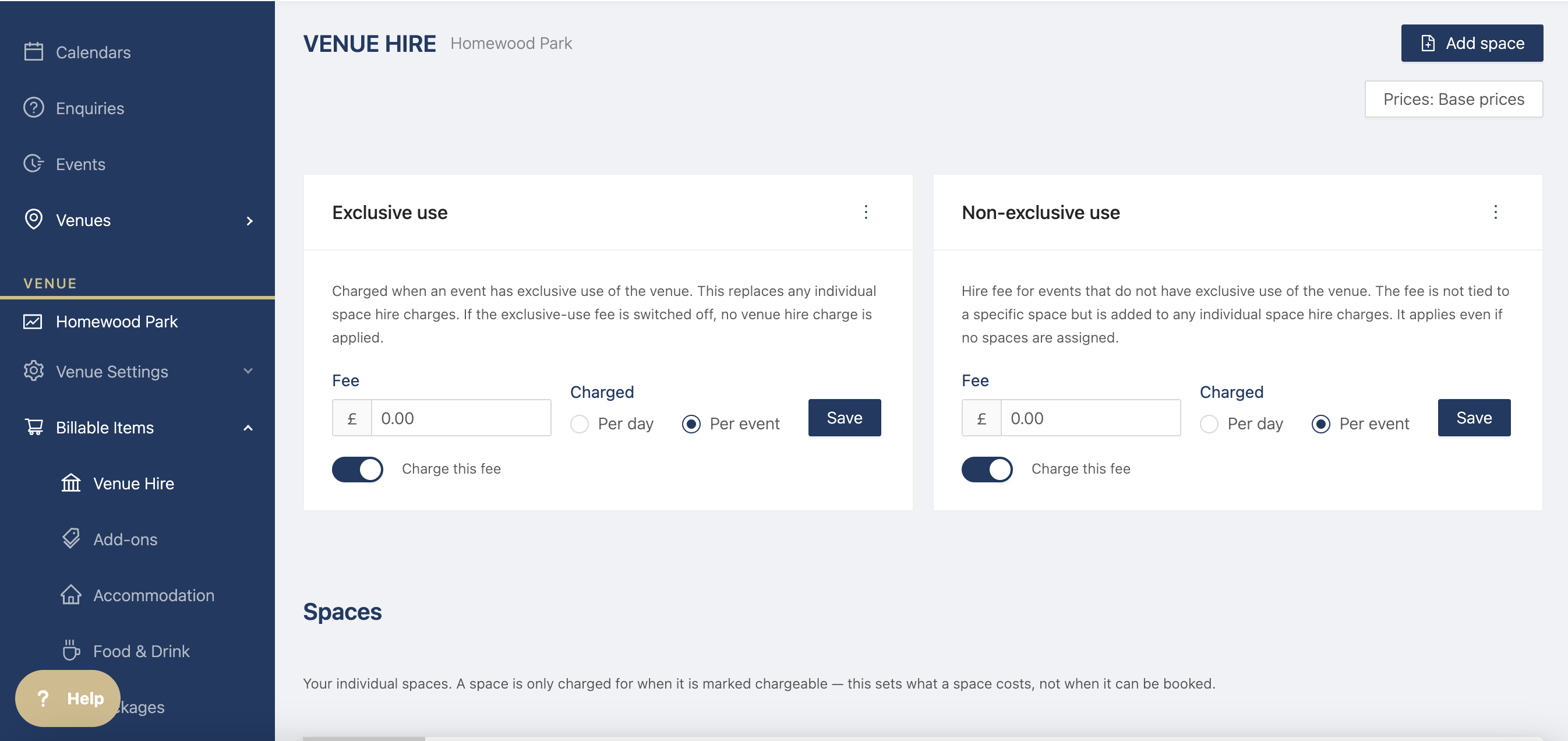
Event Spaces
You can create your event spaces to assign to different events based on dates and timings and add specific venue hire prices to each space.
N.B. the event spaces populate the "locations" on the itinerary templates and in the events. If you want to make any changes, do it here.
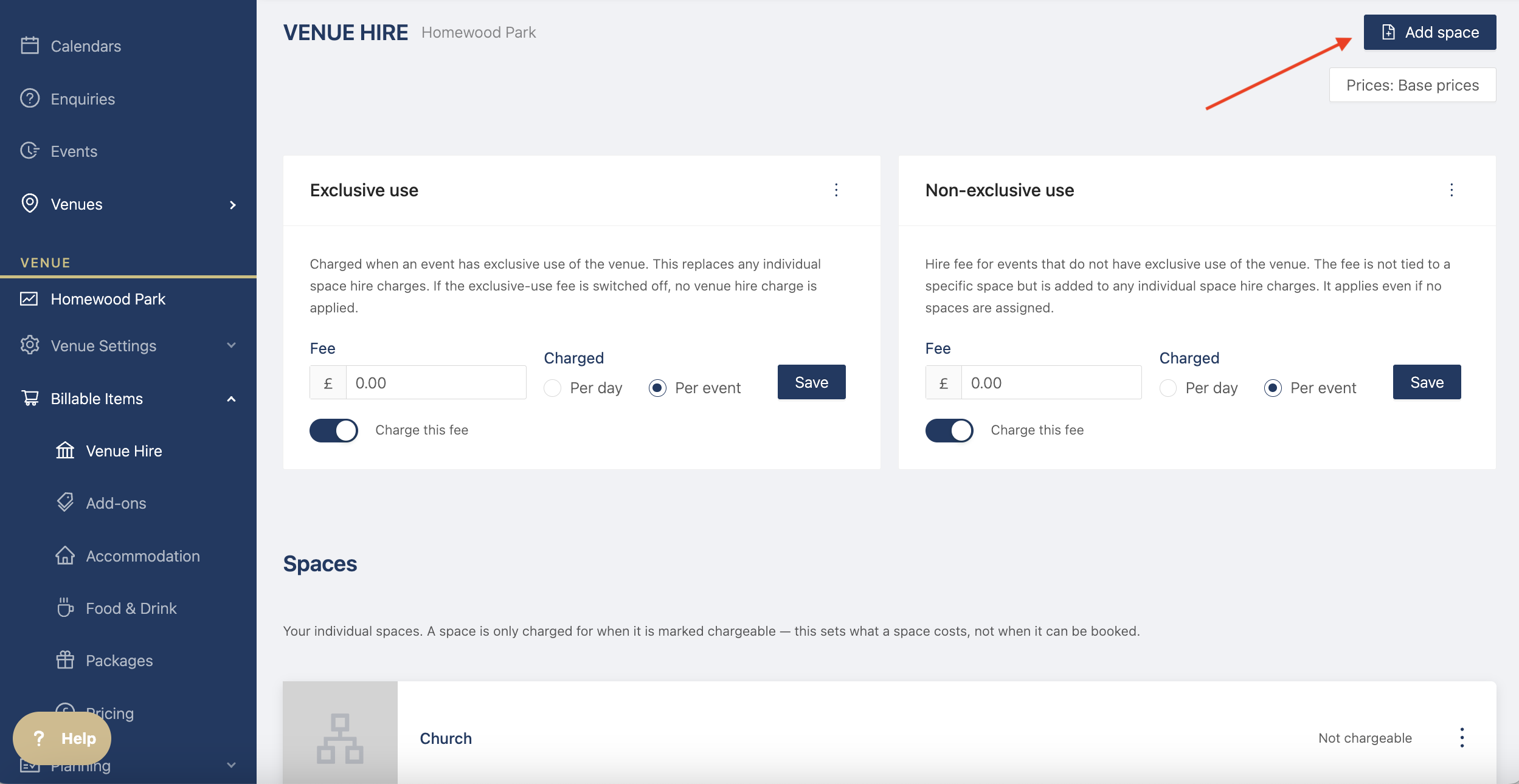
Click on the button at the top right hand corner to add a new space
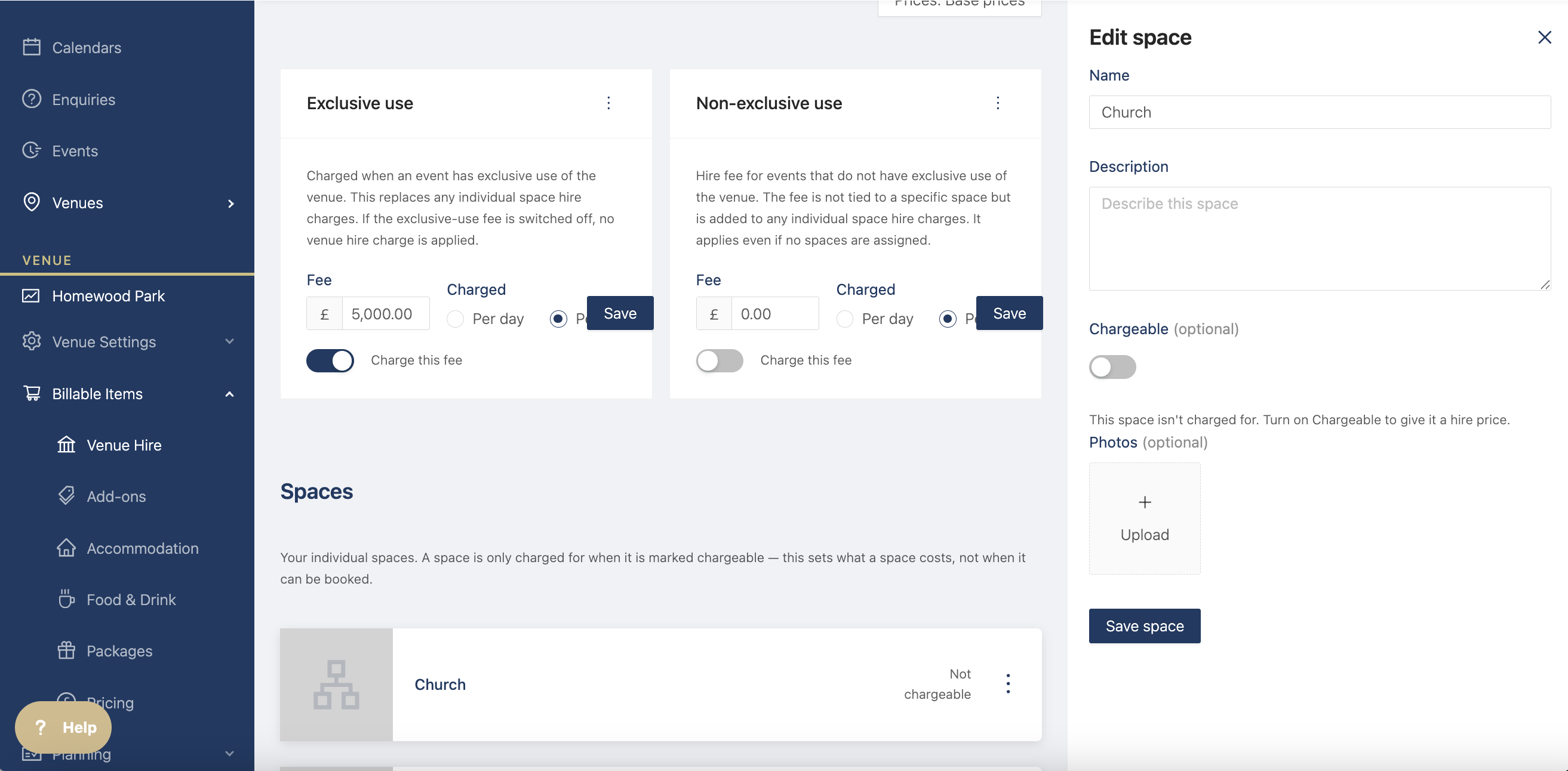
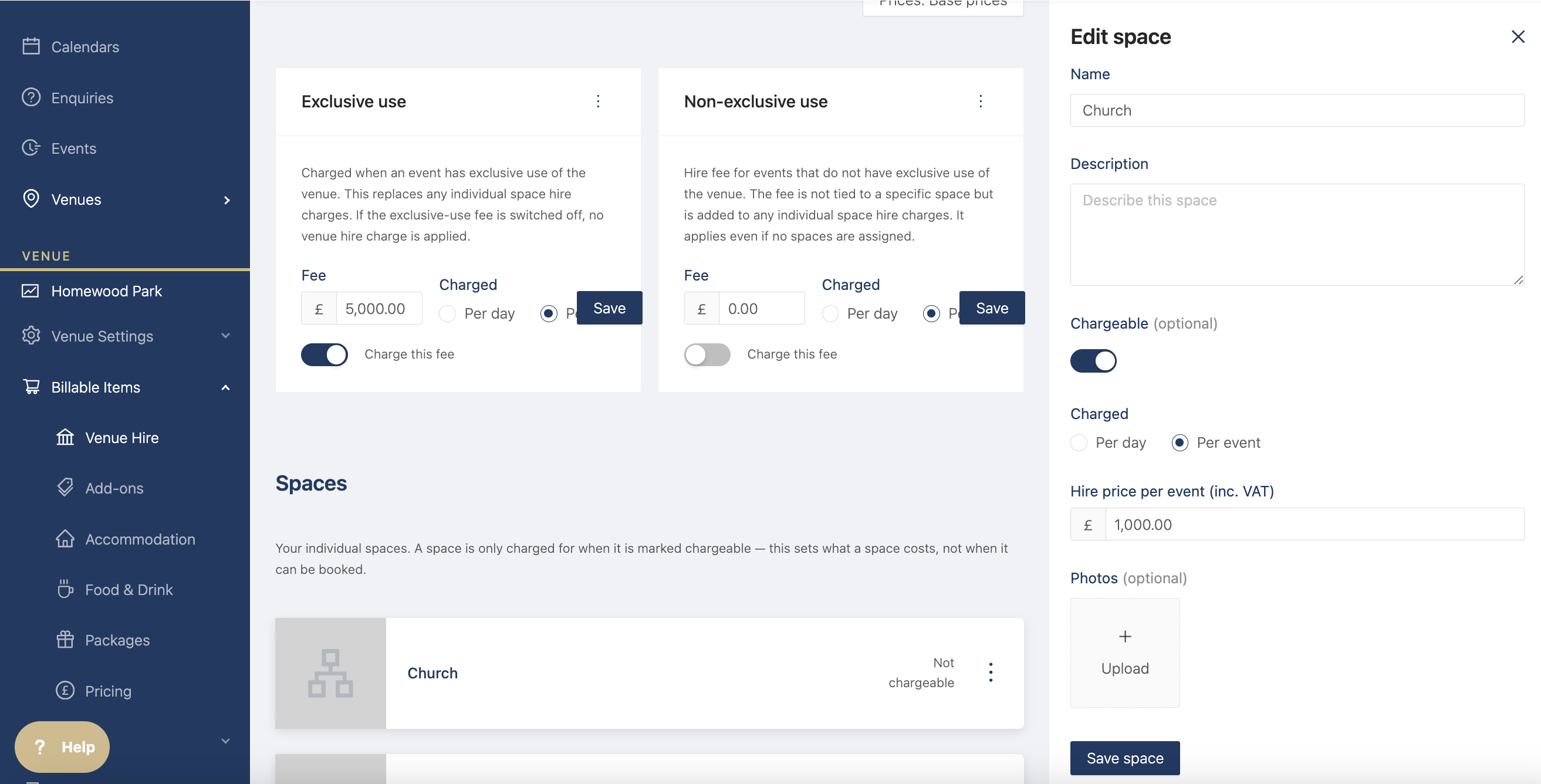
To charge a specific amount for a particular space, you click on the three dots next to the item and click on edit.
Toggle the chargeable to add a price and decide whether it's per day or per event.
If you need to edit or delete a space, click on the three dots on the right hand side.