
Payment Templates
Payment templates
A payment template is a pre-set schedule of payment instalments that can be quickly applied to events to save time and ensure consistent billing.
To create a payment template, go into the venue section, under planning and select Payment Templates.
Click on the top right hand corner "Add new" then add in a name and decription before clicking "Create"
Now you can click into the payment template and start adding in your payment instalments by clicking into create instalment.
In the payment details you can specify if the payment is of a certain category (accommodation, food and drink etc), if the amount is a percentage, a fixed amount, or the remainder of the balance. You can then set the due date for the instalment based on the event date, event confirmation, or date added to the platform.
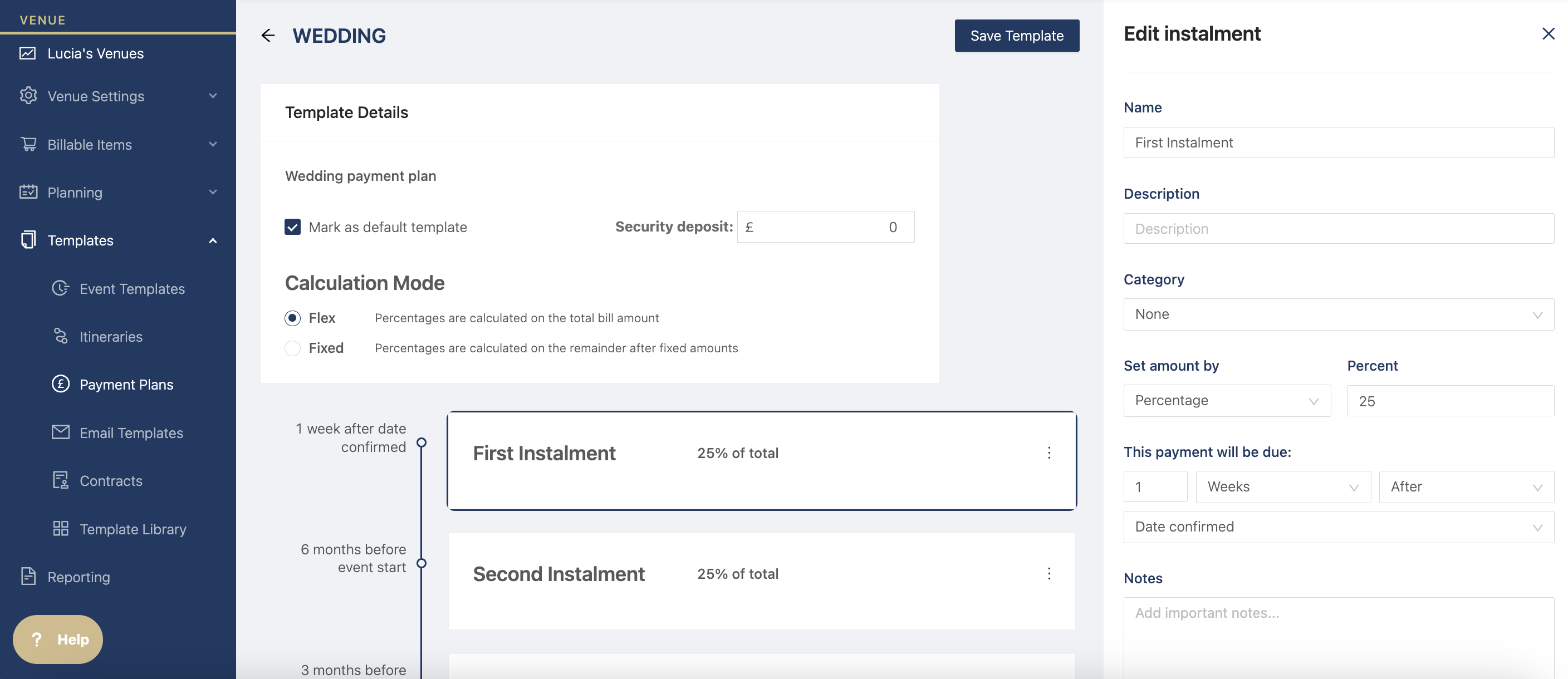
Click save and even mark it as default to add to your events automatically.
You can choose how installments are calculated in these payment plans. There are two calculation modes - Fixed or Flex
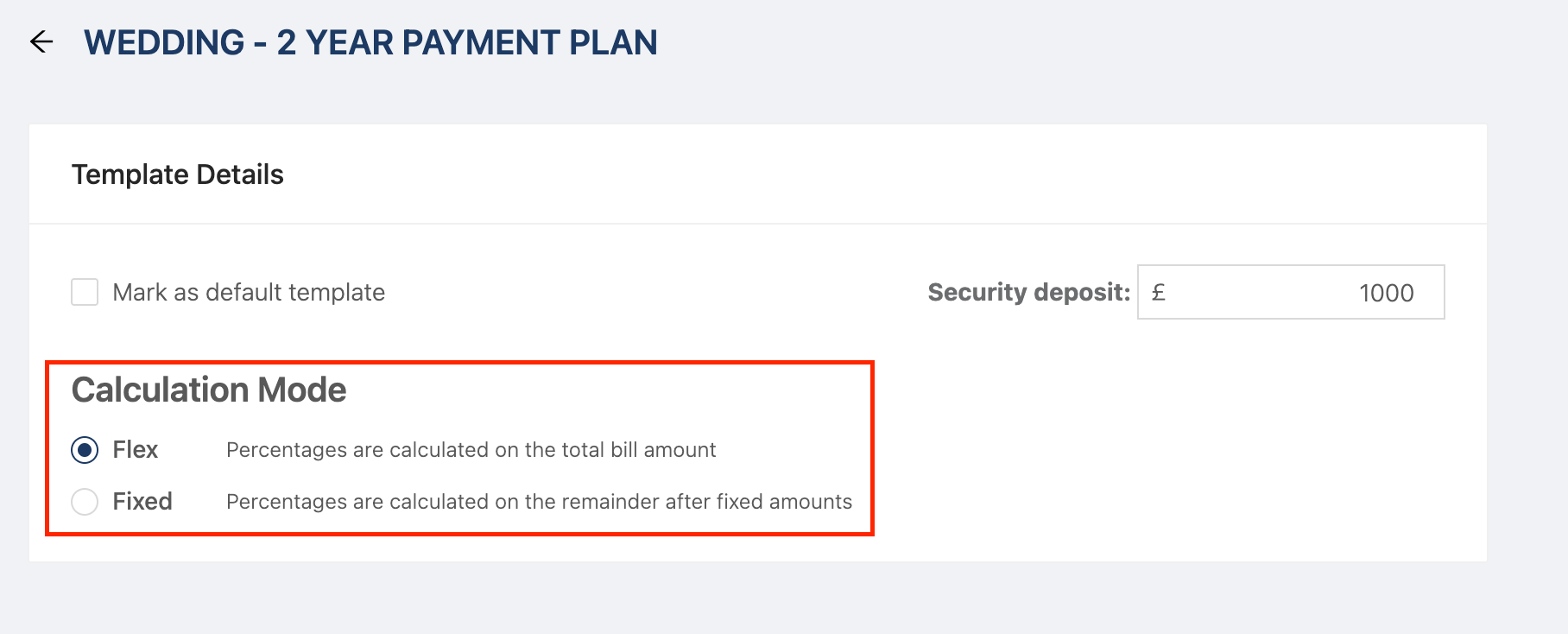
Flex is what currently Hostology payment plans are; this is based on the total event value. Installments are calculated against the total event value - as percentages or remainder - including any initial deposit.
Fixed is our new feature; this is based on any remaining balance after the deposit. You can set a fixed amount (for example, a deposit), and the remaining installments are calculated from the outstanding balance after that fixed amount has been deducted.
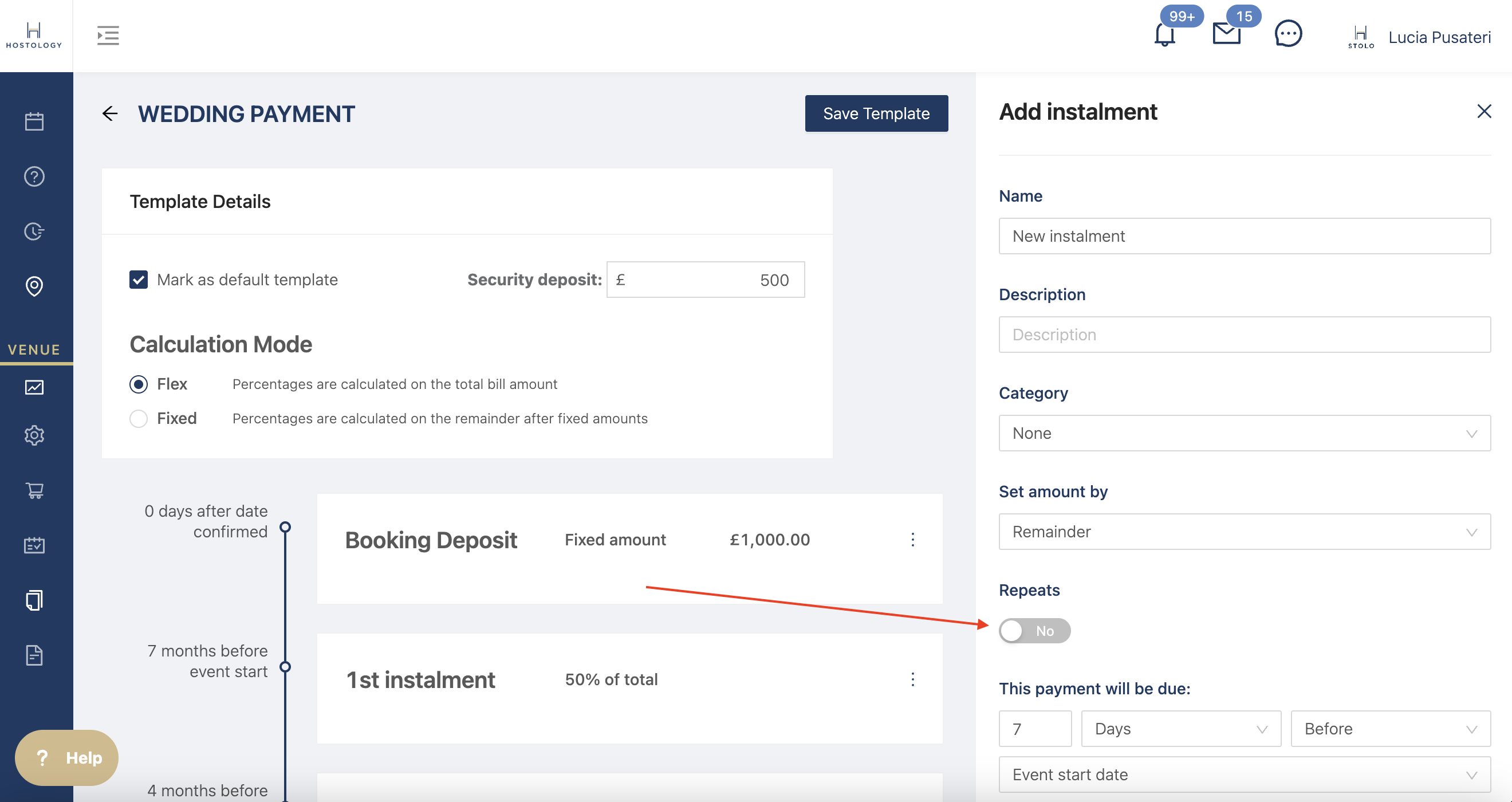
Create Repeat Payments
If you want to split the bill equally up until the event day, turn on the "repeat payment" toggle in the instalment and it'll automatically split the payments based on the event.
To find out how to use your templates in events, click here