Room Bookings
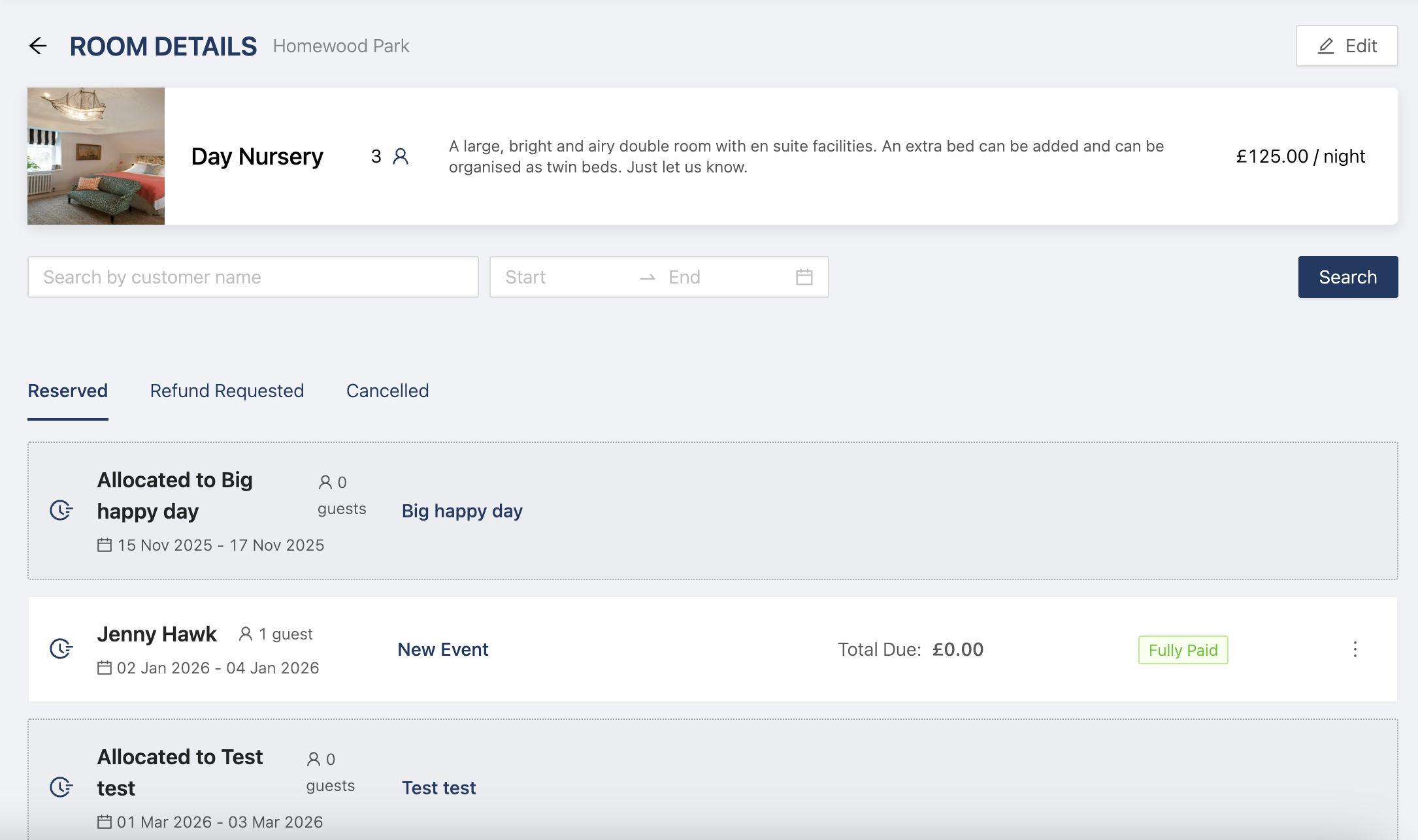
You can now click into any of your rooms and see what events it's booked for.
This is a helpful feature, as you are able to look at specific rooms in your venue, and see the events it is assigned for, as well as the specific guests in the room.
To do this, simply head to Venue > Billable Items > Accommodation and click on any of your rooms to see all the events it's assigned to as well as the guests. You can the access the events that the room is asssigned to by clicking on the event name.