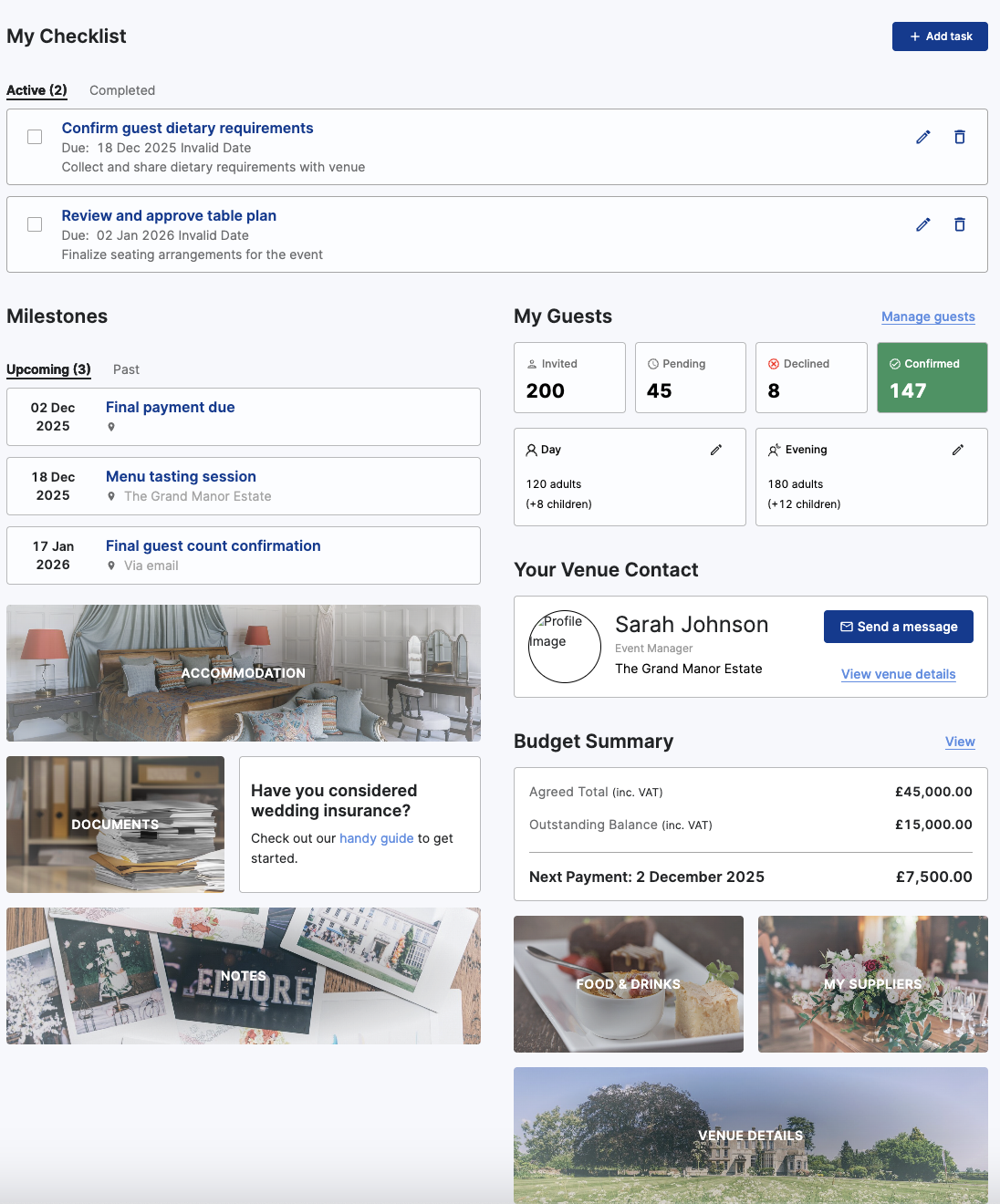
Venue Media
Customize the host portal by adding your venue images.
Go to the venue side, then click on venue settings, then on the "Media" tab.
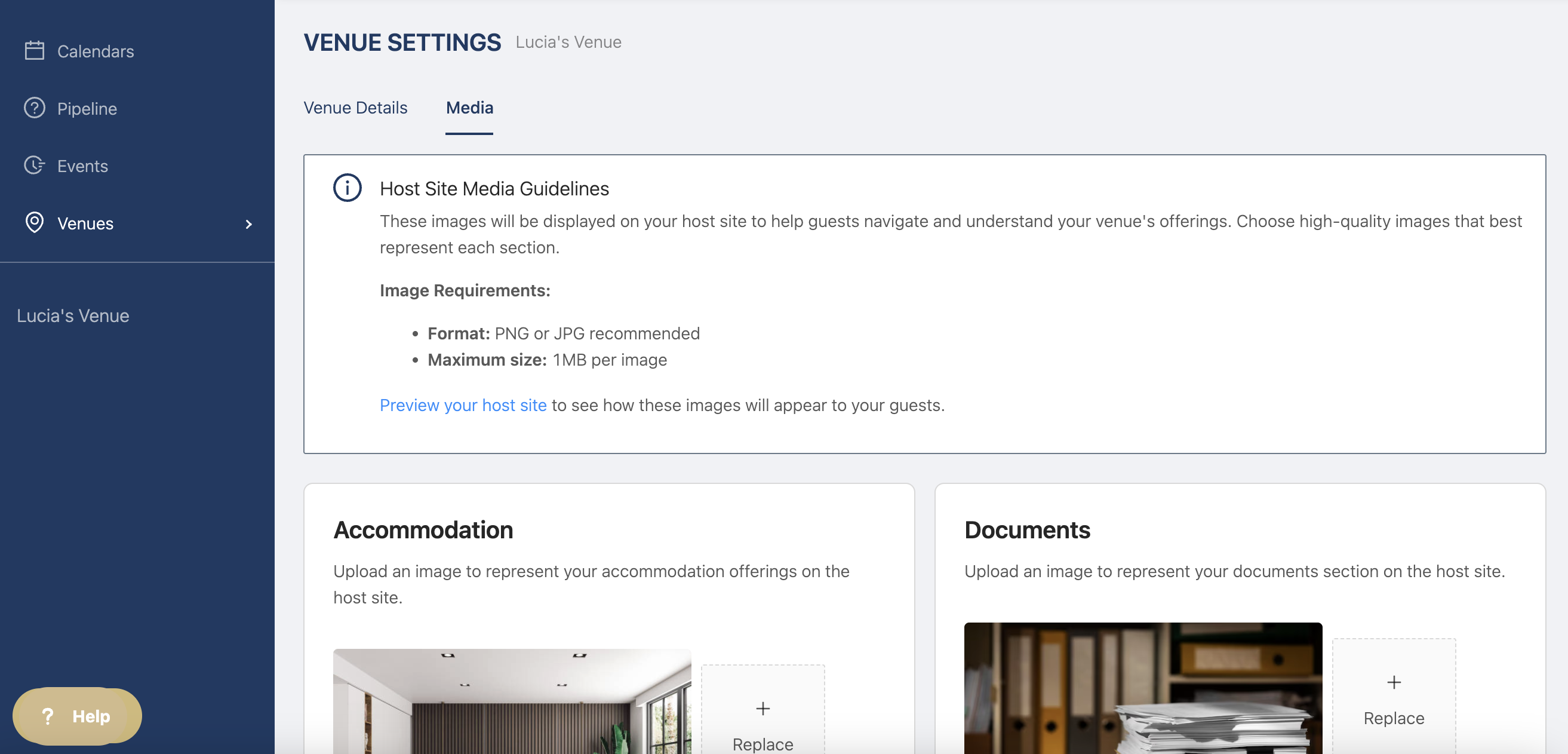
Follow these guidelines for the best outcome "These images will be displayed on your host site to help guests navigate and understand your venue's offerings. Choose high-quality images that best represent each section.
Image Requirements:
Format: PNG or JPG recommended
Maximum size: 1MB per image"
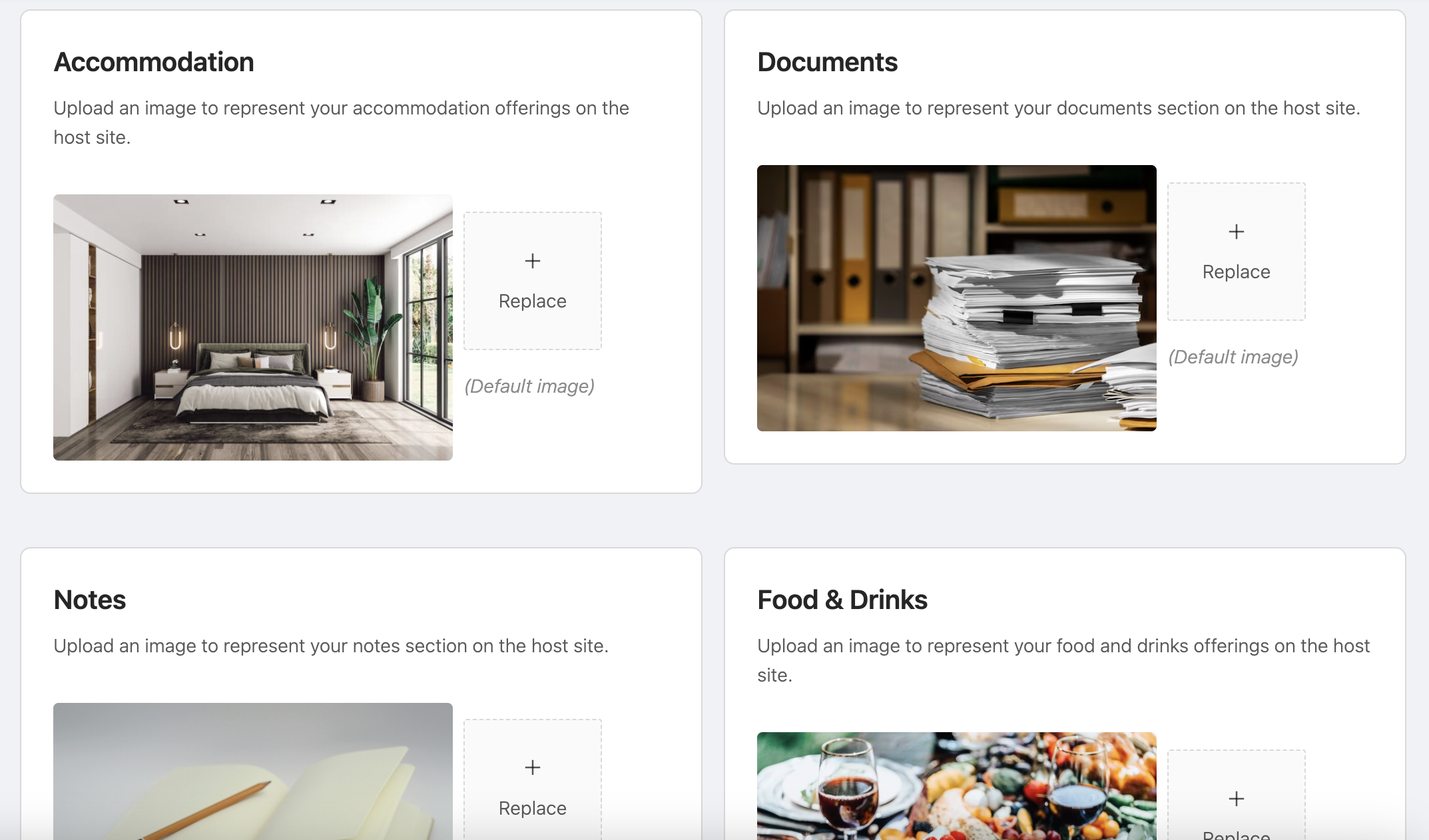
Then select which image you'd like to replace, for example, if you offer accommodation, add one of your bedrooms for the "Accommodation" section.
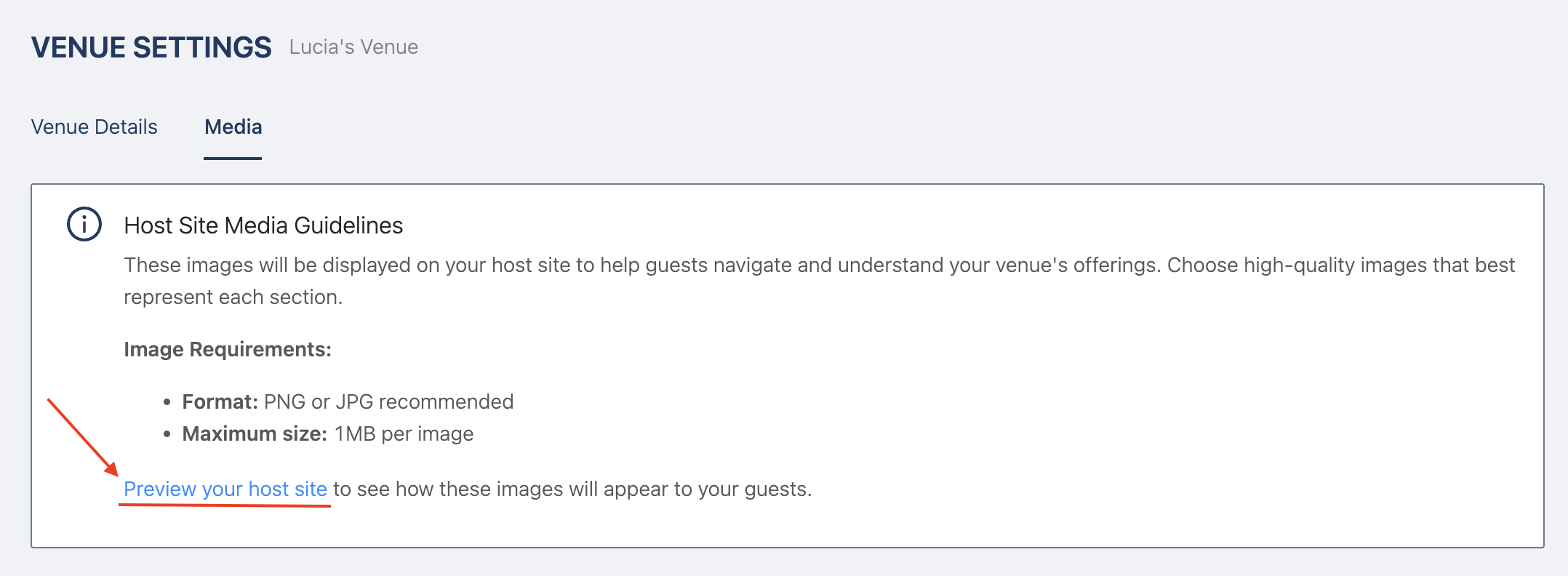
Once you've edited all the images, you can check the host portal by clicking this link
Then you'll be able to see how your images are shown to your hosts (with dummy data)