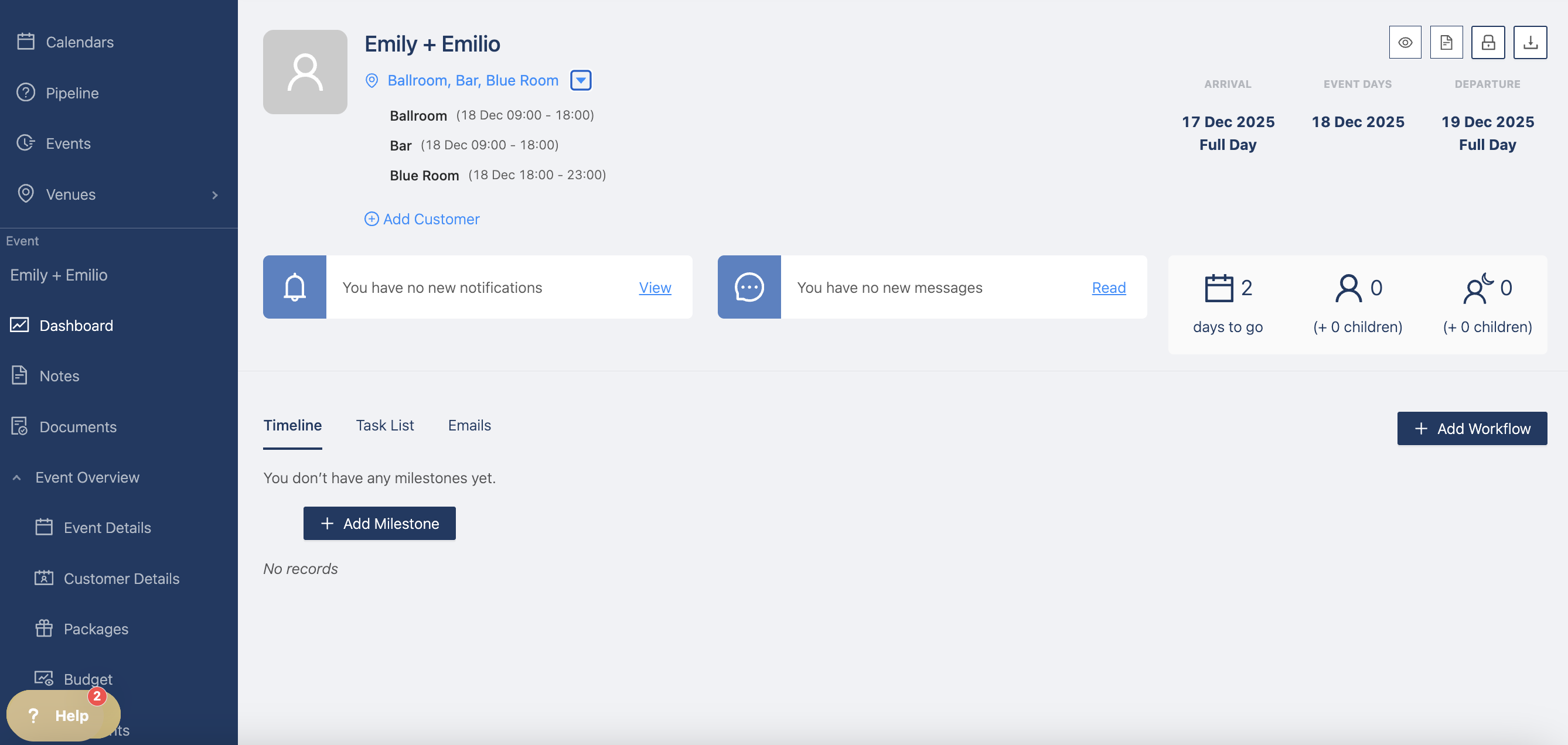
Event spaces
At event level, you can book event space for specific hours or days. Create event spaces here
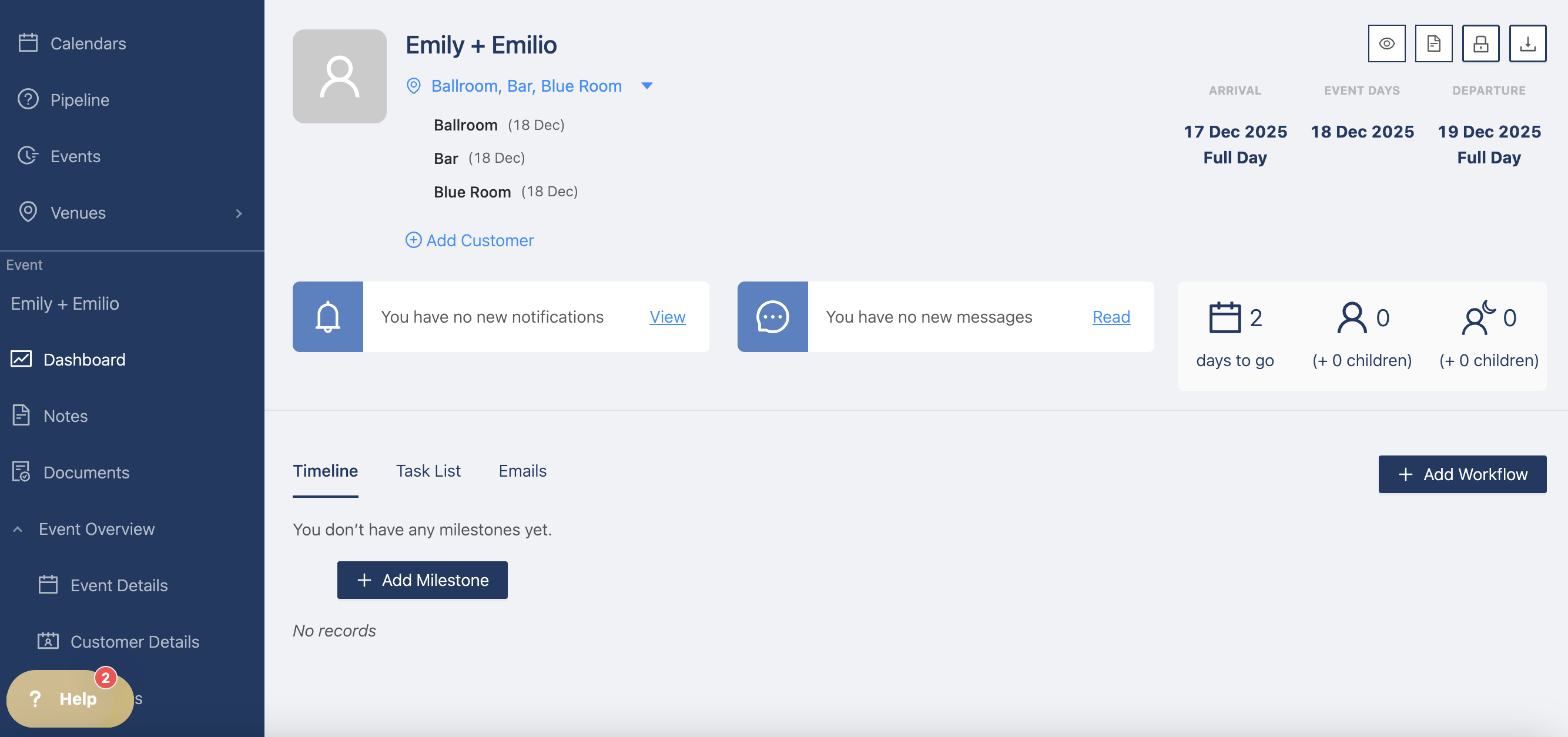
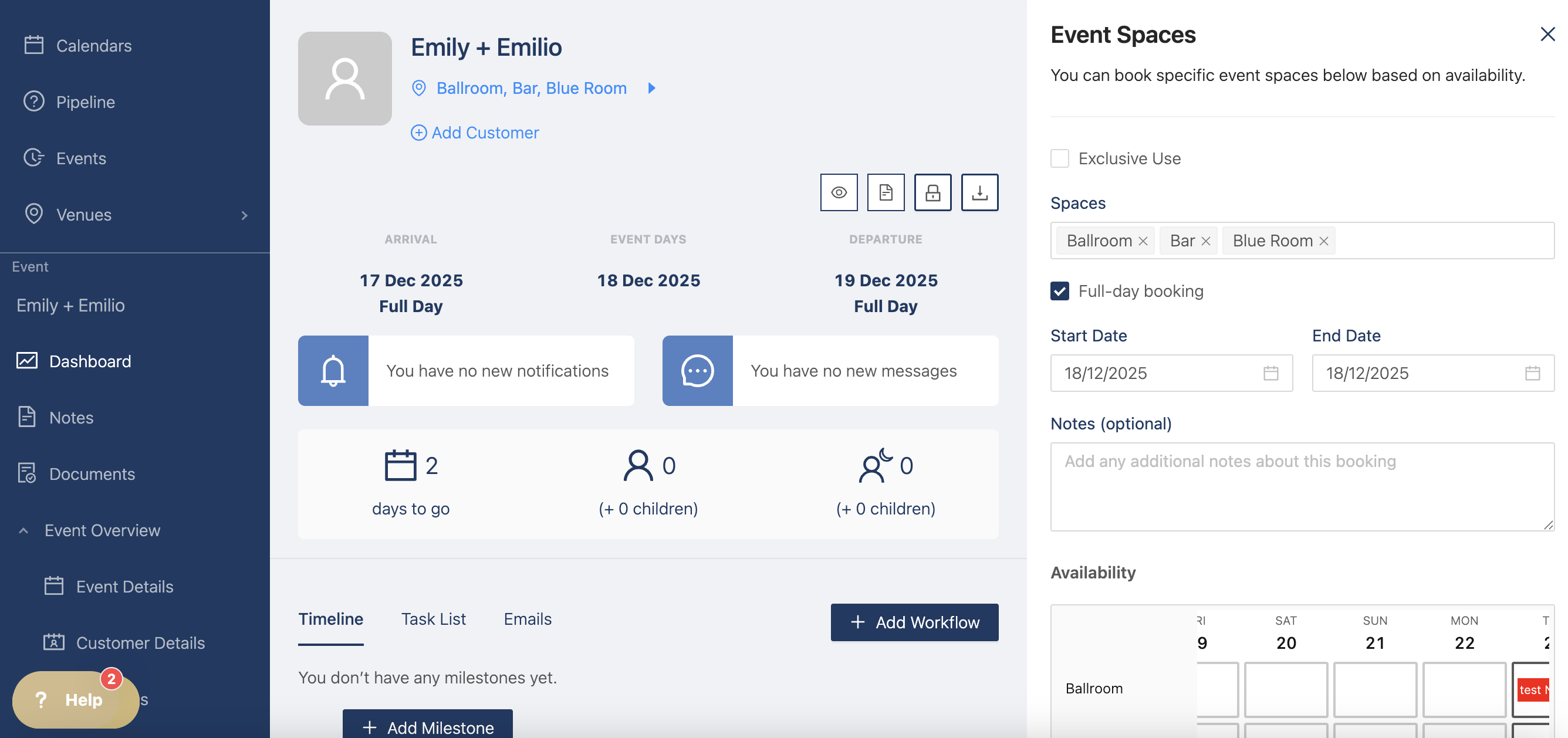
To change the spaces or the timings, click on the blue text and a drawer opens so you can make changes to the booking.
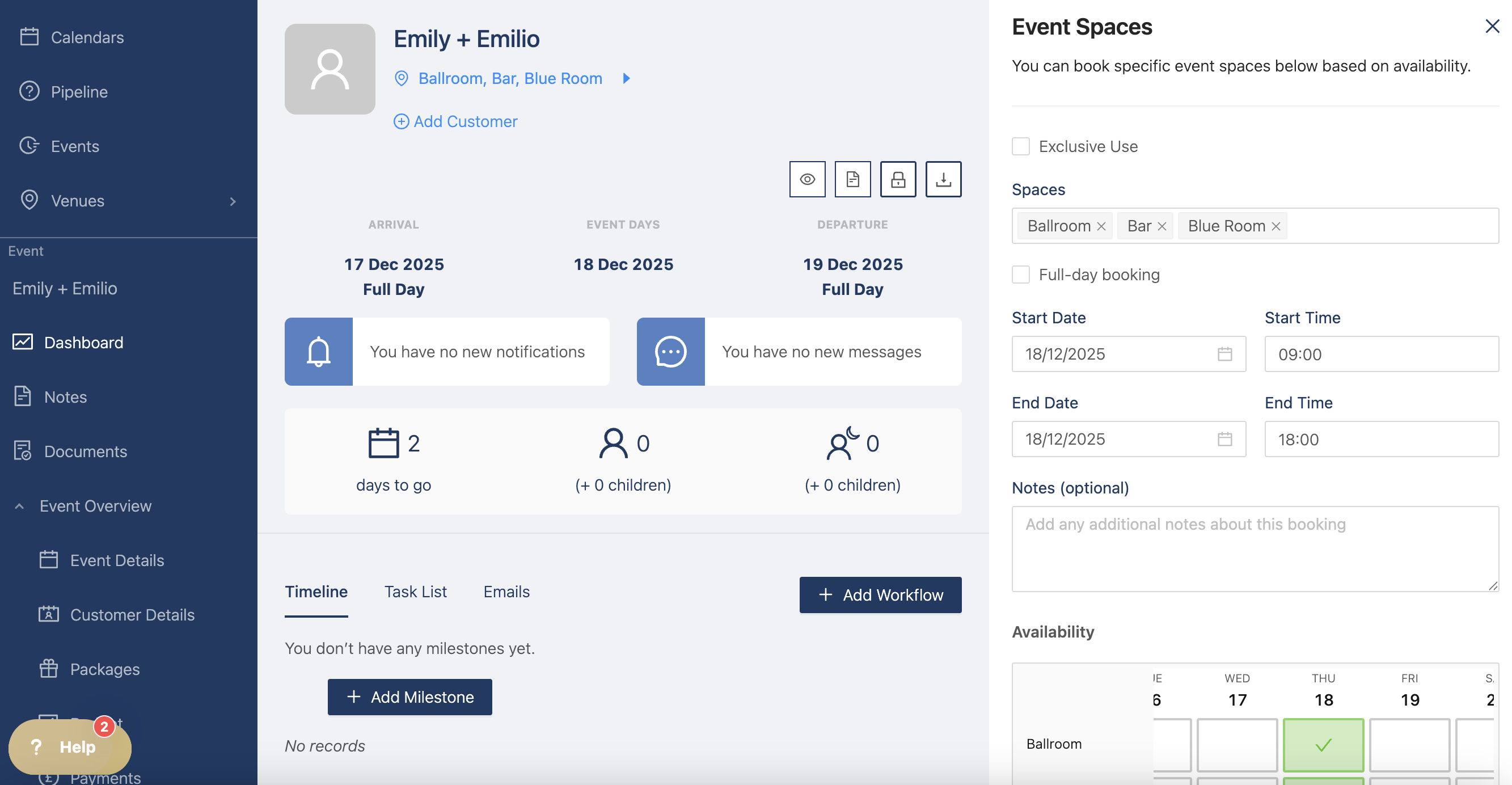
If you want, you can change it from "full-day booking" to specific timings, for example from 9:00 to 18:00. There is an availability chart that checks for any clashes for the spaces, to make sure they're free.
You can also create different bookings for different rooms, for example from 9:00 to 18:00 for the Ballroom and the Blue Room from 18:00 to 23:00.
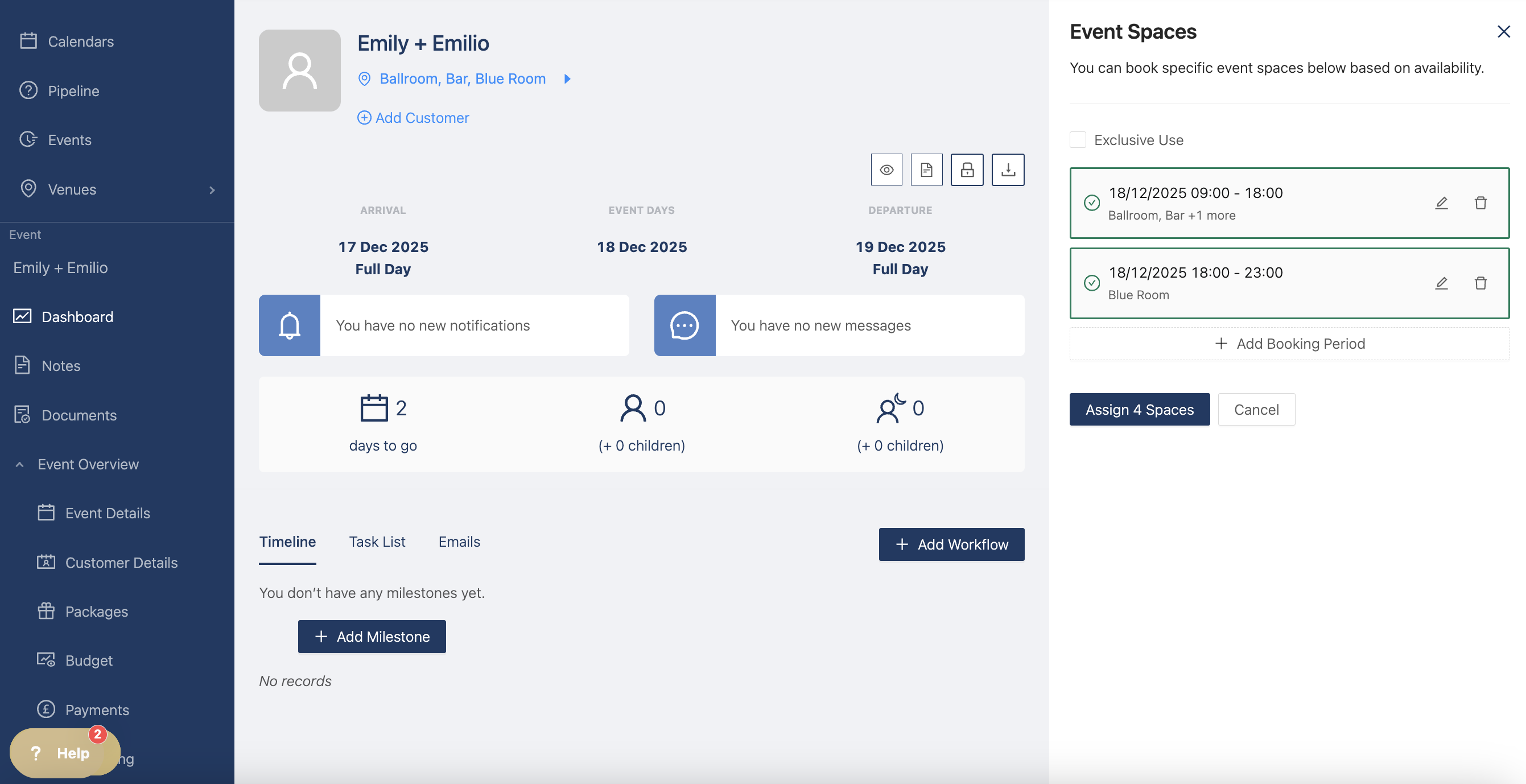
You can then assign the spaces and see the timings booked on the event dashboard