
Adding Workflows to Enquiries
You can add a workflow to your enquiries to remind you and your team of tasks or send automated emails
Workflows are an automated set of tasks and milestones, which you can add to enquiries, to simplify and save time in the planning process.
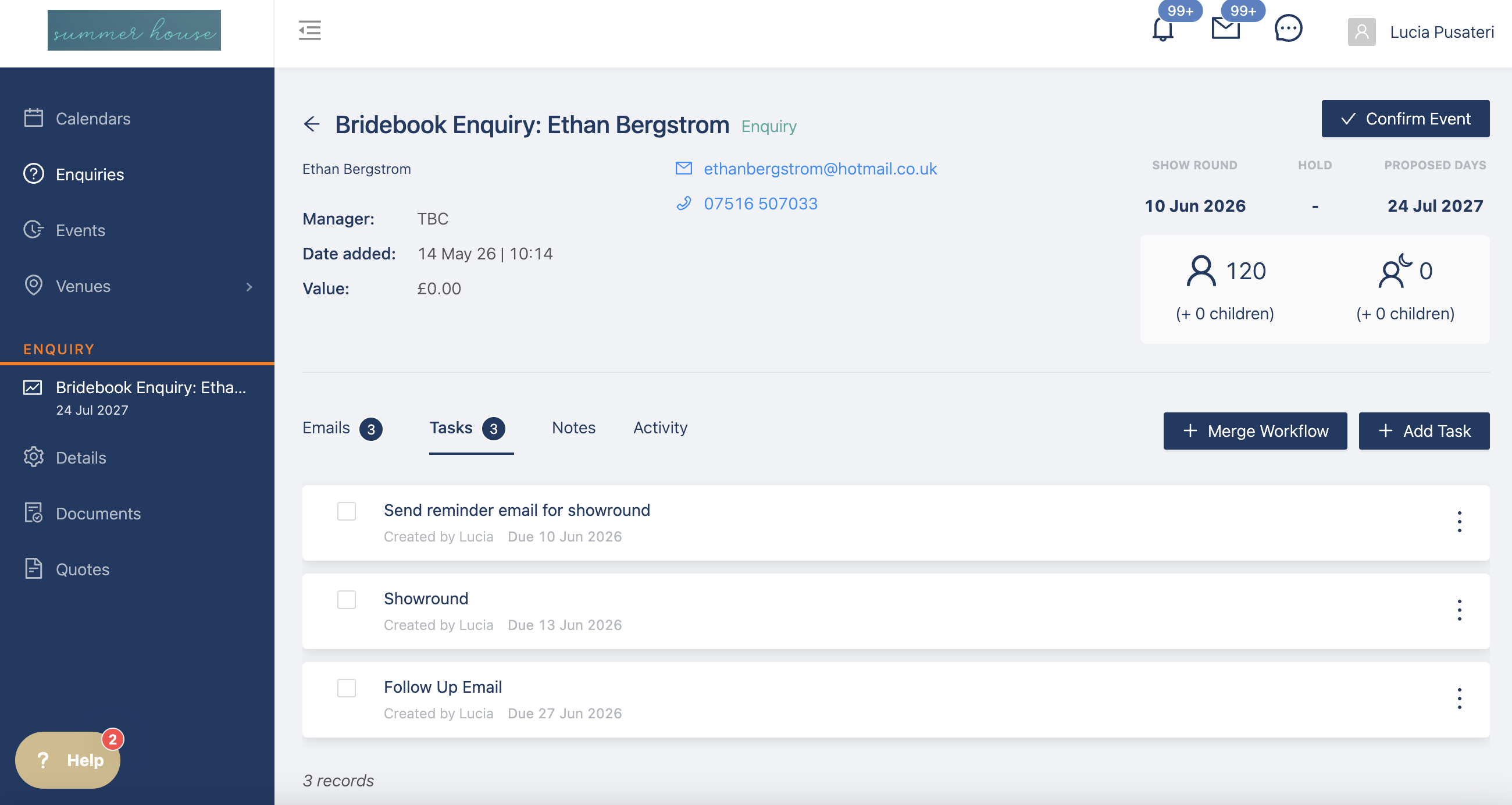
- Task - A specific email reminder that can be marked as complete
- Automation - Add emails to automatically send
How to add a Workflow
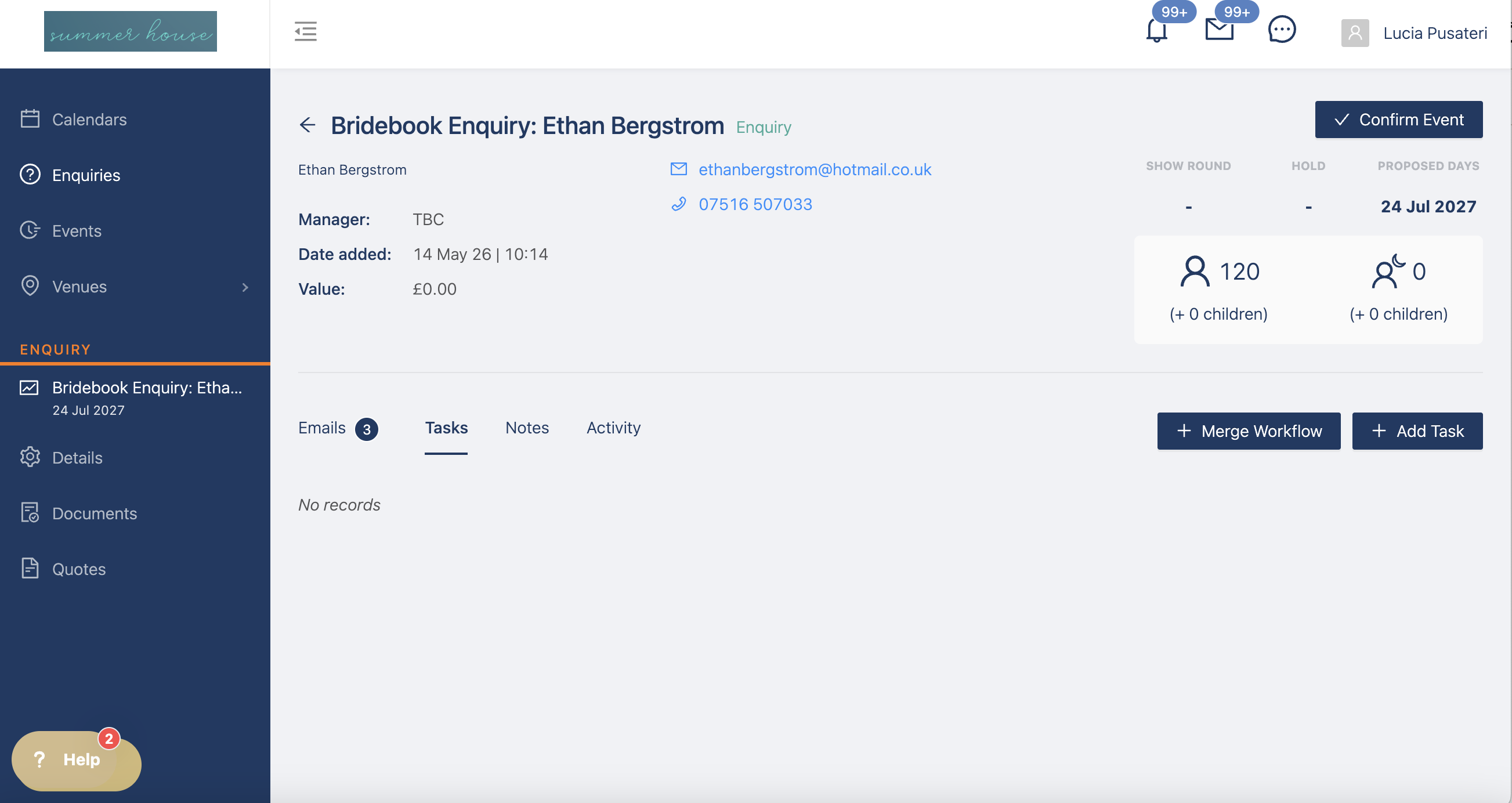
To add a workflow, simply go to the enquiry dashboard and select the button that says "+ Add Workflow"
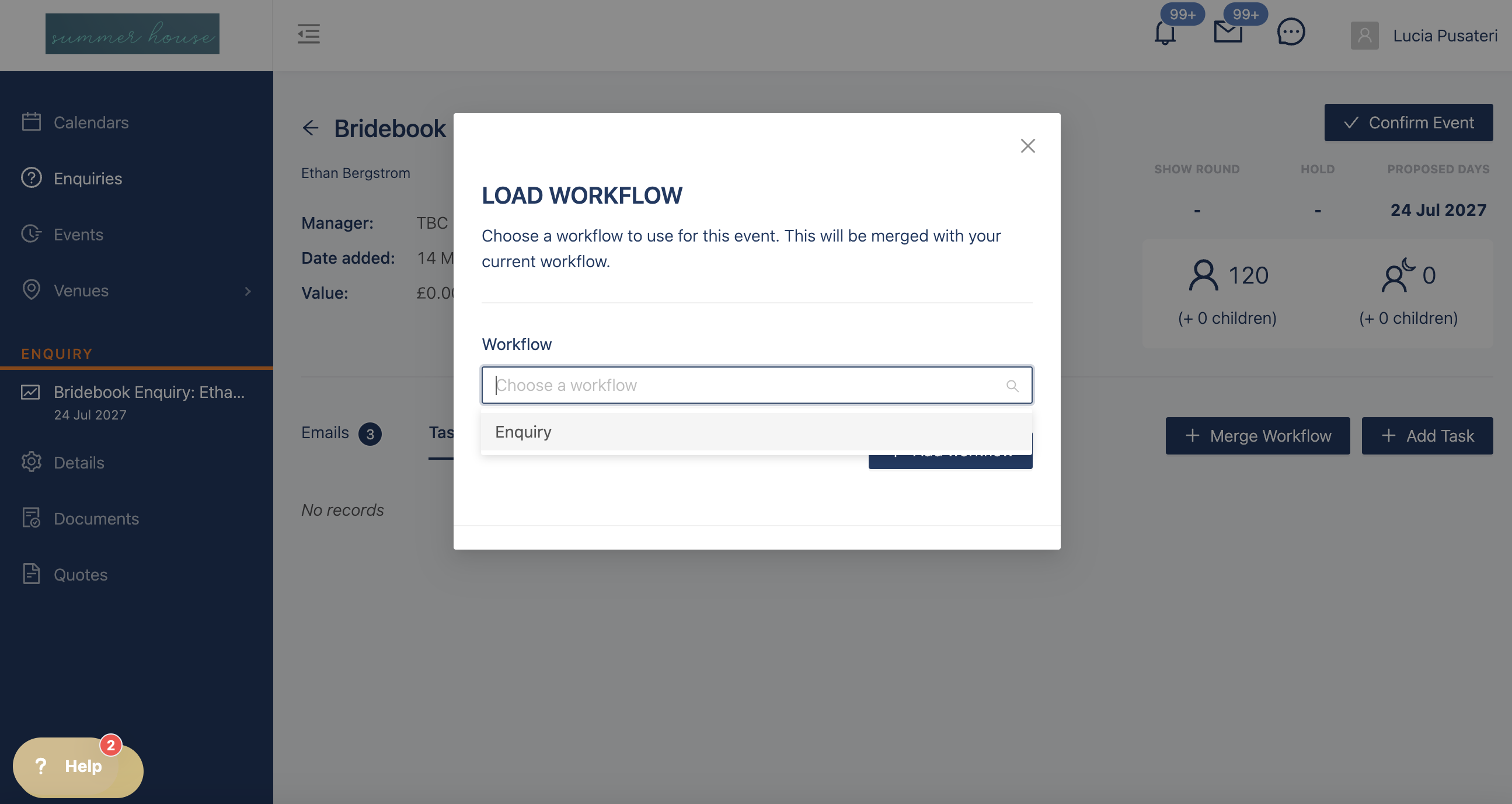
This will then cause a pop-up, allowing you to select the workflow you would like to add to the event from a dropdown list. Choose the workflow and then select "+ Add workflow".
You can add as many workflows as you like to an event, you can also add them at any time throughout the planning process.
If you workflow includes automated emails, they will go into the email tab
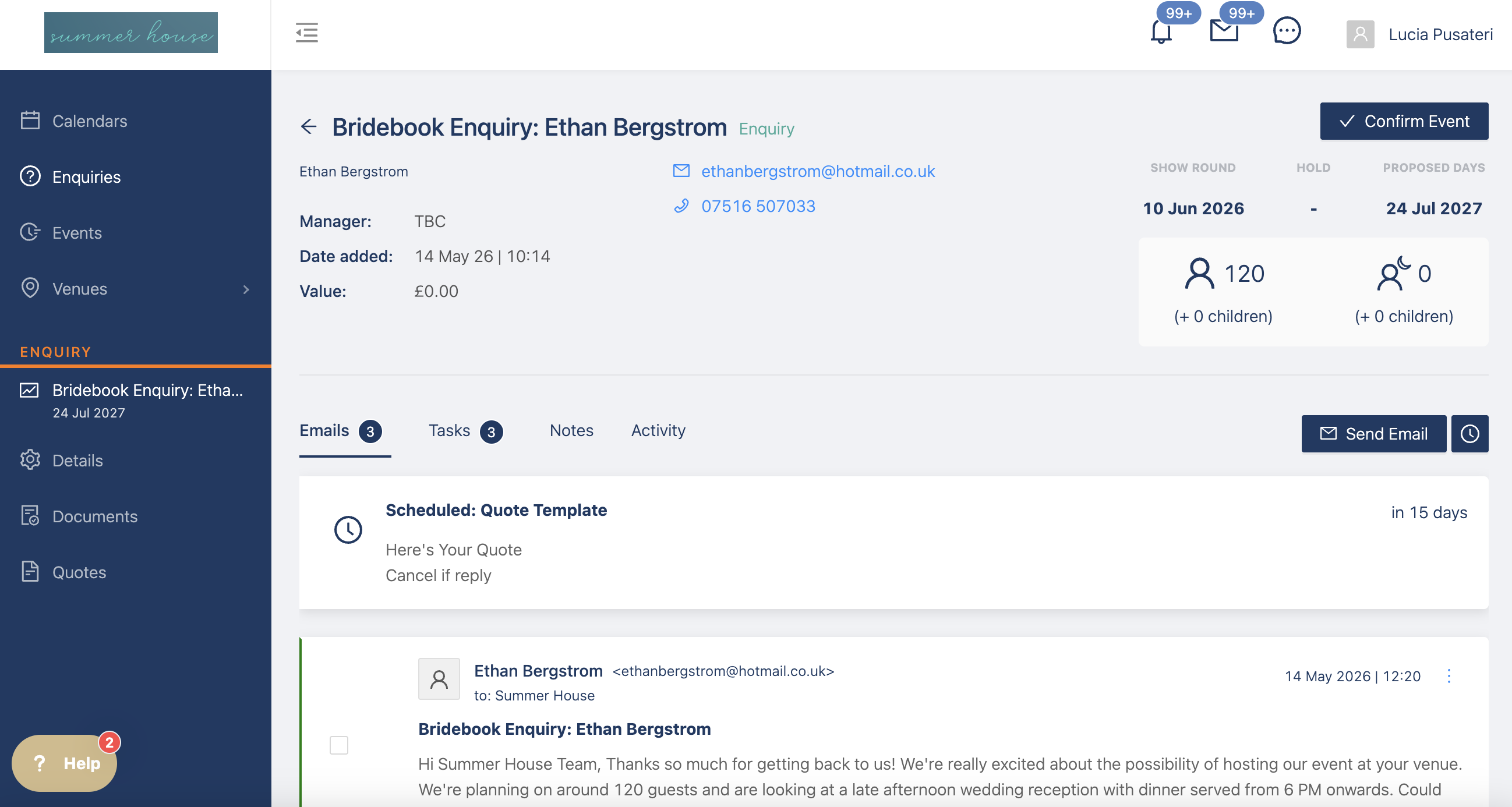
You can always edit the emails before they get sent, if you want to add anything extra to it.