Adding a package
Now that you've create your package, you can add it to your events! Watch the video below on how to set up packages and add them to your events.
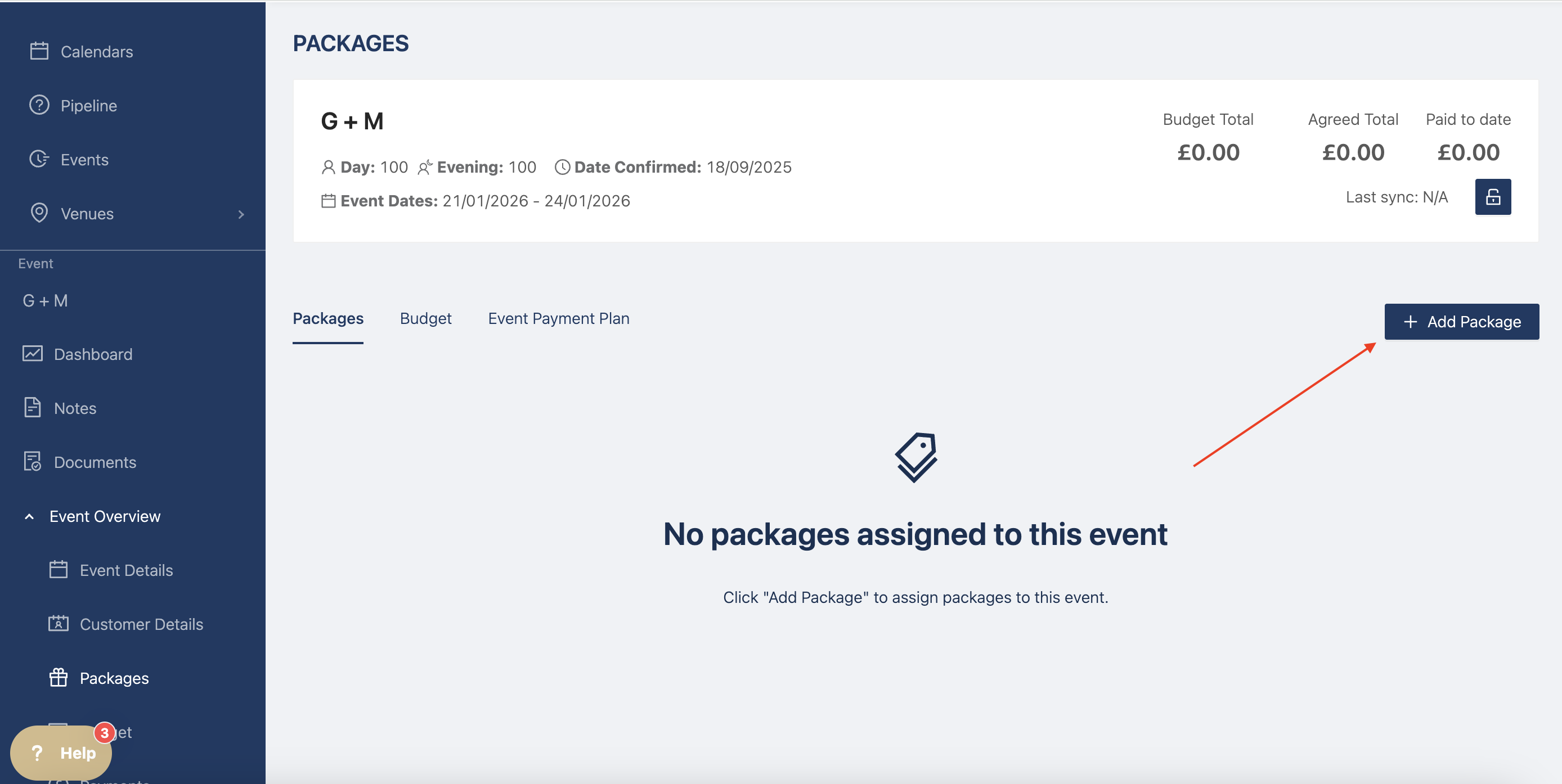
Head to your event, then in event overview, click on packages and + add new package.
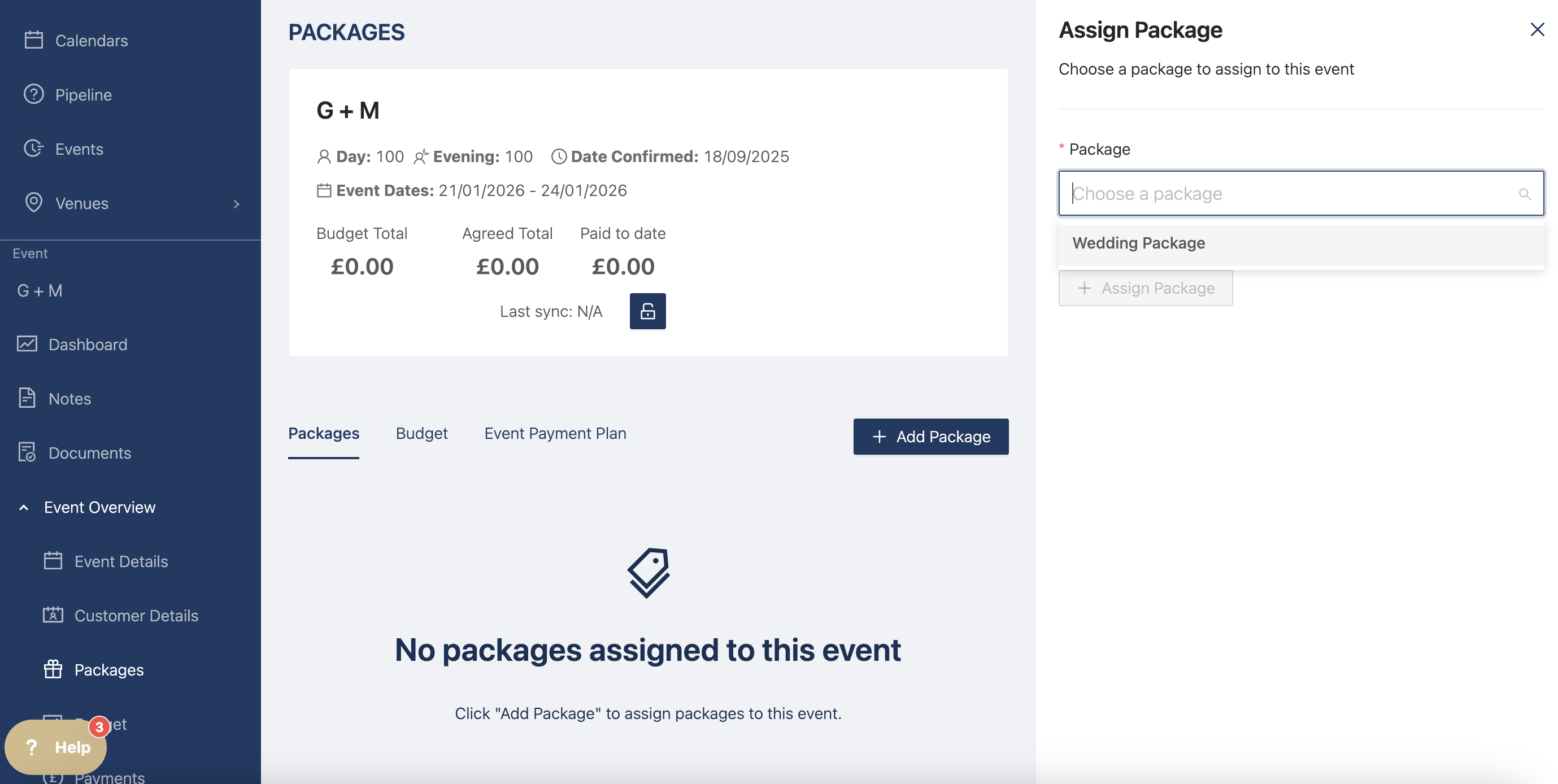
Select the package you want from the drop down. If you're not seeing one of the packages you've created, please double check the booking and event dates you set at venue level.
Select the package and add the number of guests. You can always change this if the number changes. Then click on assign
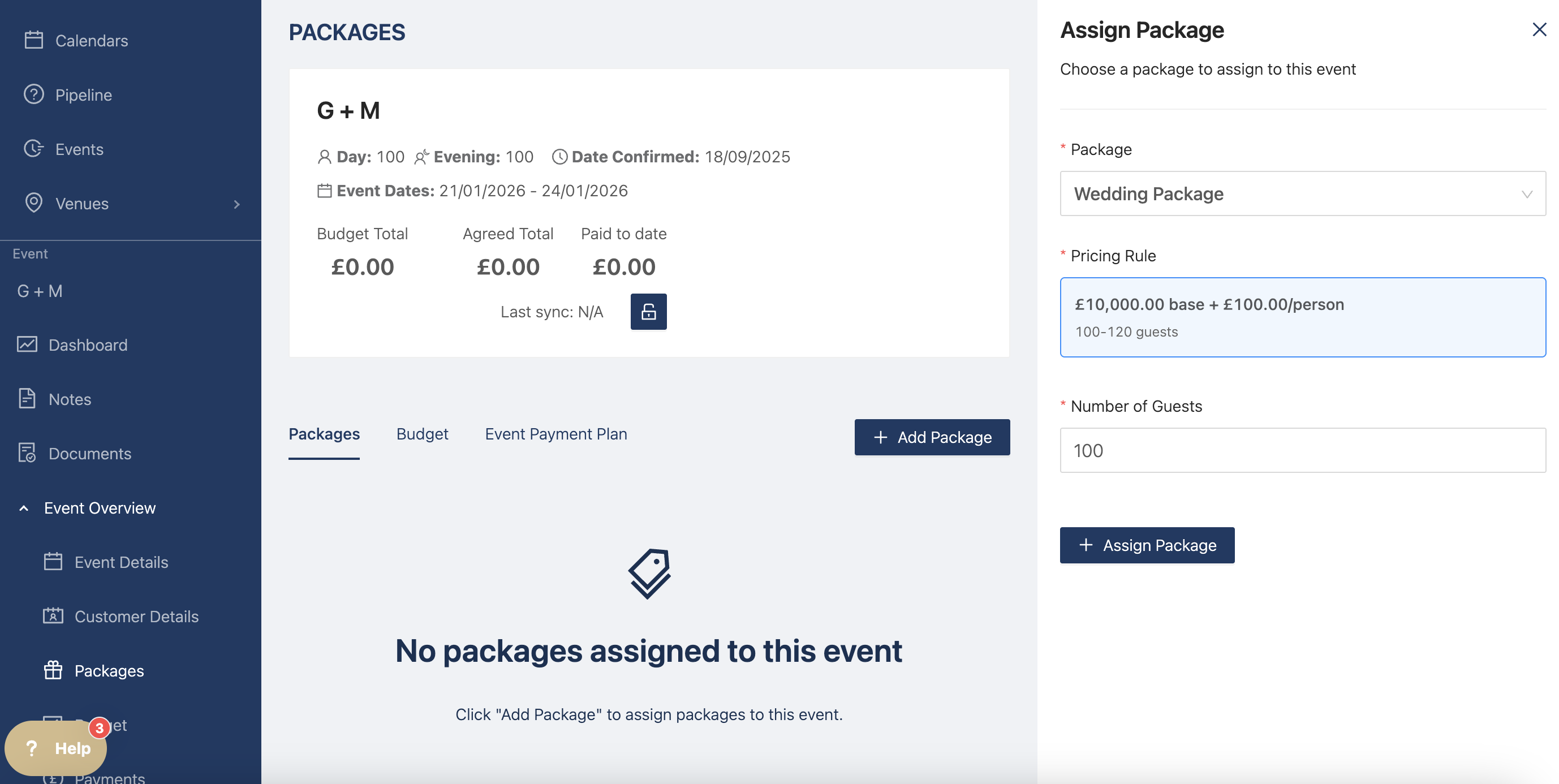
Your package is now applied to the event with all of the billable items you included.
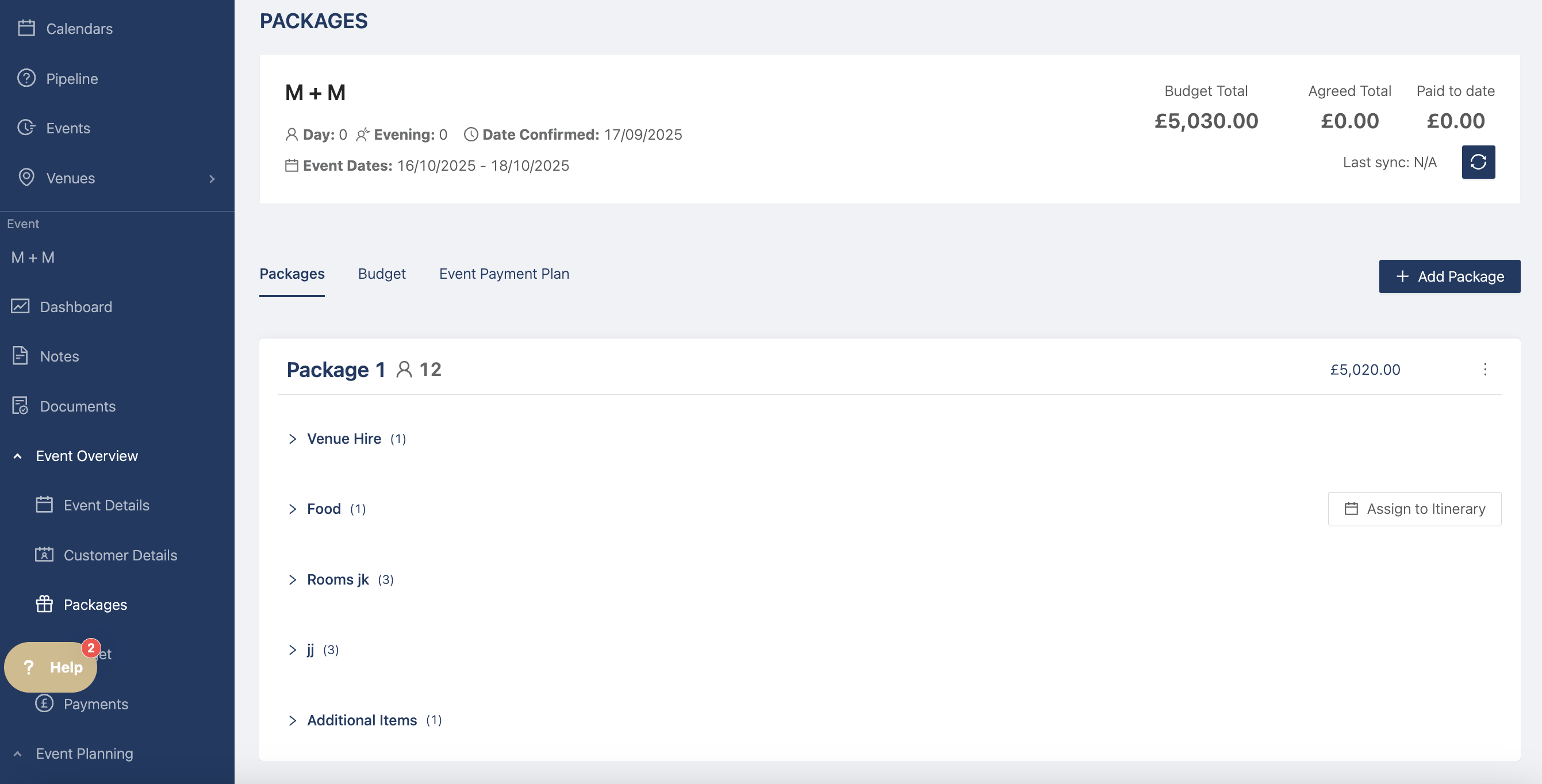
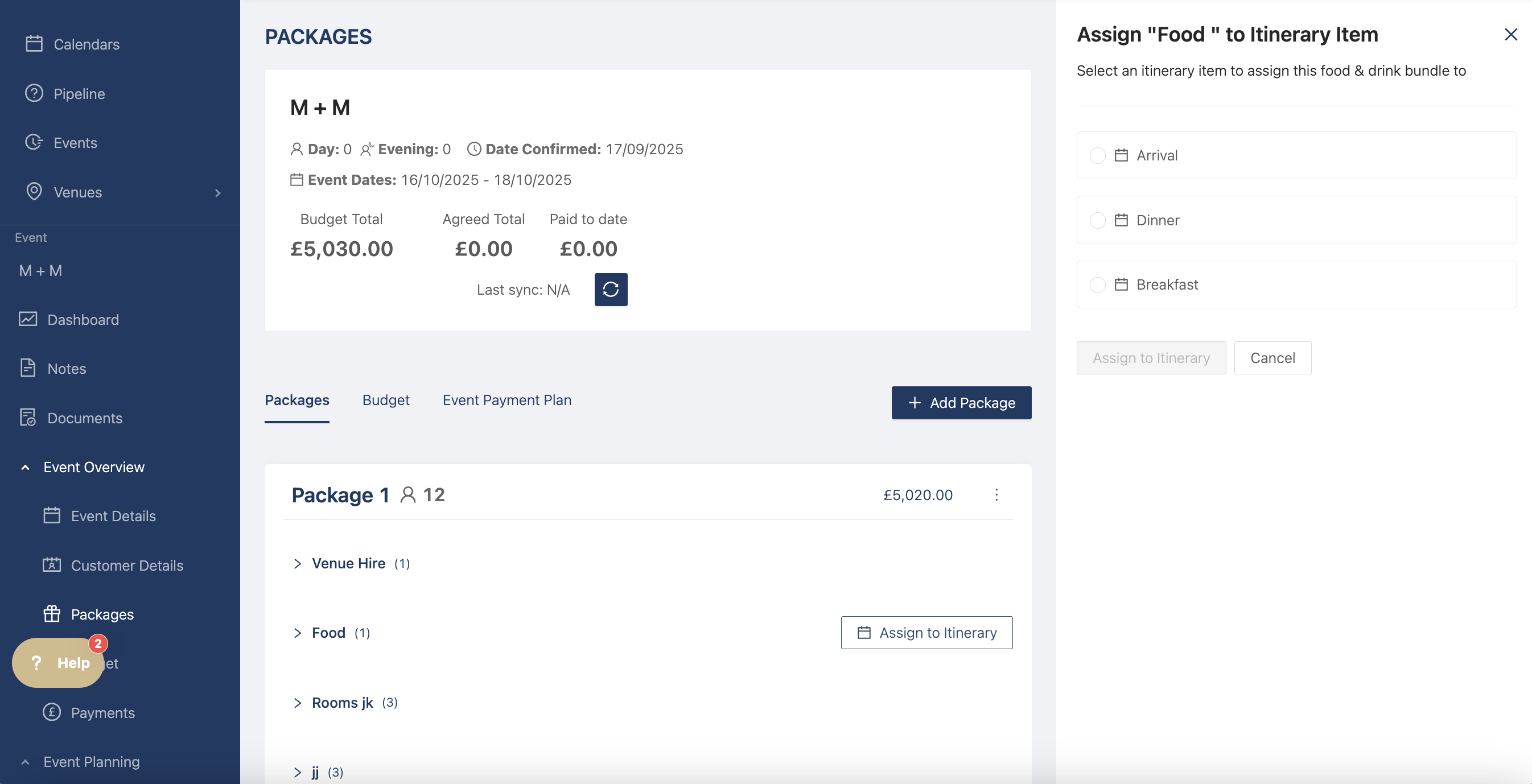
If you have any food and drink categories, you can now assign them to the correct itinerary item by clicking on "Assign to Itinerary"
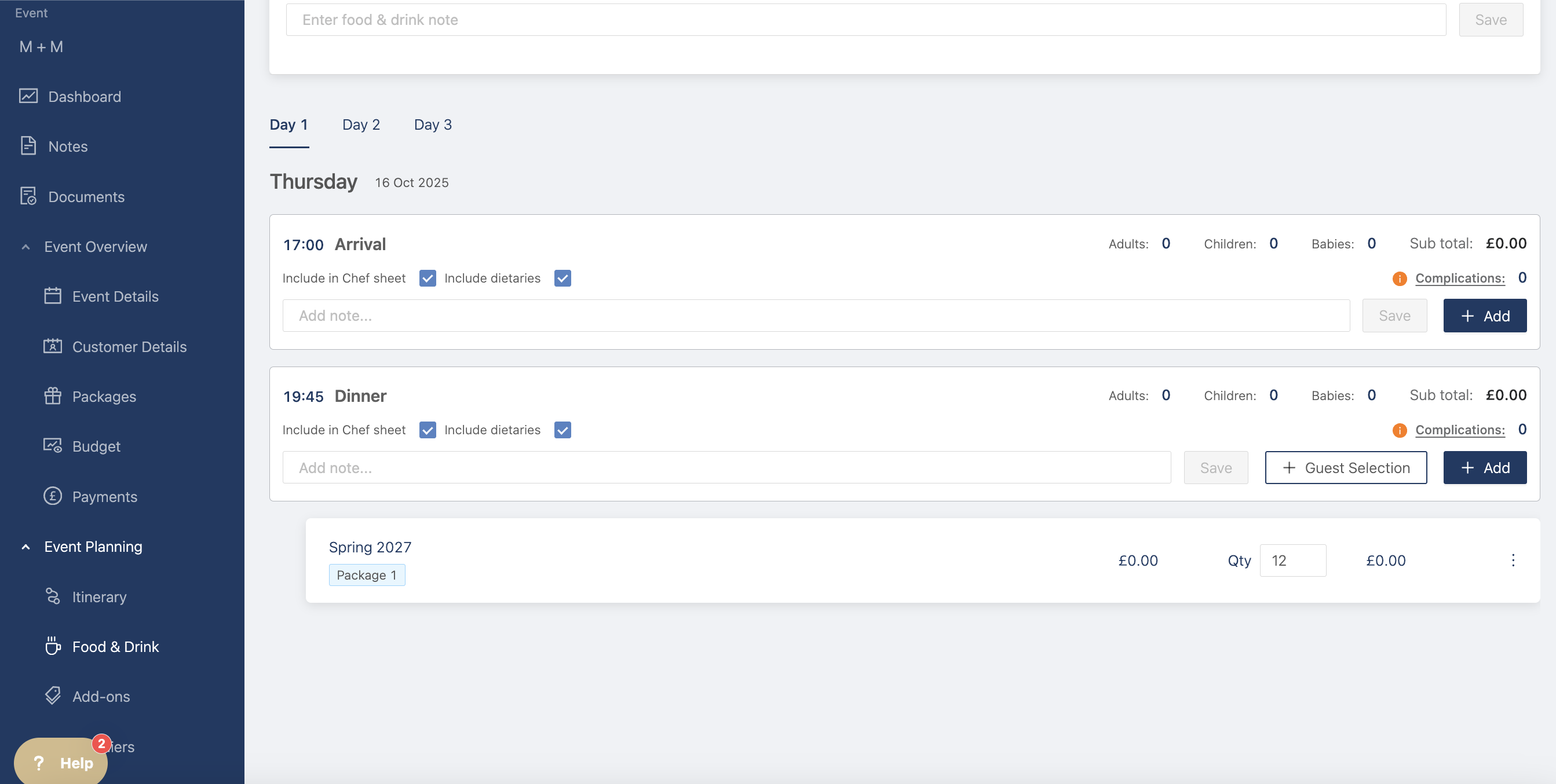
You can then check the billable item categories and see your package items assigned to the event. Anything within the package will have a label with the package name so you can keep track of it.
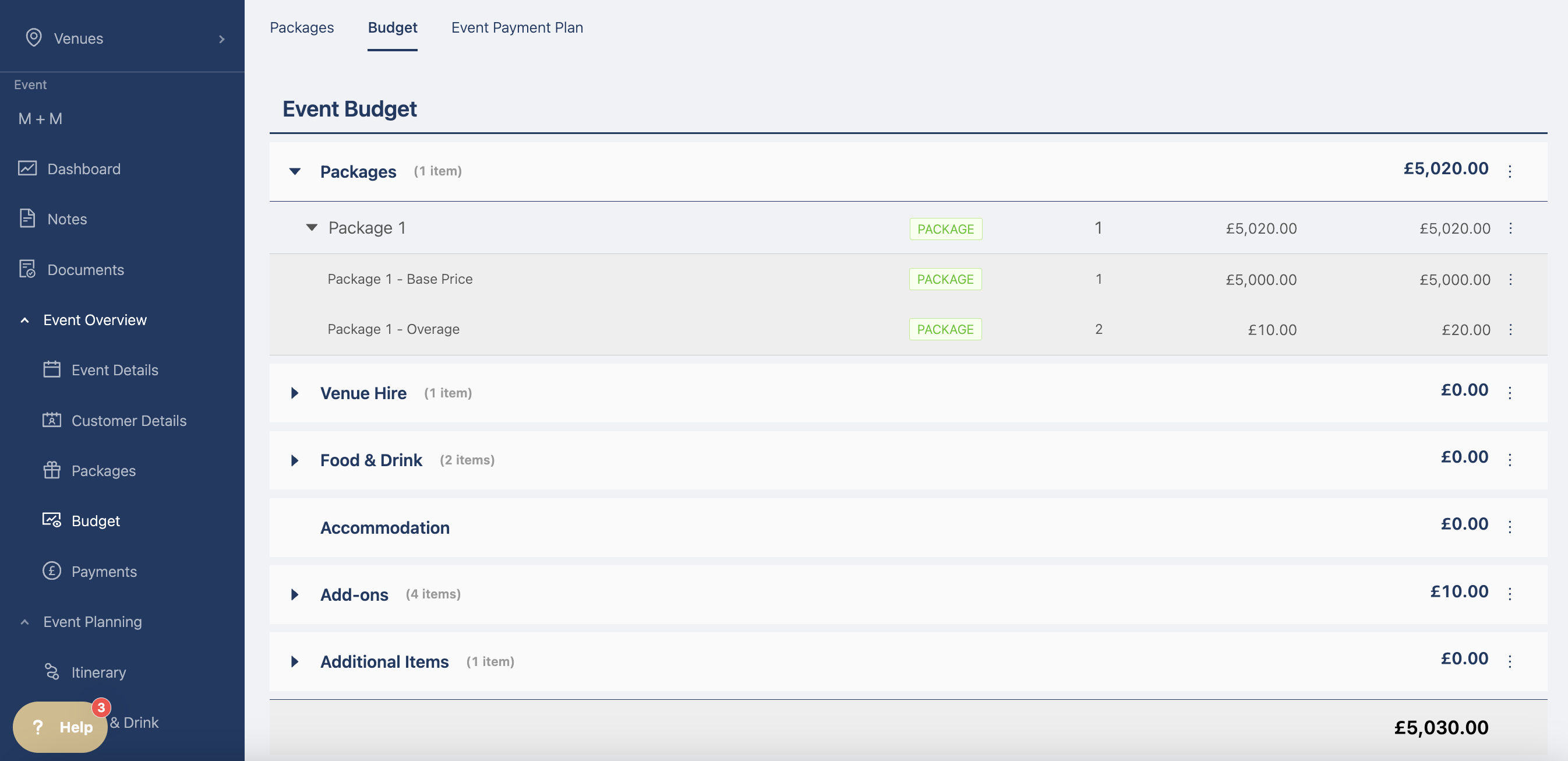
The package is also visible on the budget page with the pricing and the items in their respective categories.